5.0+
Blender
AI that amplifies your craft. Not replace it. And it works two ways: render in the cloud on credits, or render free on your own GPU with Comfy Labs — our local AI companion app.
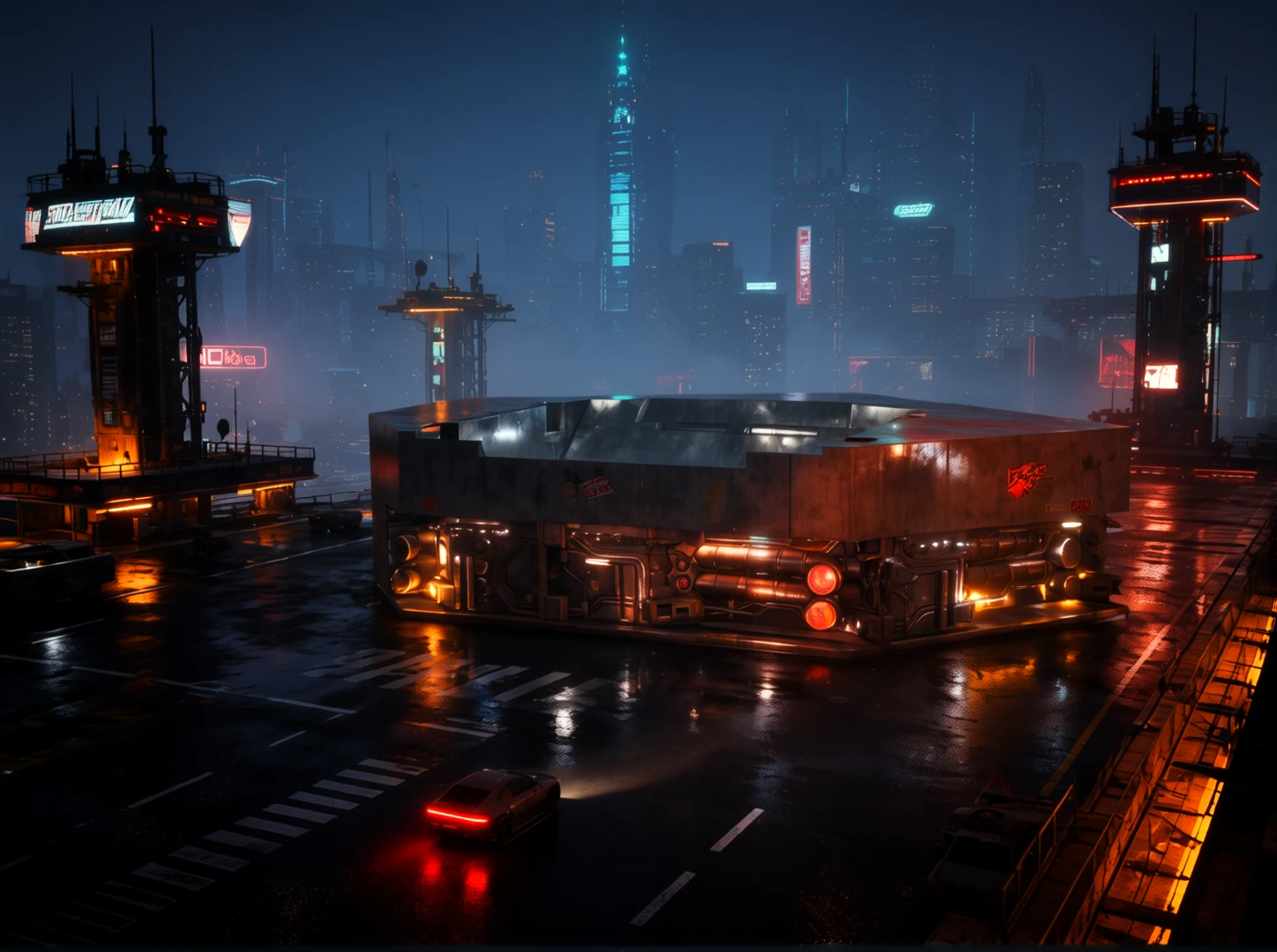 // concept-magic.hero — generated from a viewport render
Concept Magic is built for professionals and serious design students — people who depend on iteration, process, and results. It is not a toy for one-off prompt art.
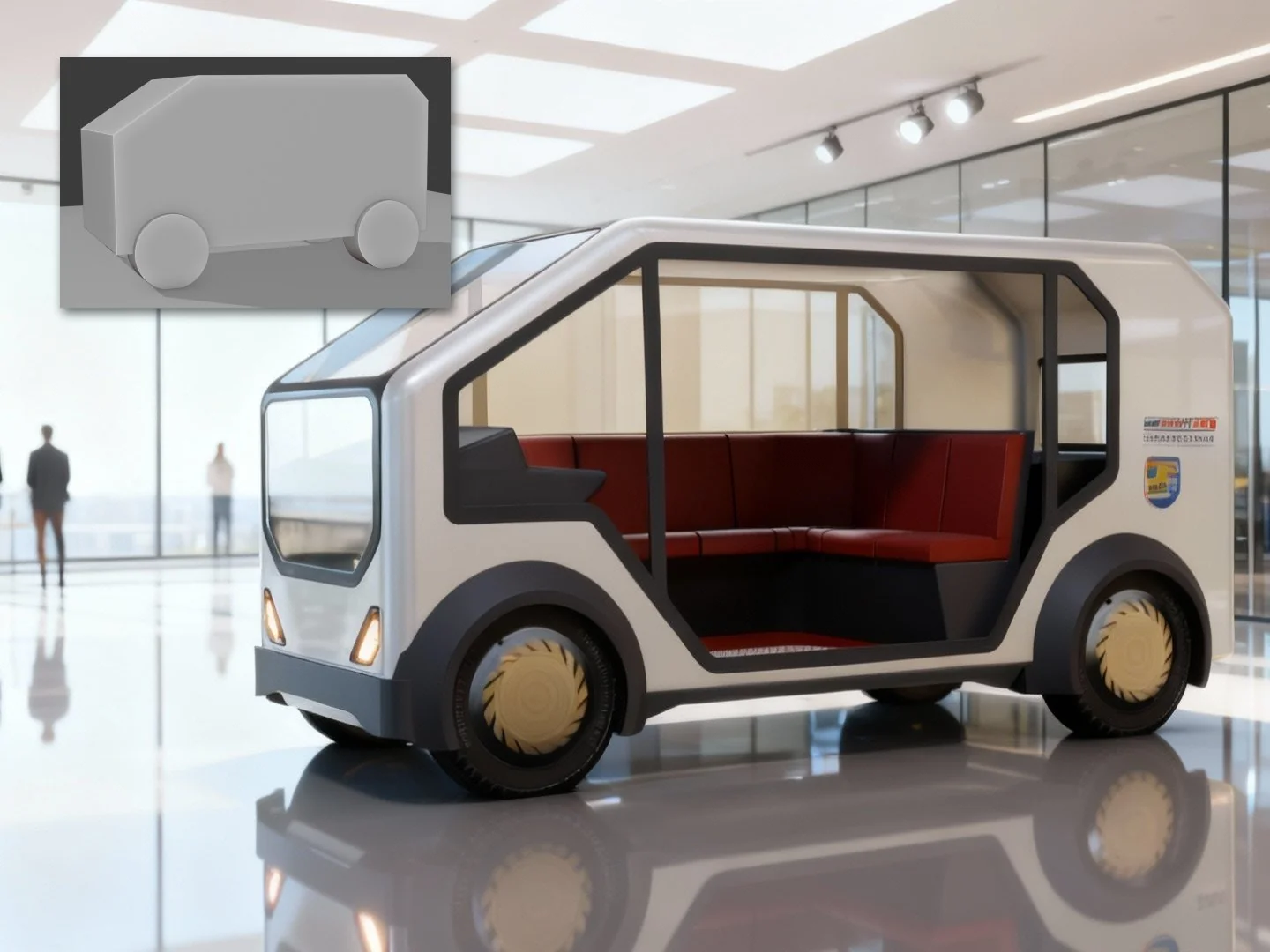
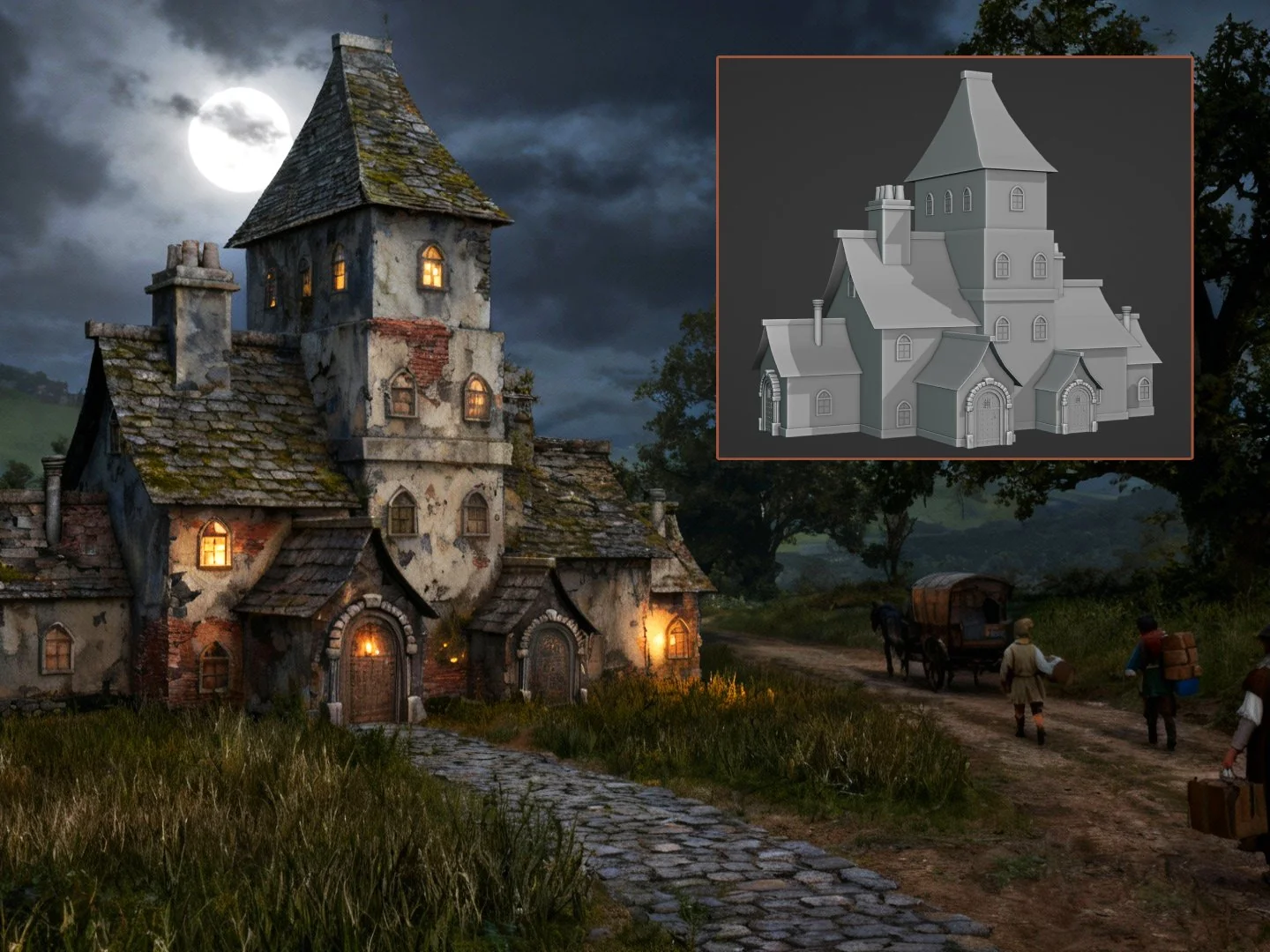
The move is simple: frame your scene, render the viewport, pick a style. A concept image loads straight back into Blender — your geometry, composition, and framing guide every result. The output is images to feed your 3D work: form studies, lighting references, moodboards, client sheets.
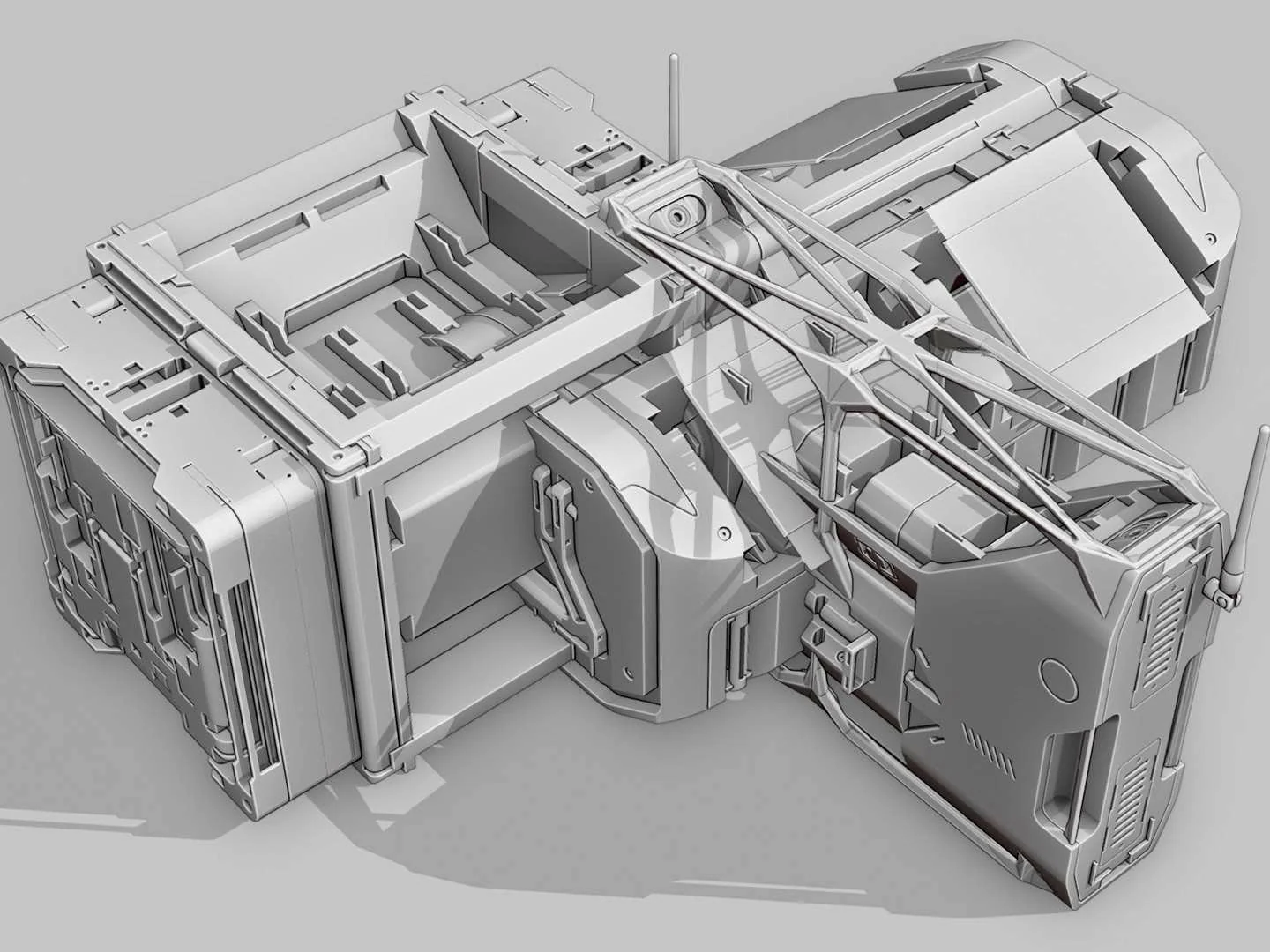
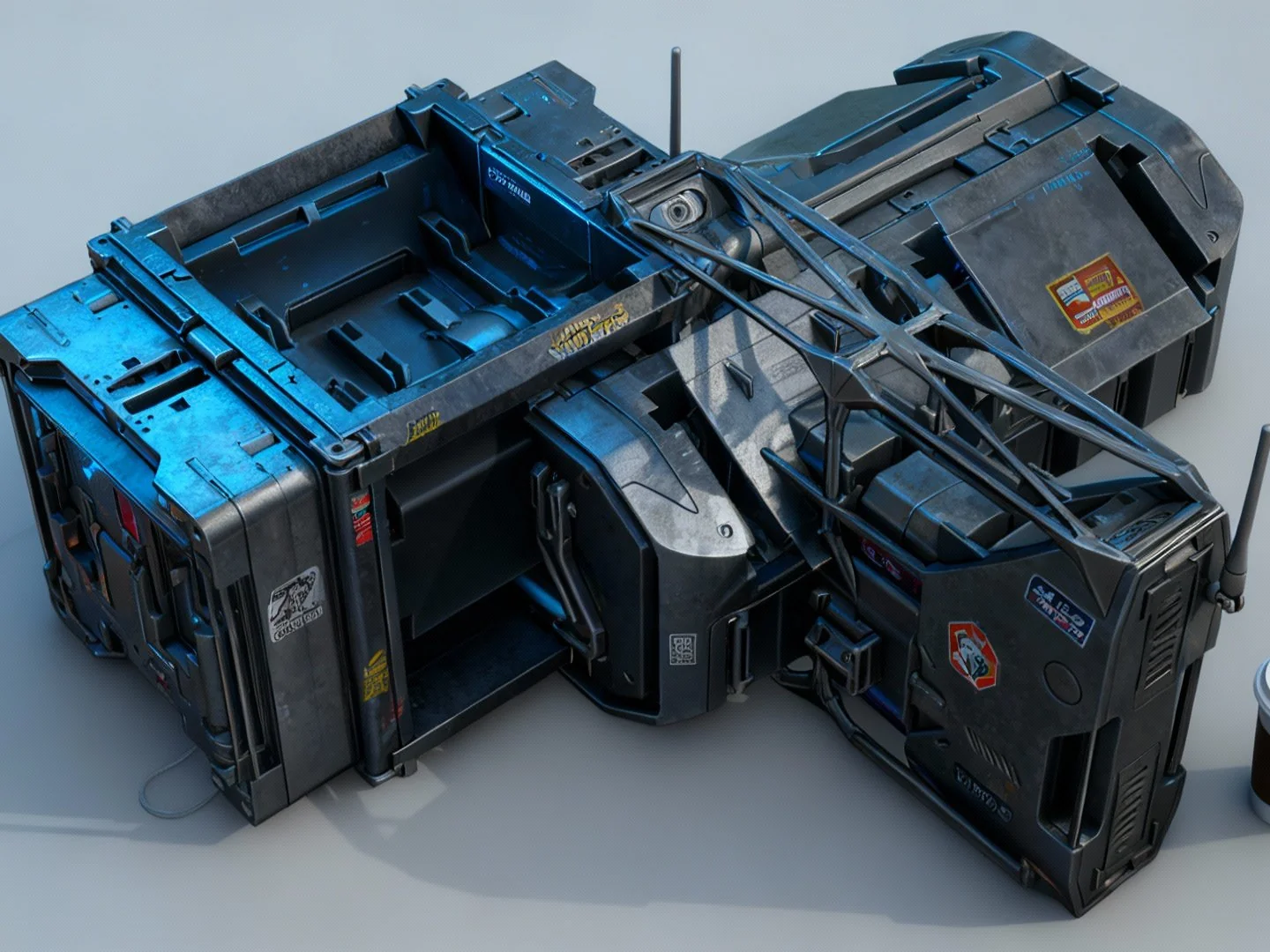
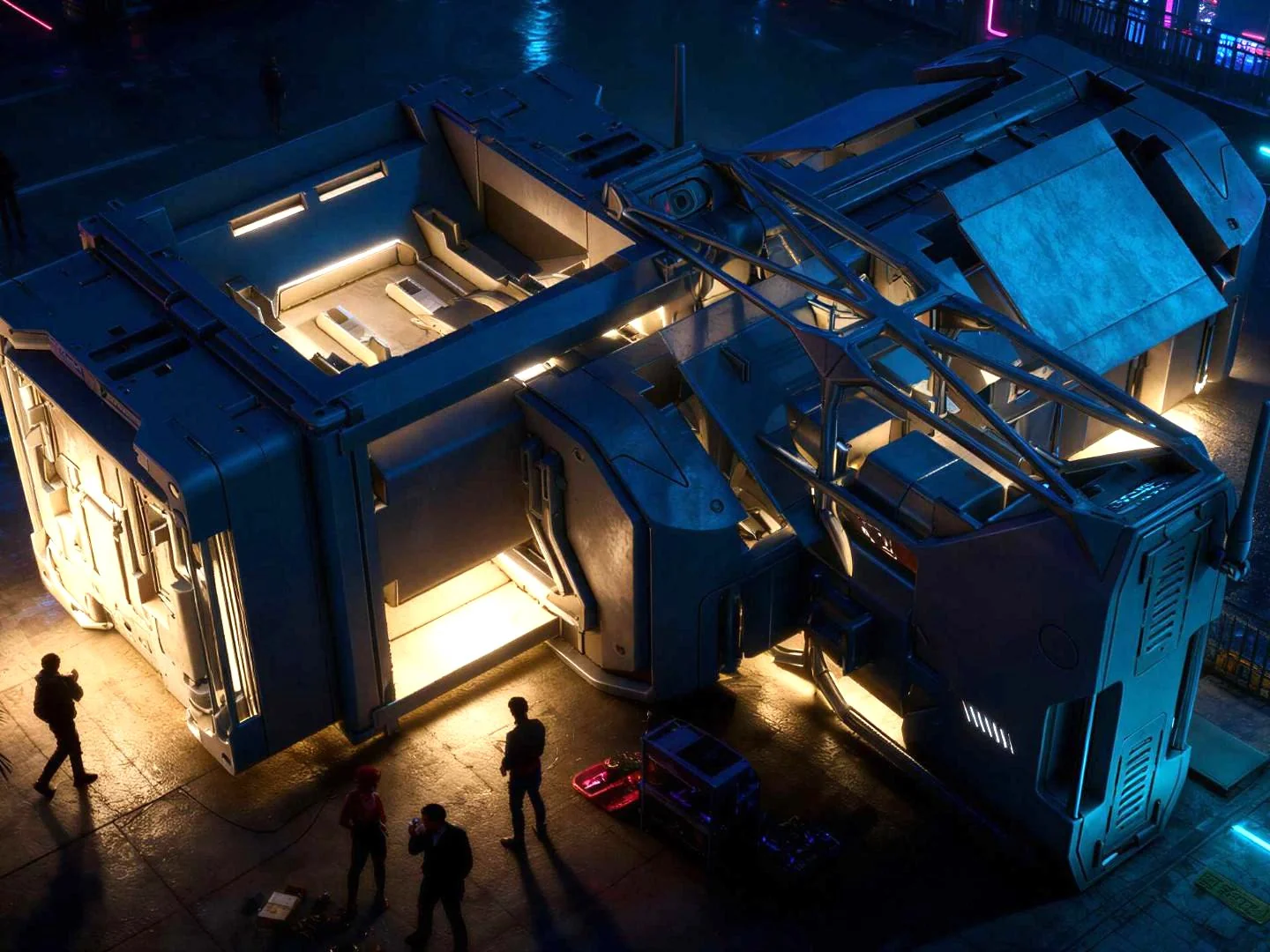
// concept magic — the tour
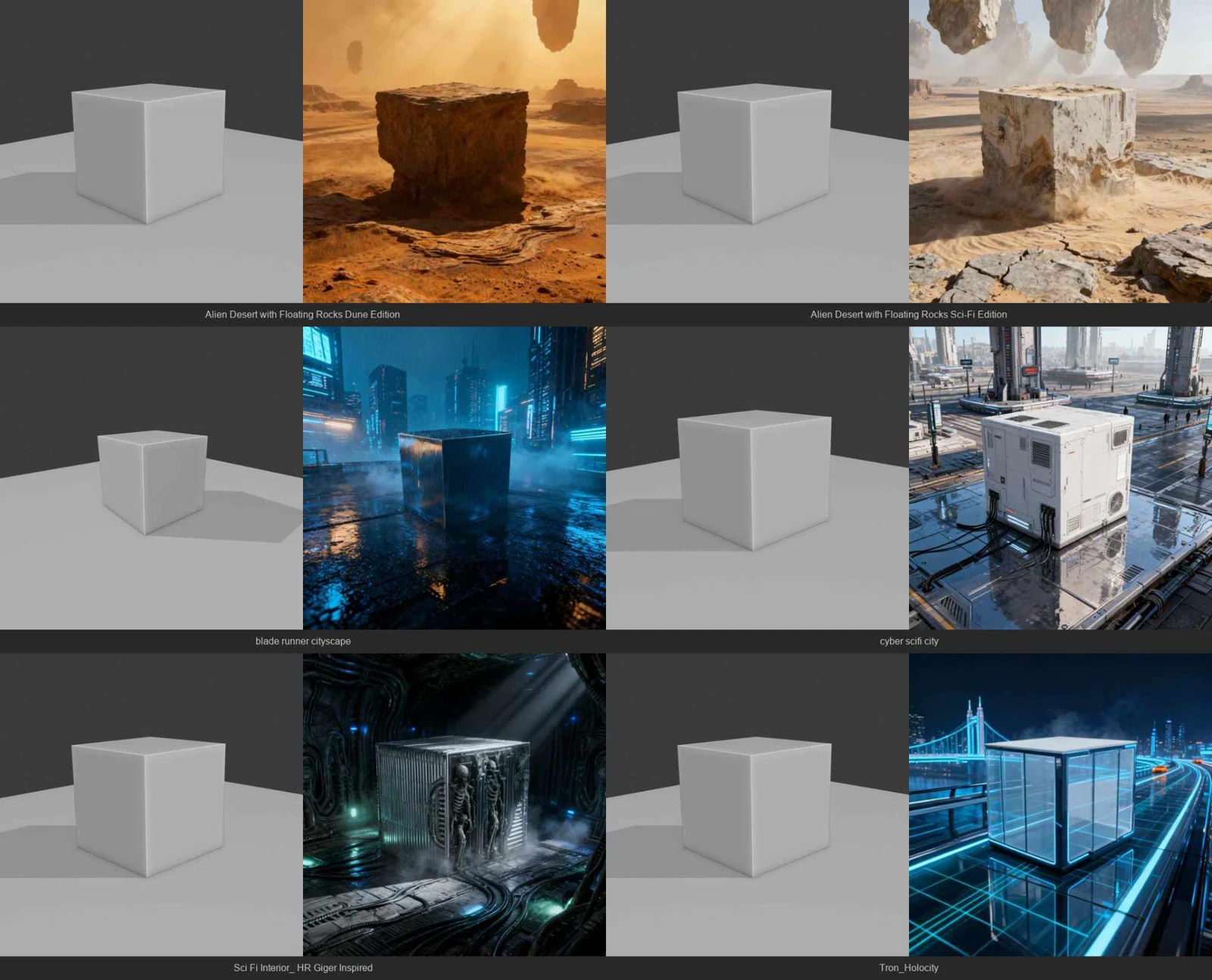 // style injectors — one cube, six looks
Style Injectors do the heavy lifting: pre-tuned, proven styles — lighting, camera, CMF, props, sci-fi, nature — applied in one click. And every style shows you a visual preview inside Blender first, so you know exactly the look you're going for before you spend a render.
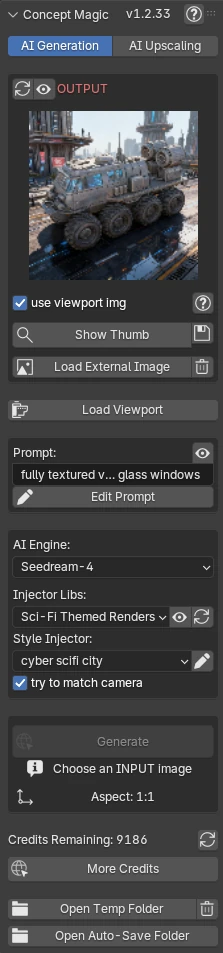 // the concept magic n-panel
Everything lives in Blender's N-panel — pick a style, add your own prompt on top, generate, upscale. No second app, no tab-switching, no node graphs. Even the full manual is one click away behind the (?) icon.
From early sketches to cinematic sets, here is where Concept Magic earns its keep in a working pipeline.
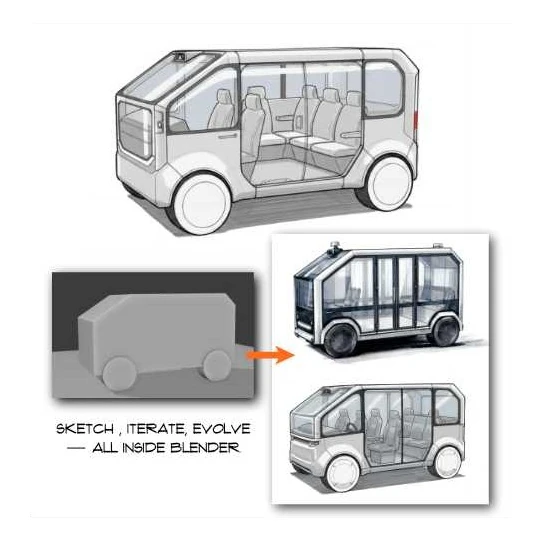 // form development
Use our Industrial Design Sketch Style Injector to visualize rough forms and multiple design directions early.
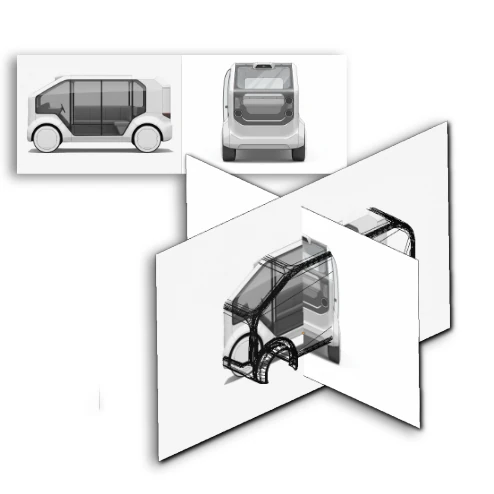 // template generation
Generate front, side, and perspective concept views straight from your Blender scene — modeling guides, reference sheets, and early client presentations without layout prep.
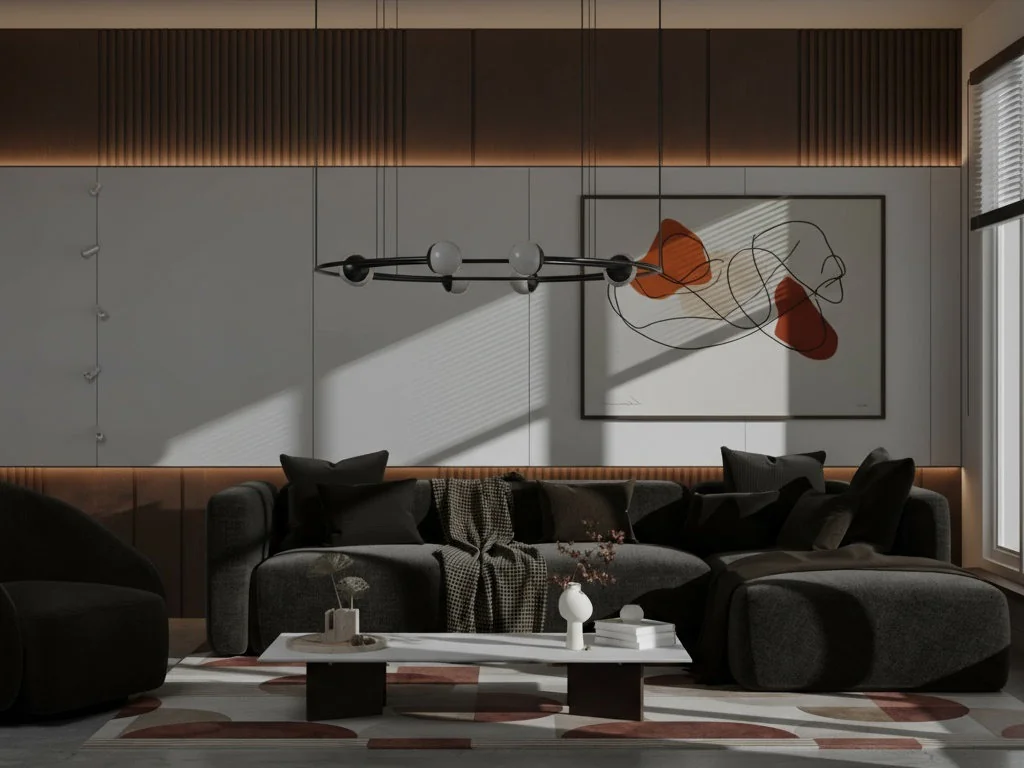
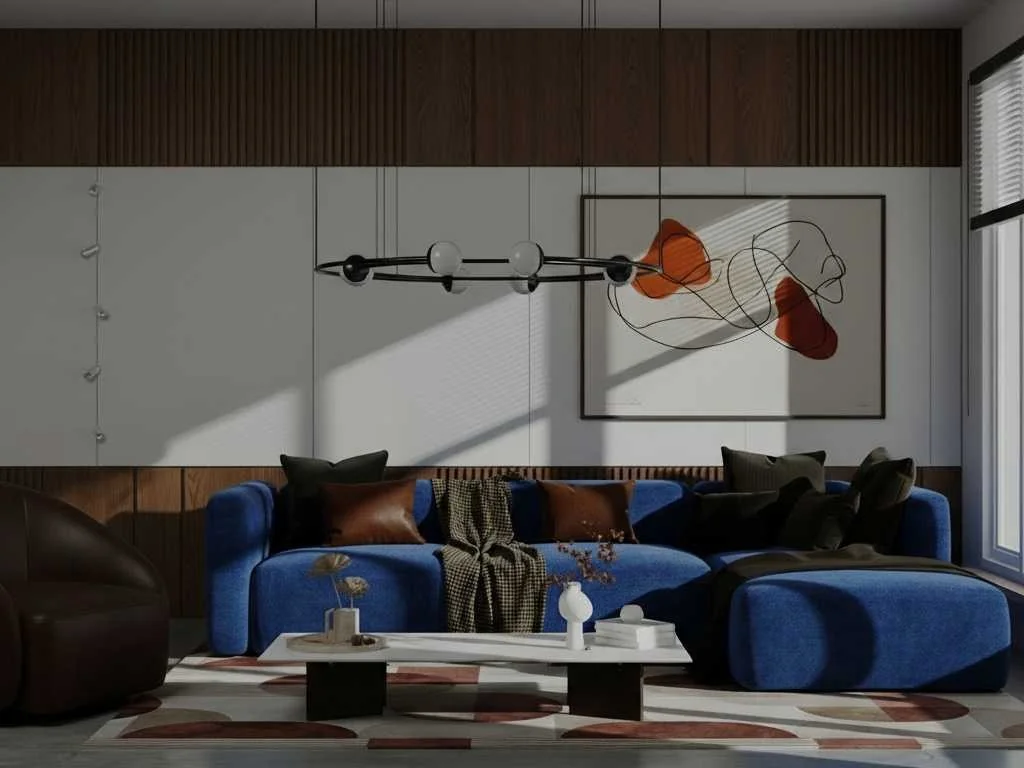
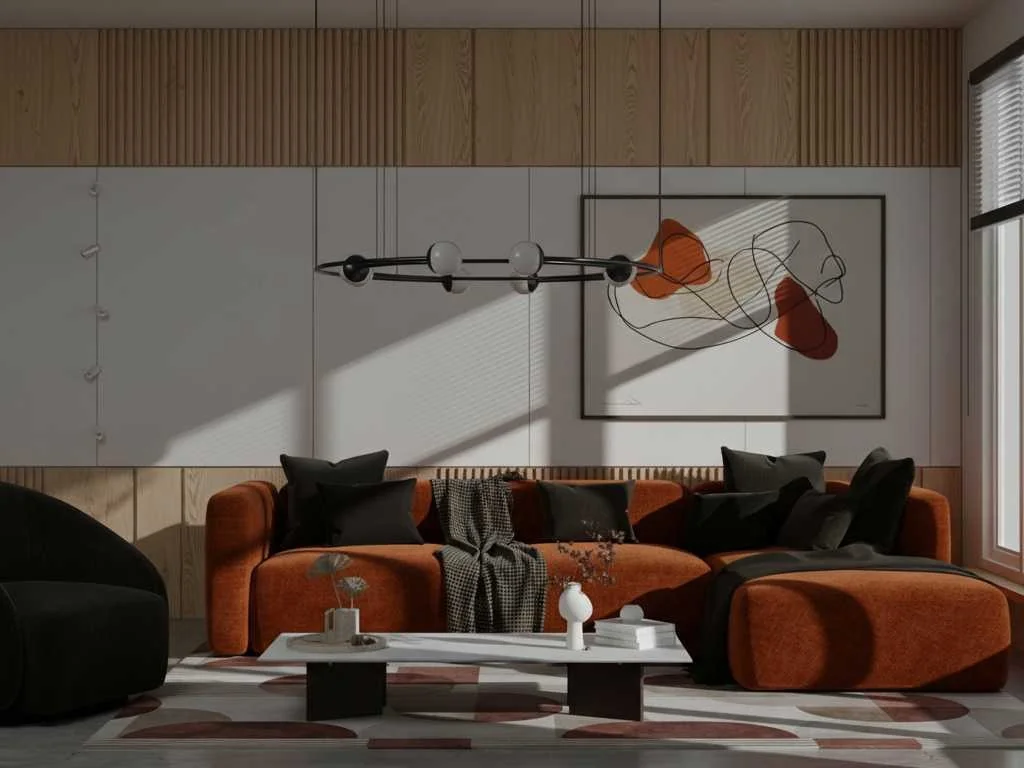
Test color, material, and finish combinations without touching a shader graph — then set the mood in one click: natural, studio, or cinematic light with no HDRIs, nodes, or rigs.
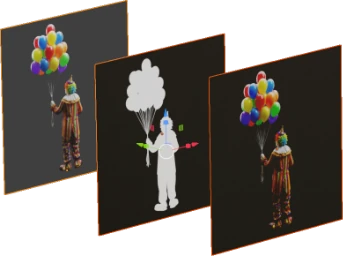
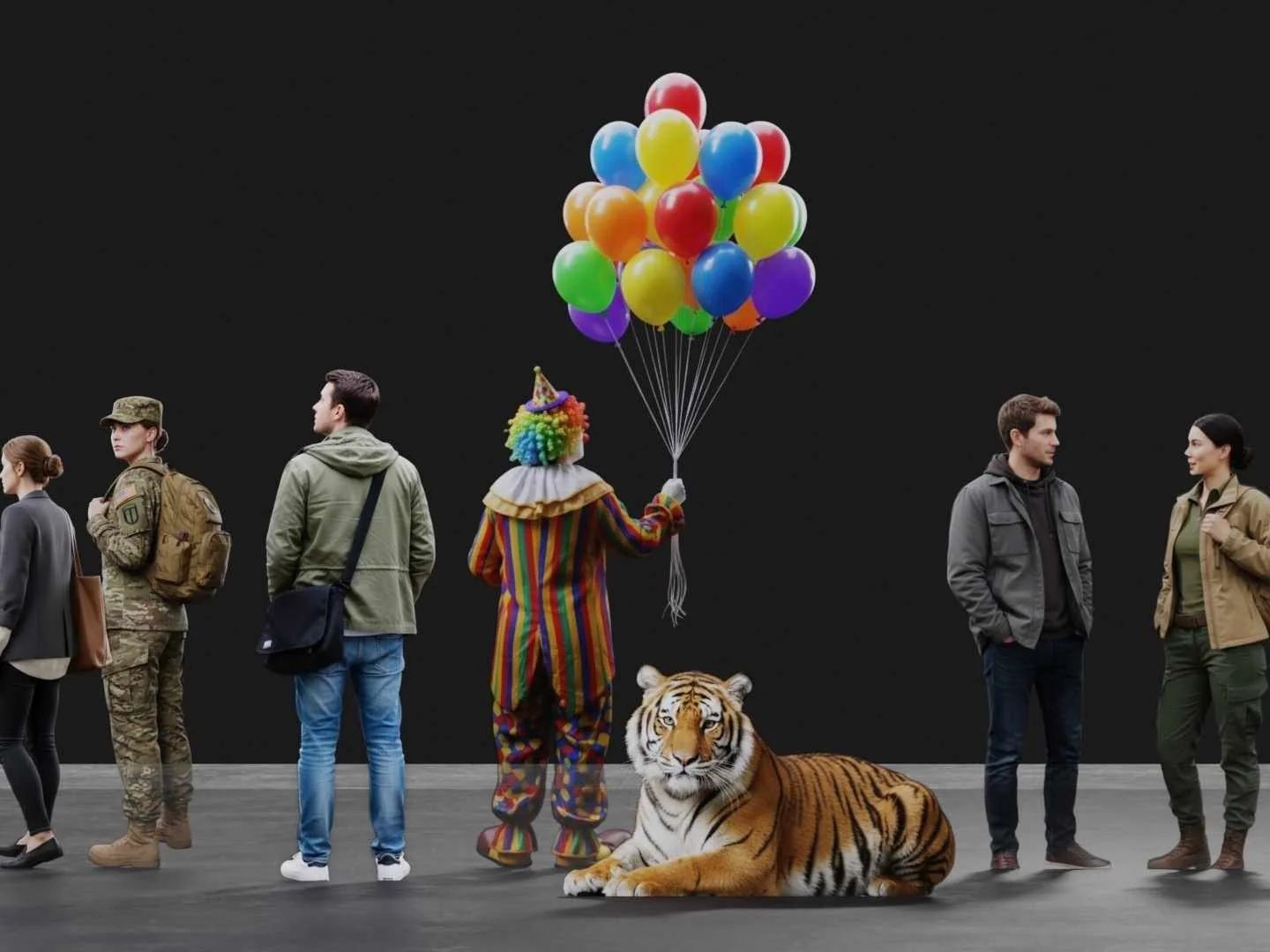
Generate realistic 2D characters with alpha, ready as camera-facing planes in archviz and concept renders. Scale and story, with almost no performance cost.

 // concept scenes
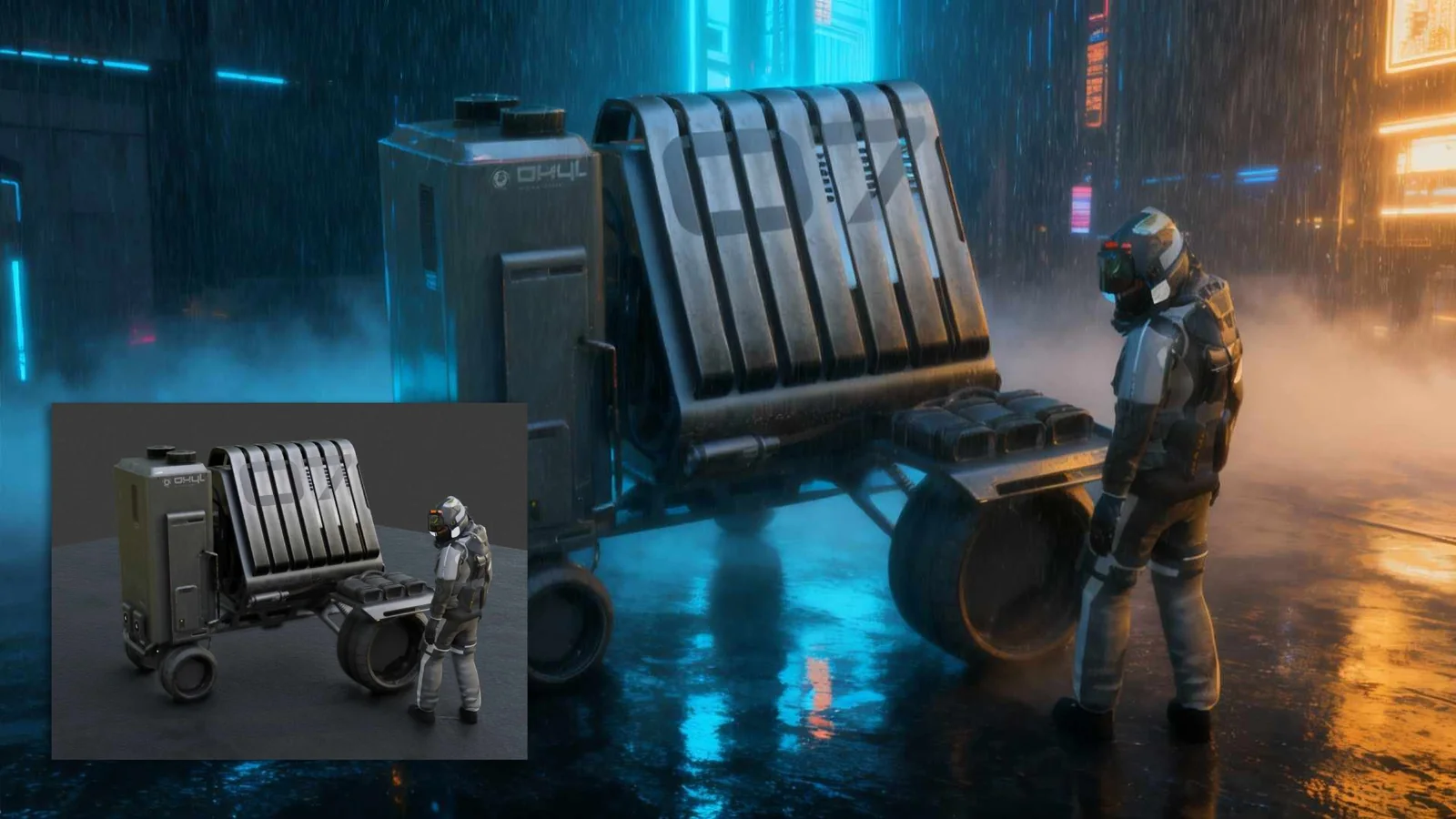
Drop your models into AI-generated environments — sci-fi corridors, interiors, photo studios — for fast moodboards and ideation. New context without modeling a new set.
 // concept out — auto-saved with metadata
Everything you generate — forms, lighting, camera angles — flows back into Blender as reference for modeling, materials, and scene design. Every result auto-saves to your machine with embedded metadata (prompt, engine, seed, style), so good results are repeatable.

No setup, no shader management — install the add-on and generate from the current viewport.
The Style Injector gallery lives inside Blender, previews included.
Add your own prompt text on top of any Style Injector.
Save your own styles and import style libraries as JSON.
All generations auto-save to your machine — nothing stored in the cloud.
Good / Better / Best tiers in the cloud — or free 2× SeedVR2 upscaling on your own GPU. With NVIDIA RTX hardware, everything Concept Magic does can run locally.
"It turns a gray viewport into an instant art director."
"Absolutely incredible and game changing add-on."
"Custom derived prompts is the killer feature — and the fact the AI looks form-wise just like the model is hugely cool."
"Useful for humans — makes them better, doesn't take away from them."
Concept Magic works two ways. The cloud path needs no GPU and no setup — Windows, macOS, or Linux, powered by Nano Banana and Seedream-4, paid with credits. The second way is Comfy Labs, our free companion app: it runs the entire AI pipeline on your own machine. No credits, no usage limits, and nothing ever leaves your desktop.
Comfy Labs needs capable NVIDIA RTX hardware, and it's currently in beta. It's a Windows 11 app that brings advanced AI pipelines straight to your GPU — Z Image generation, LoRA support, free 2× SeedVR2 upscaling, and a full image toolkit beyond rendering.
Concept Magic just sends your viewport to Comfy Labs running on your own Windows 11 PC instead of the cloud — same panel, same styles. The app runs the engine, a browser interface unlocks the advanced workflows, and Blender talks to it through a local server.
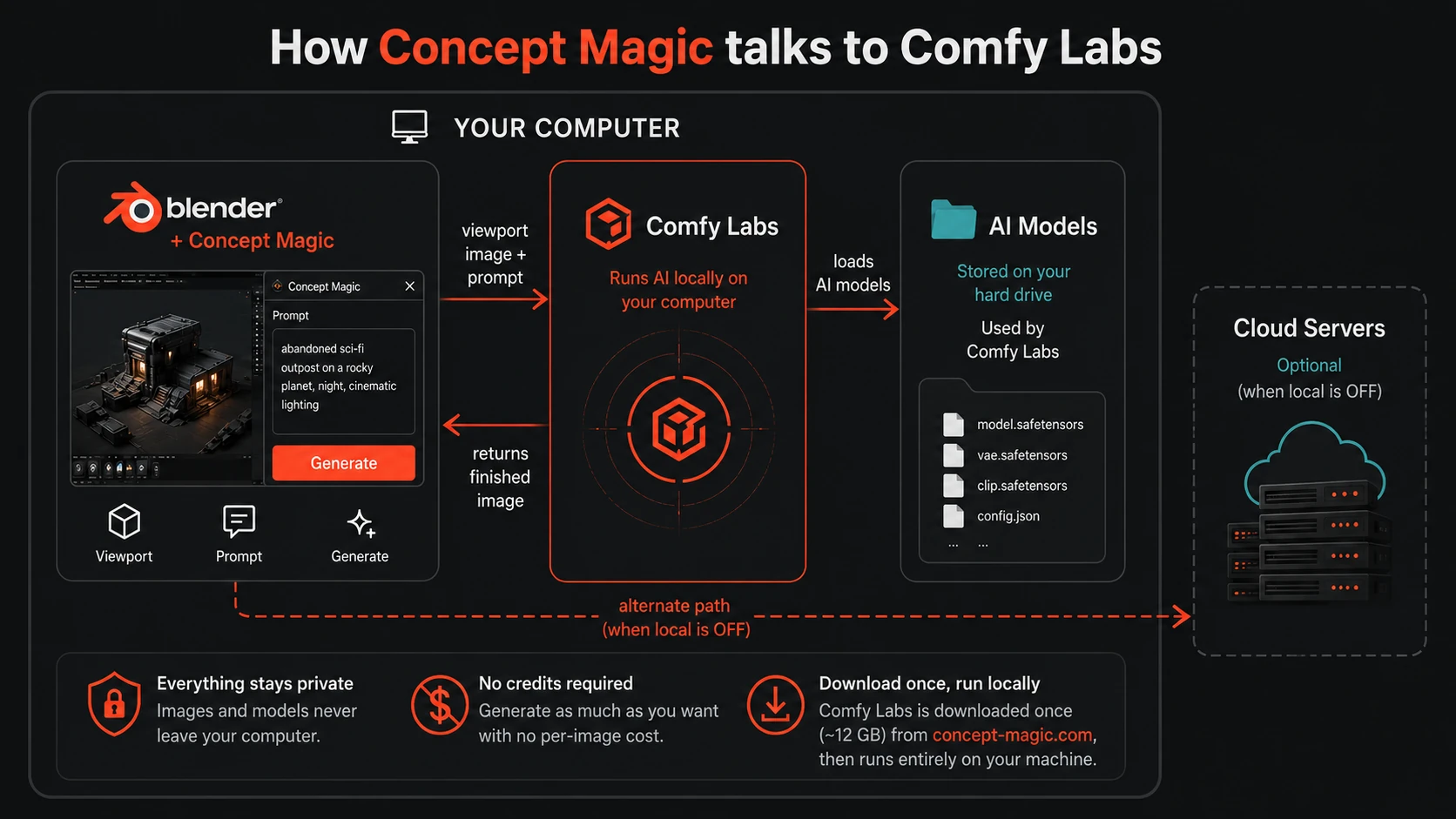
// how concept magic talks to comfy labs
Comfy Labs is a whole suite of AI image tools, not just a render backend — every workflow runs on your GPU, with no per-image cost.
Expand scenes beyond their borders with AI-generated detail.
Increase resolution with AI-enhanced detail — free, 2×, local.
Seamless materials from a photo, ready for 3D use.
Convert images into textured 3D models.
Consistent front, side, and back views from one image.
Clean concept images straight from a prompt.
Isolate subjects from any image instantly.
Designed by Chipp Walters — a 30-year industry veteran and the creator of KIT OPS, Blender's most-trusted kitbashing add-on. Proven experience. Stellar support. Built for artists like you.
Cloud generation and upscaling run on credits bought through Superhive — buy them when you need them, and they stay good for a full year. The Comfy Labs local path costs nothing to run. Simple, predictable, and built for creators, not corporations.
Concept Magic isn't a fire-and-forget prompt toy — it's backed by the same first-class support behind KIT OPS since 2019: an active Discord where a human answers, and years of updates behind it.
Try Concept Magic on Superhive and discover how fast your creativity can flow.