5,700+
SALES
True Triplanar. Anti-tiling. Intelligent wear. Built in. Formerly the EEVEE+Cycles Material System — now upgraded for Blender 5.0.
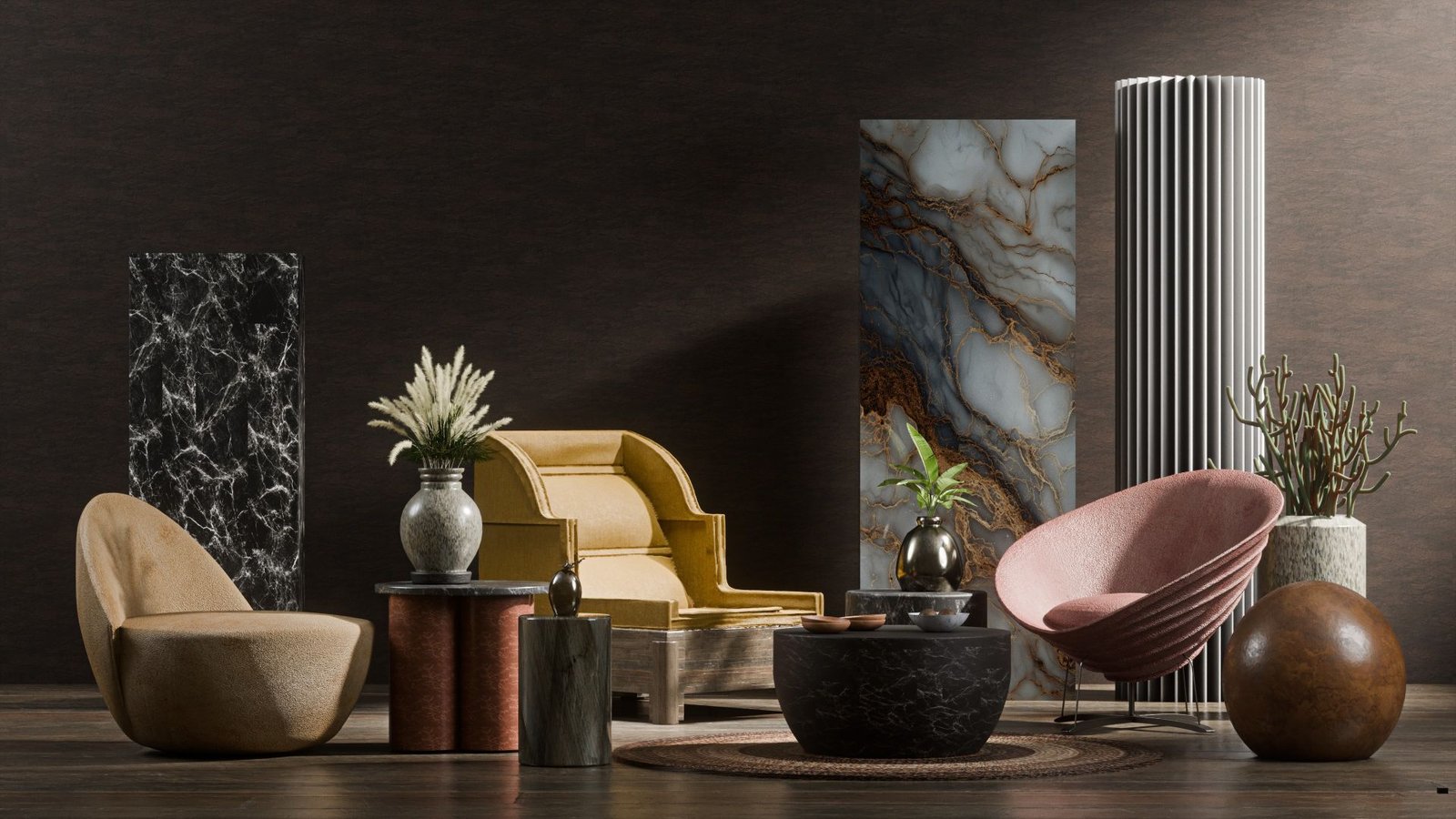 // all 3D images rendered with EV+C in Blender
Upgraded for Blender 5.0. EEVEE + Cycles isn't a new experiment. It began over 6 years ago, has been refined continuously, and is trusted by more than 7,900 artists around the world. Before Ultra-Mat, EEVEE+Cycles was already one of the most complete, production-ready material systems for Blender:
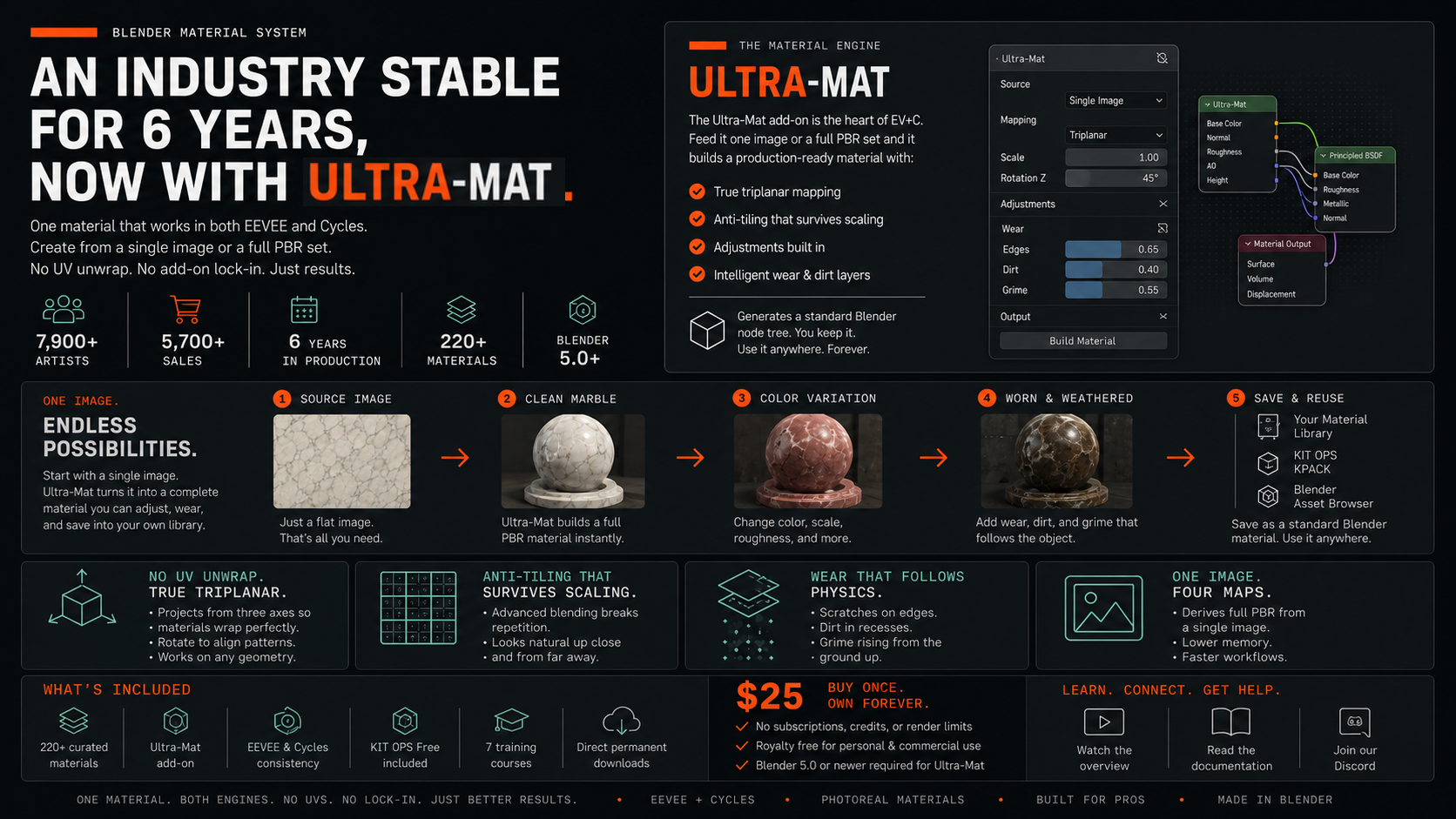 // evc-material-system.overview
This foundation remains 100% true — and Ultra-Mat builds directly on it.
EV+C has always been more than "a shader pack." It's a structured, predictable material workflow used in real production environments.
Now, with Blender 5.0 and Ultra-Mat, that system evolves again — delivering better realism, better control, and more flexibility for both PBR sets and single-image materials.
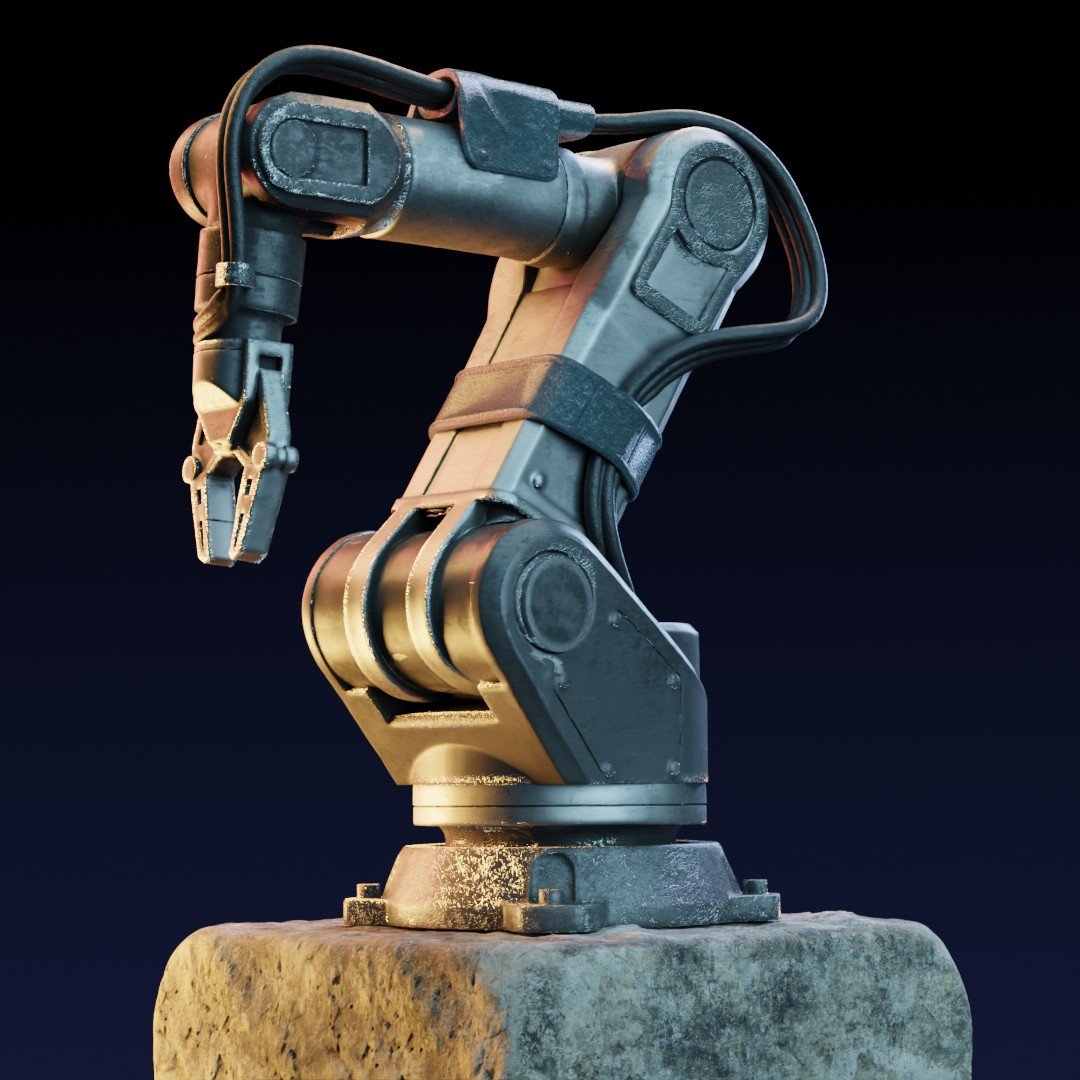 // no single shader
EV+C Materials uses multiple material strategies instead of forcing everything through a single workflow. Curated shaders, procedural techniques, and Ultra-Mat work together to let you create materials from one image or full PBR sets — without deep shader knowledge. With direct KIT OPS integration, the materials you create become reusable assets, not one-off results. Not one shader. Not one trick. A flexible material system built for real production work.
Ultra-Mat is the material engine at the heart of EV+C Materials. It takes your PBR texture maps — or even a single diffuse image — and builds production-ready materials with triplanar mapping, anti-tiling, and intelligent wear built in.
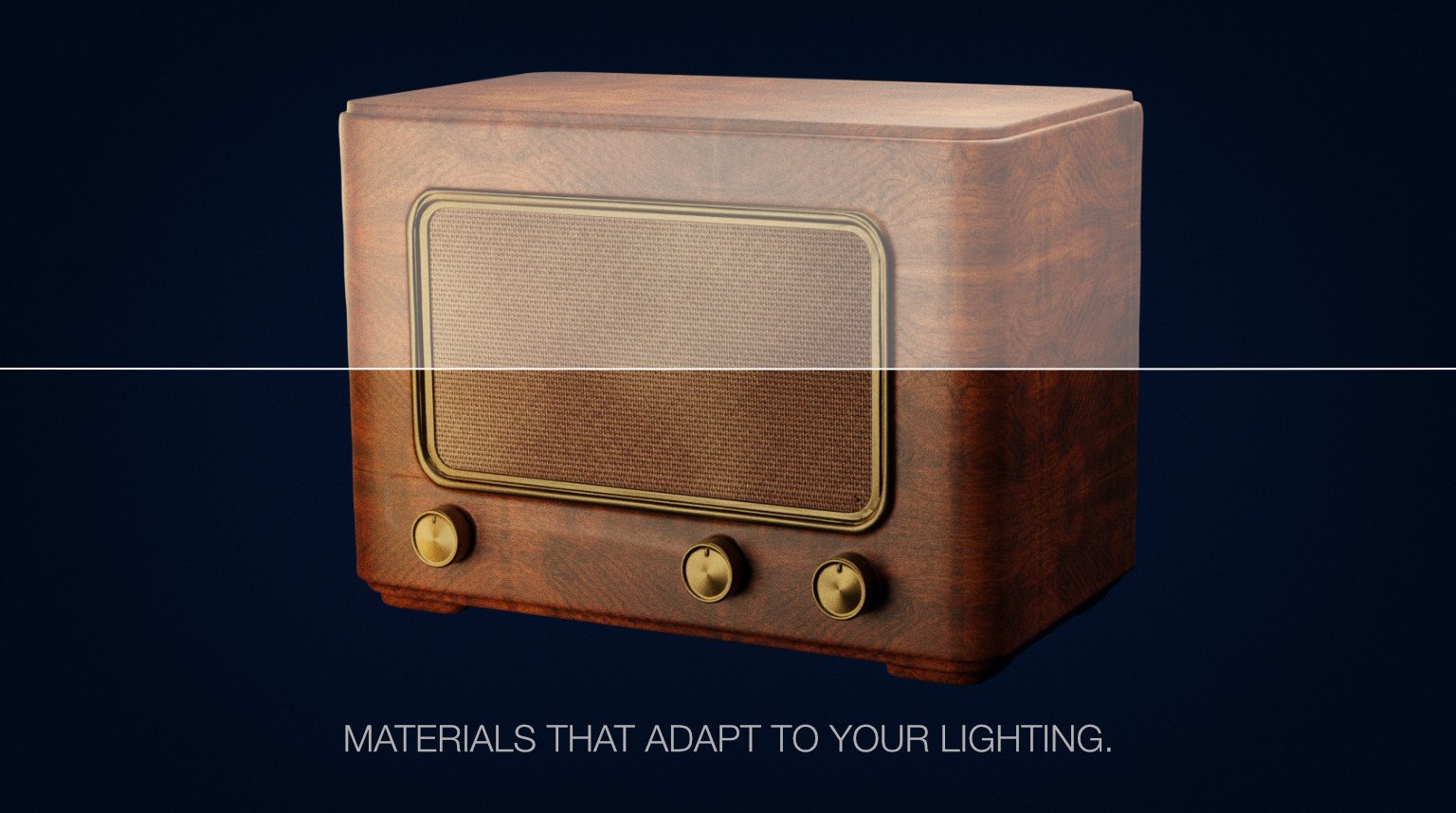 // pbr + lighting
Ultra-Mat lets you adjust PBR values throughout the pipeline, so materials respond correctly to your lighting, your scale, and your scene — without breaking physical plausibility.
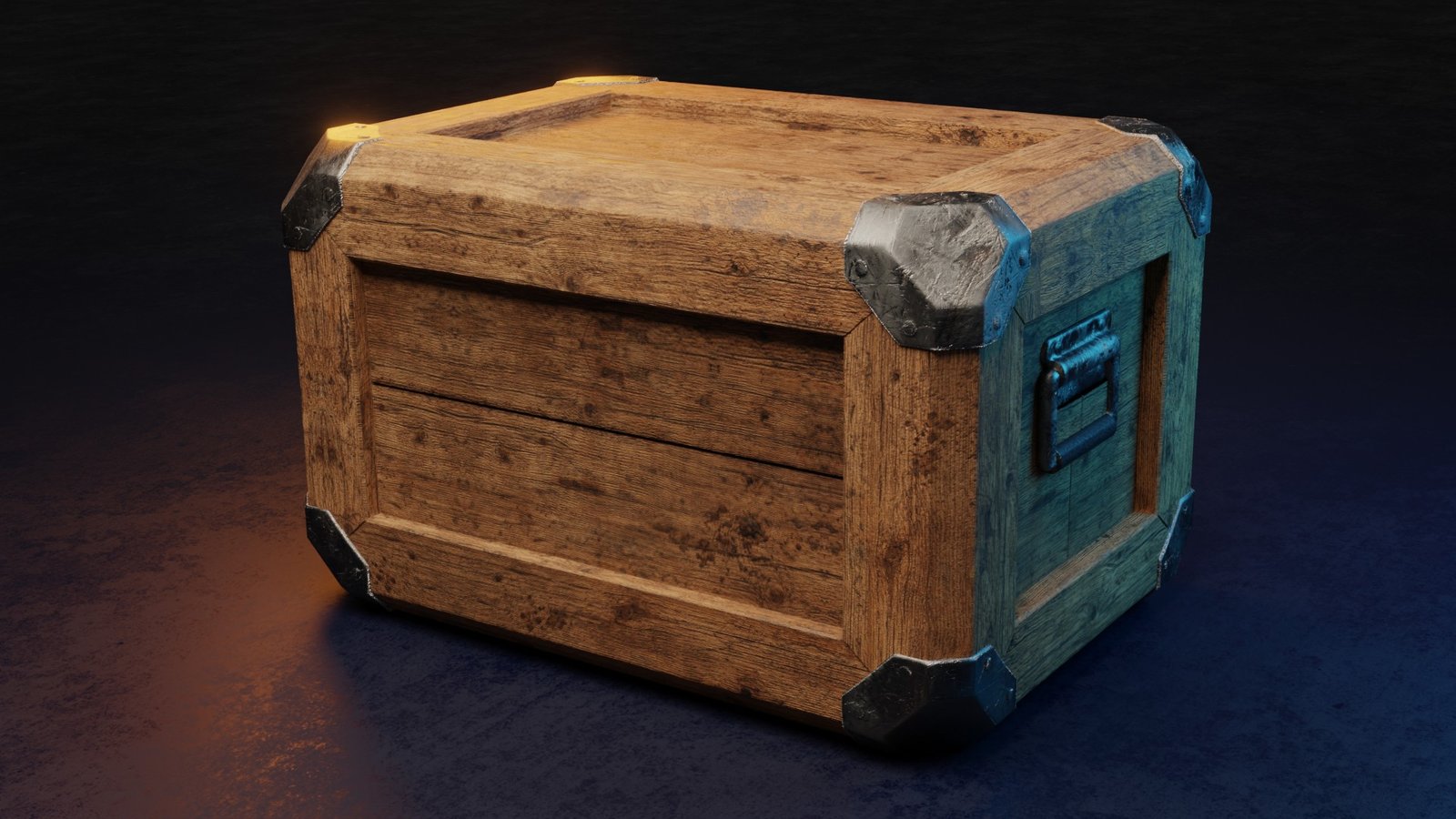 // triplanar
UV unwrapping is one of the biggest bottlenecks in material work — especially on complex or kitbashed geometry. Ultra-Mat's triplanar system lets you apply textures instantly, with rotation control on all axes. The grain goes where you want it, without touching a UV editor. Skip the prep. Get to the look.
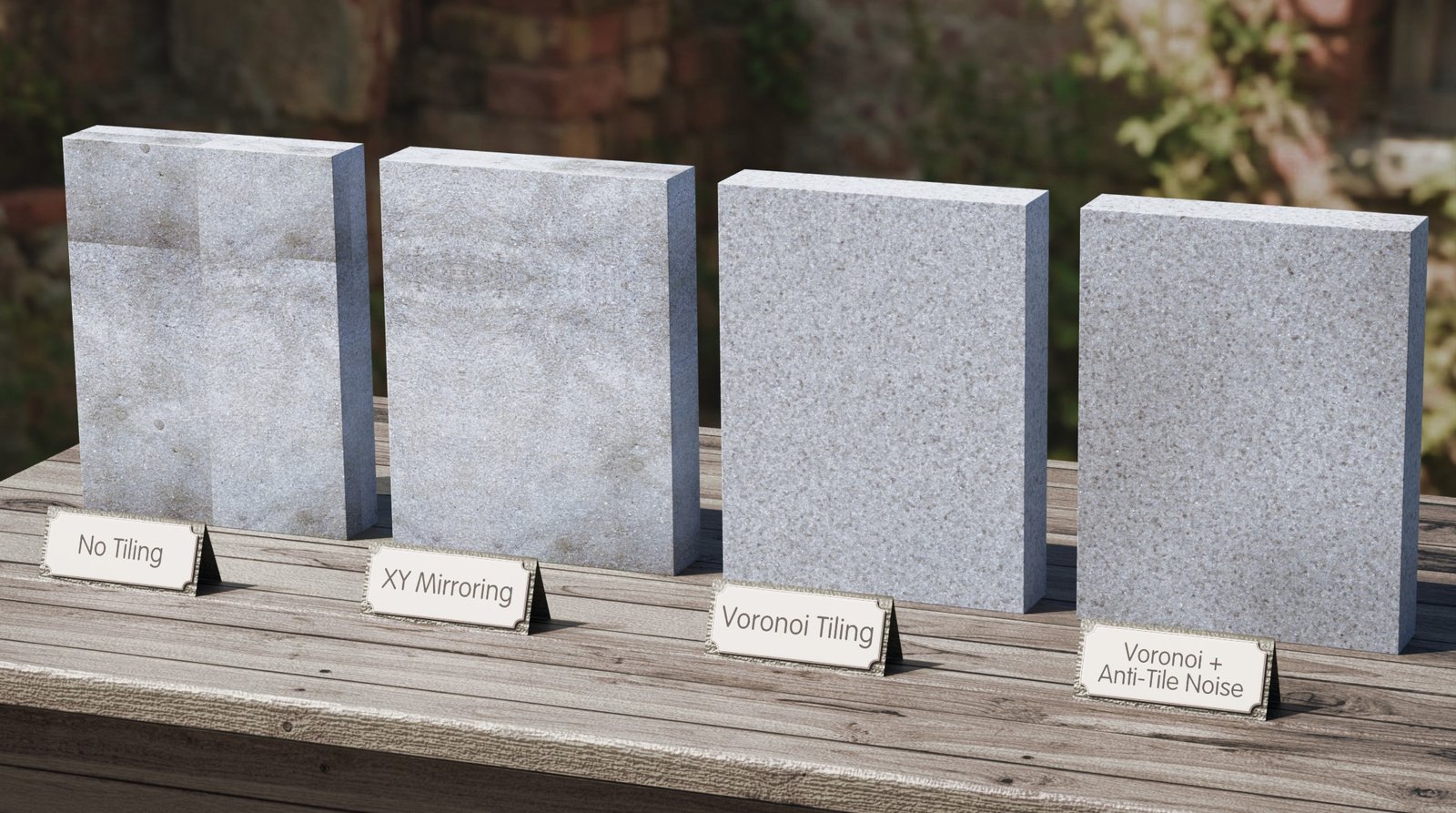 // anti-tiling
Most PBR textures look fine — until you scale them. Repeating patterns quickly break realism, especially on regular surfaces like wood floors, panels, or bricks. Ultra-Mat includes four built-in anti-tiling techniques designed to break repetition without destroying structure, even on highly regular patterns. The result: large surfaces that stay believable.
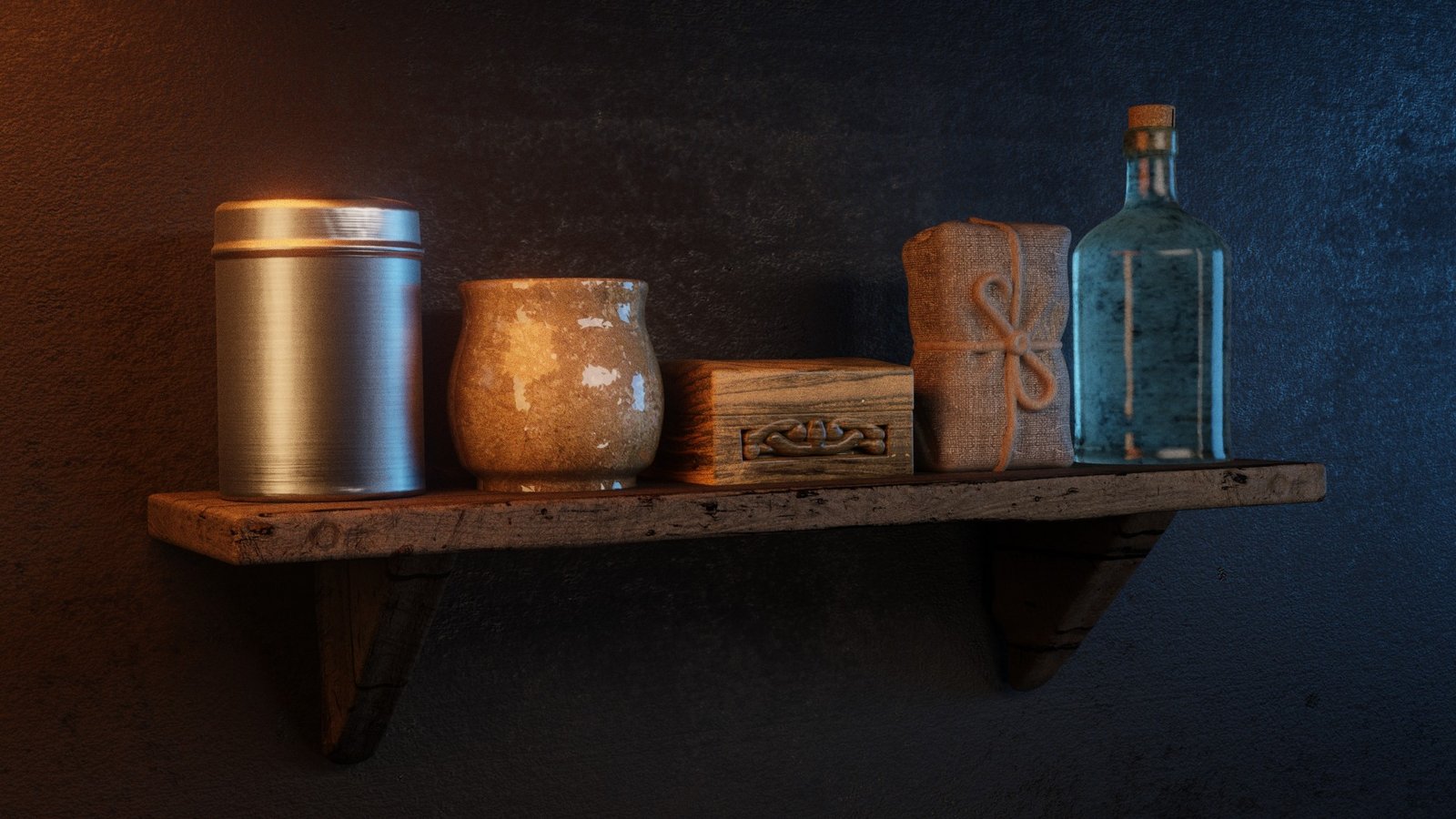 // gpu memory
Traditional PBR materials need four texture maps each. In material-heavy scenes, GPU memory fills up fast. Ultra-Mat lets one image do the job of four — so you can use more materials before hitting limits. Visually identical. One quarter the texture memory. Not a downgrade — a smarter use of resources.
 // marble recolor
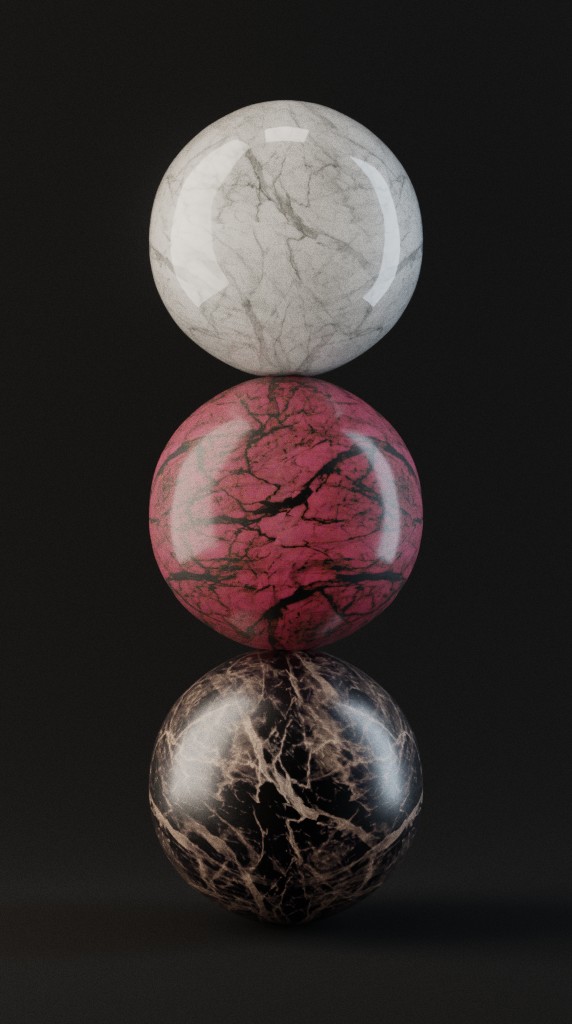
One material can become many distinct materials — whether a 4-texture or a 1-texture material. Using color controls, scaling, and roughness tuning, a single marble texture becomes white marble, pink marble, and dark brown marble — without re-downloading or re-authoring. Same source. Different looks.
 // self-contained node tree
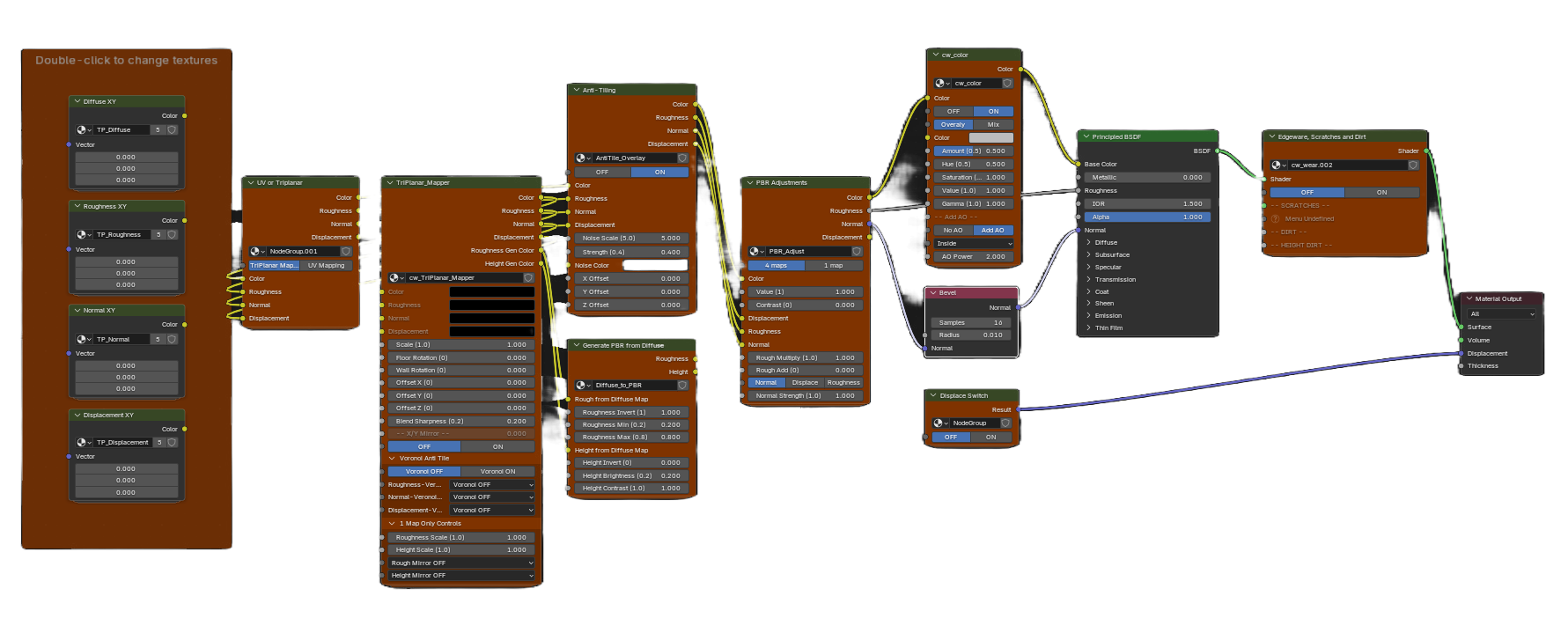
The Ultra-Mat add-on is a generator, not a dependency. Use it to instantly convert your texture maps — whether four PBR maps or a single image — into a powerful, self-contained shader group. Once created, the add-on is no longer needed: every control required to refine the look is embedded directly in the standard Blender node tree. Complex where it matters, simple where it counts — well-structured shader groups with no black-box shaders and no hidden logic. All controls live inside the material.
 // your library
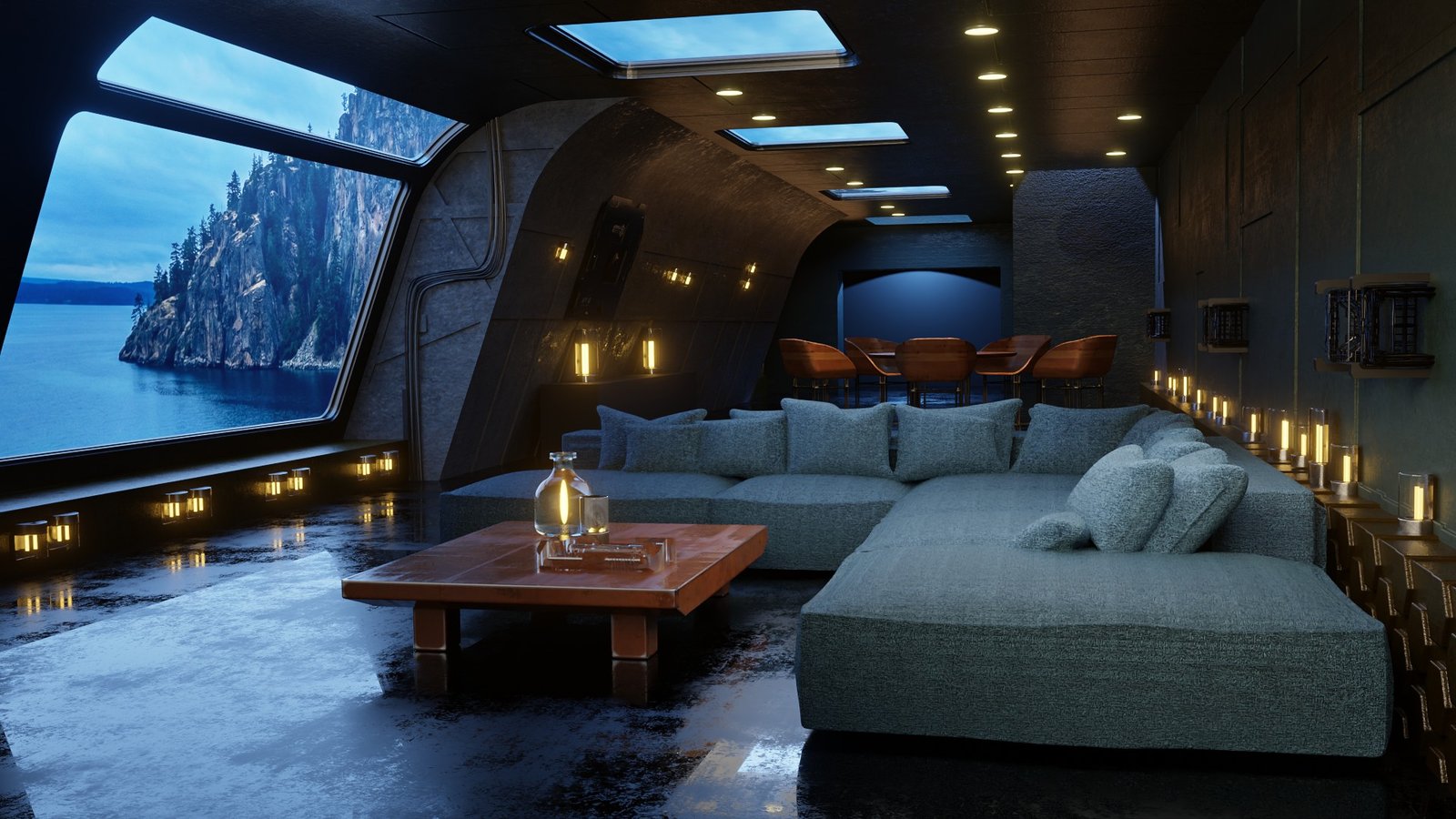
Ultra-Mat isn't about presets — it's about creation. Build one-off materials, whole families, or as many custom materials as you need. No artificial limits. No credits. No restrictions.
 // intelligent wear
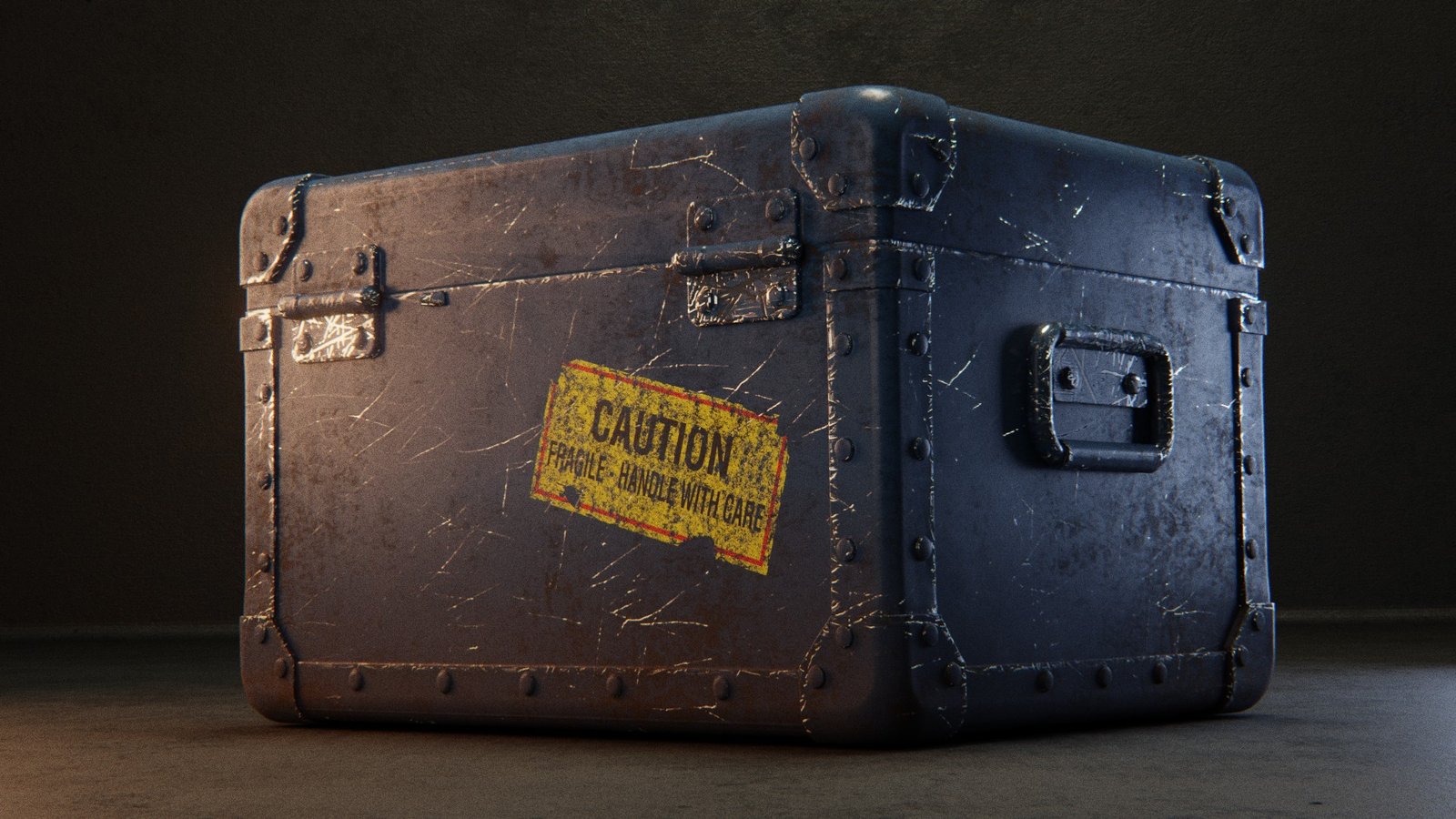
Ultra-Mat applies wear based on how objects actually age. Procedural, adjustable, and non-destructive — so you control how subtle or dramatic the story feels.
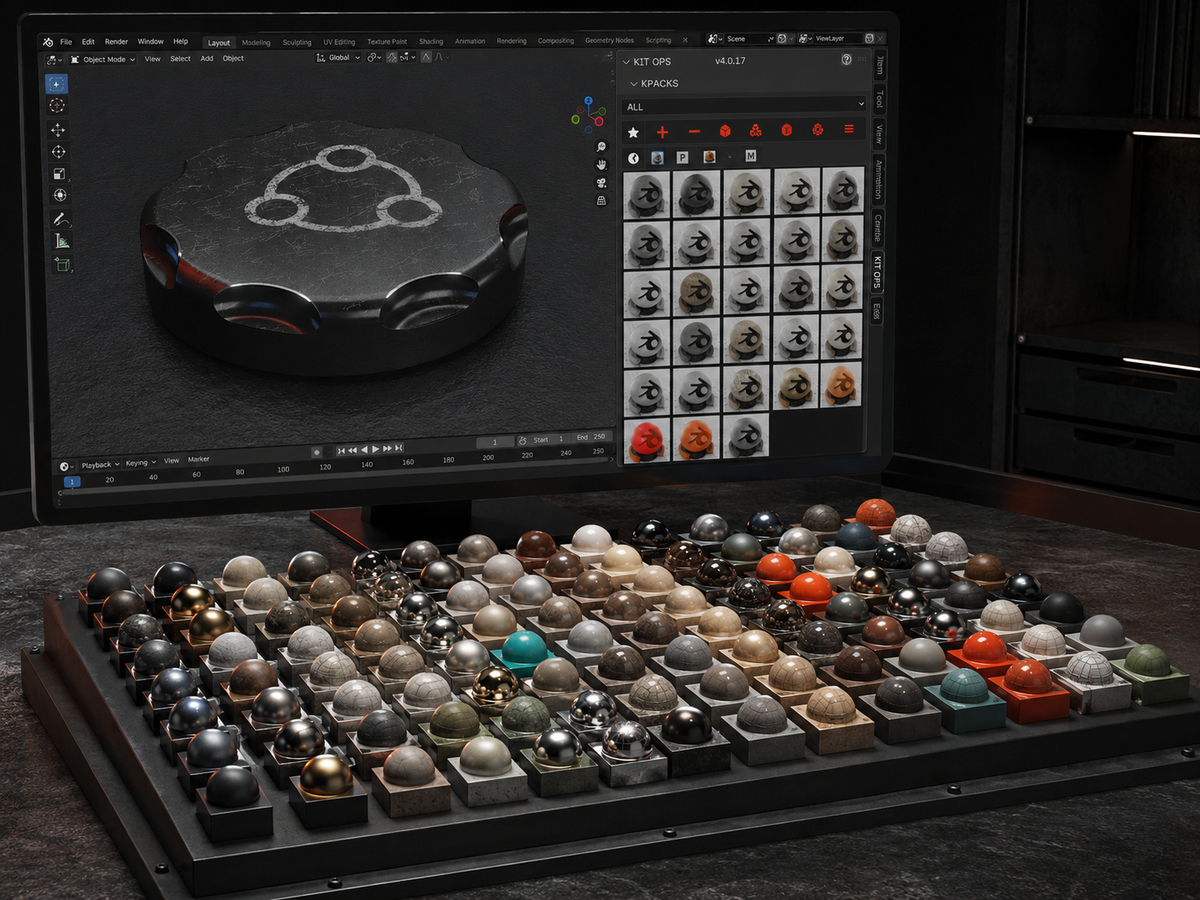 // kit ops library or asset browser
KIT OPS Library or Asset Browser — your choice. Once you've created a material, you decide how it lives in your workflow. Ultra-Mat doesn't dictate your pipeline; it fits into the one you already use.
A powerful system is only valuable if you can actually use it — and get help when you need it.
Clear, structured documentation explains how materials work, why controls exist, and how to get predictable results — from quick setup to deeper refinement.
Practical tutorials show real workflows, not theory — how materials are created, adjusted, and reused in production scenarios.
From your first material to advanced technique — the system stays consistent and predictable as your skills grow, so mastery comes fast.
// ev+c — the material engine
EV+C is built for artists who need results, not busywork.
Accurate materials for client presentations.
Surfaces that hold up under lighting scrutiny.
Fast iteration without topology perfection.
Realistic finishes for renders and walkthroughs.
Unify materials across mixed assets.
Skip the prep, get the results.
Designed by Chipp Walters — a 30-year industry veteran and the creator of KIT OPS, Blender's most-trusted kitbashing add-on. Proven experience. Stellar support. Built for artists like you.
Product files used to ship through shared Google Drive folders — and you told us everything wrong with that: permission requests, sign-in walls, throttled downloads, and no way to tell what changed. That system is gone. EV+C, its KPACKs, and every update now ship from the CHIPPWALTERS download server: one folder, open in any browser.
Everything you need — nothing you don't. You're not buying a preset pack — you're getting a complete, evolving material system built for real production work. $25, royalty-free: no credits, no subscription, no per-render limits. Ships as the Ultra-Mat authoring add-on — a Blender 4.2+ extension (.zip), version 1.4.11. Requires Blender 5.0.0 or newer.
EV+C isn't a fire-and-forget asset pack — it's backed by the same first-class support behind KIT OPS since 2019: an active Discord where a human answers, and six years of updates behind it.
Spend less time fixing materials — and more time refining the look. Stop fighting UVs, make better use of the textures you already have, and create materials you actually own and reuse. Then you're ready to join the system.