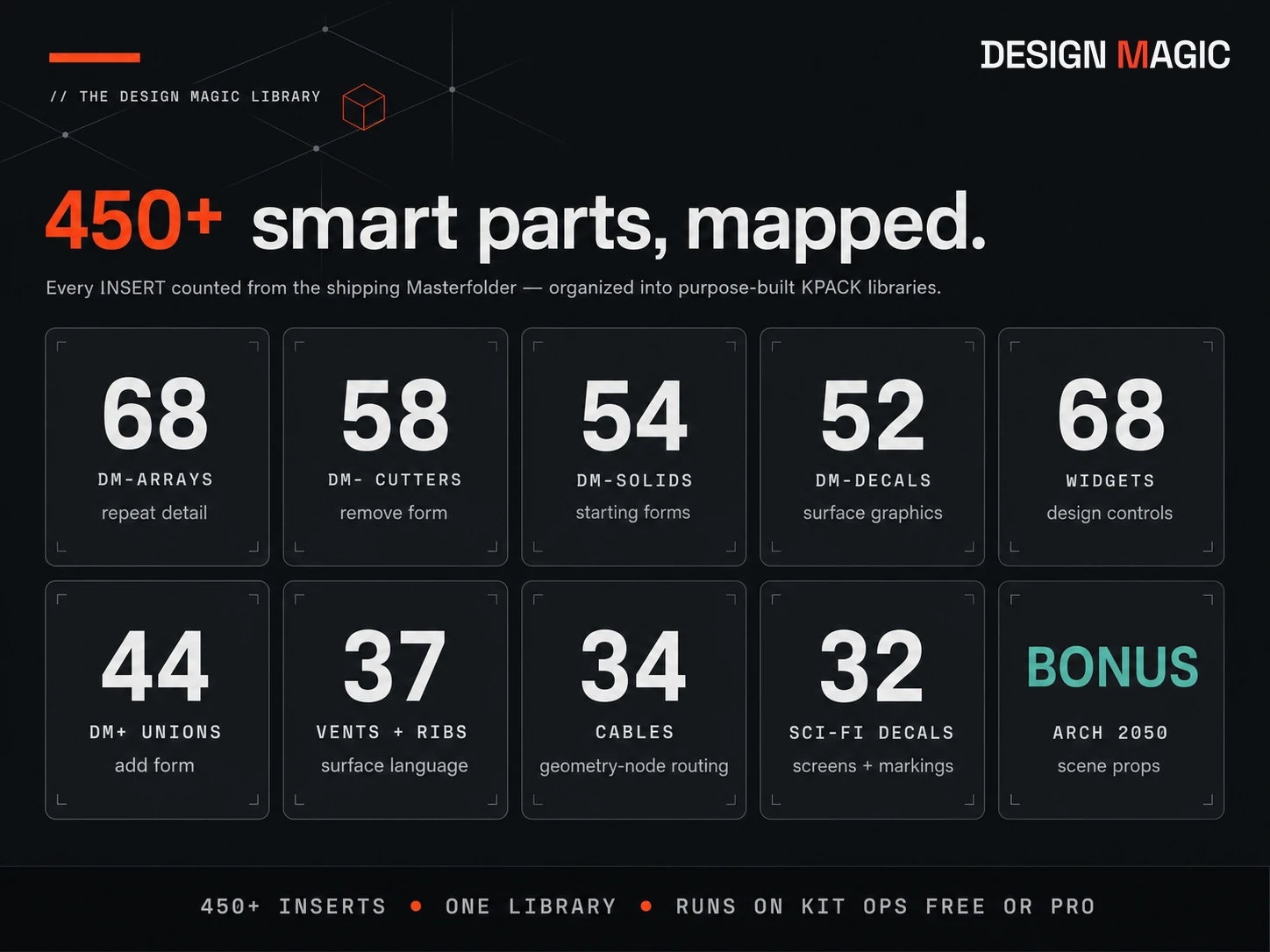
450+
SMART PARTS
Start with a solid. Add and subtract smart parts until the design is right — fast, non-destructive, and native to Blender.
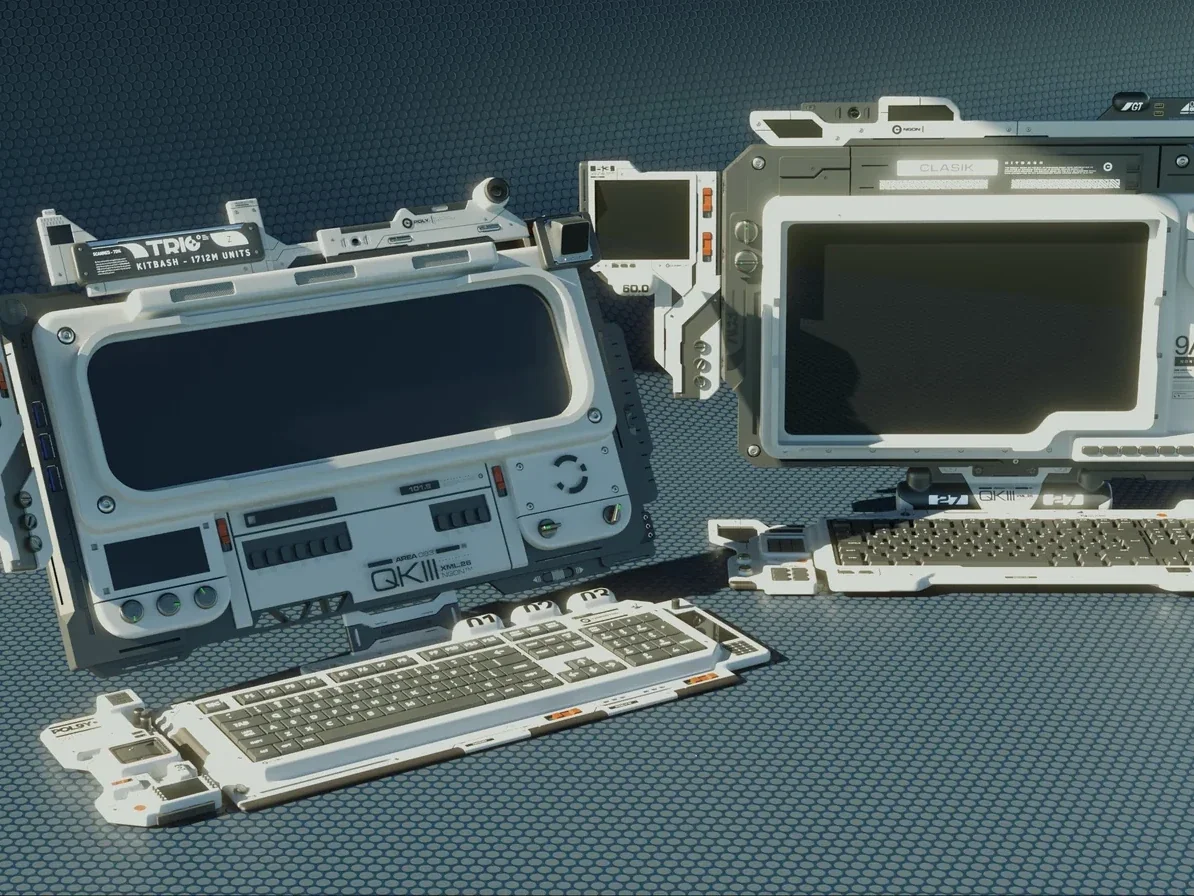 // start with a solid — design from there
KIT OPS is the engine — Free or Pro, it places parts and handles the booleans. Design Magic is the creative system that runs on it: 450+ reusable smart parts, the METASHAPE finishing add-on, and a complete video manual. If you can drag and drop, you can speed-model.
The hardest part of modeling is often knowing where to begin. Design Magic gives you a starting form and a clear way forward.
Choose a starting form from DM-SOLIDS instead of beginning with an empty cube.
Use DM+ parts to add form and DM− cutters to carve it away. Add arrays, cables, vents, ribs, decals, and displays as the design develops.
The parts and booleans stay editable, so you can move them, resize them, alter their modifiers, replace them, or keep cutting until the design works.
A KIT OPS part is called an INSERT. Design Magic organizes more than 450 of them into clearly named KPACK libraries, so you can find a starting form, a cutting operation, an added feature, or a finishing detail without breaking the design flow. Many construction forms appear in all three core libraries: choose the form from DM− and it arrives as a cutter, from DM+ and it arrives as a union, or from DM-SOLIDS and it becomes the standalone object you start from.
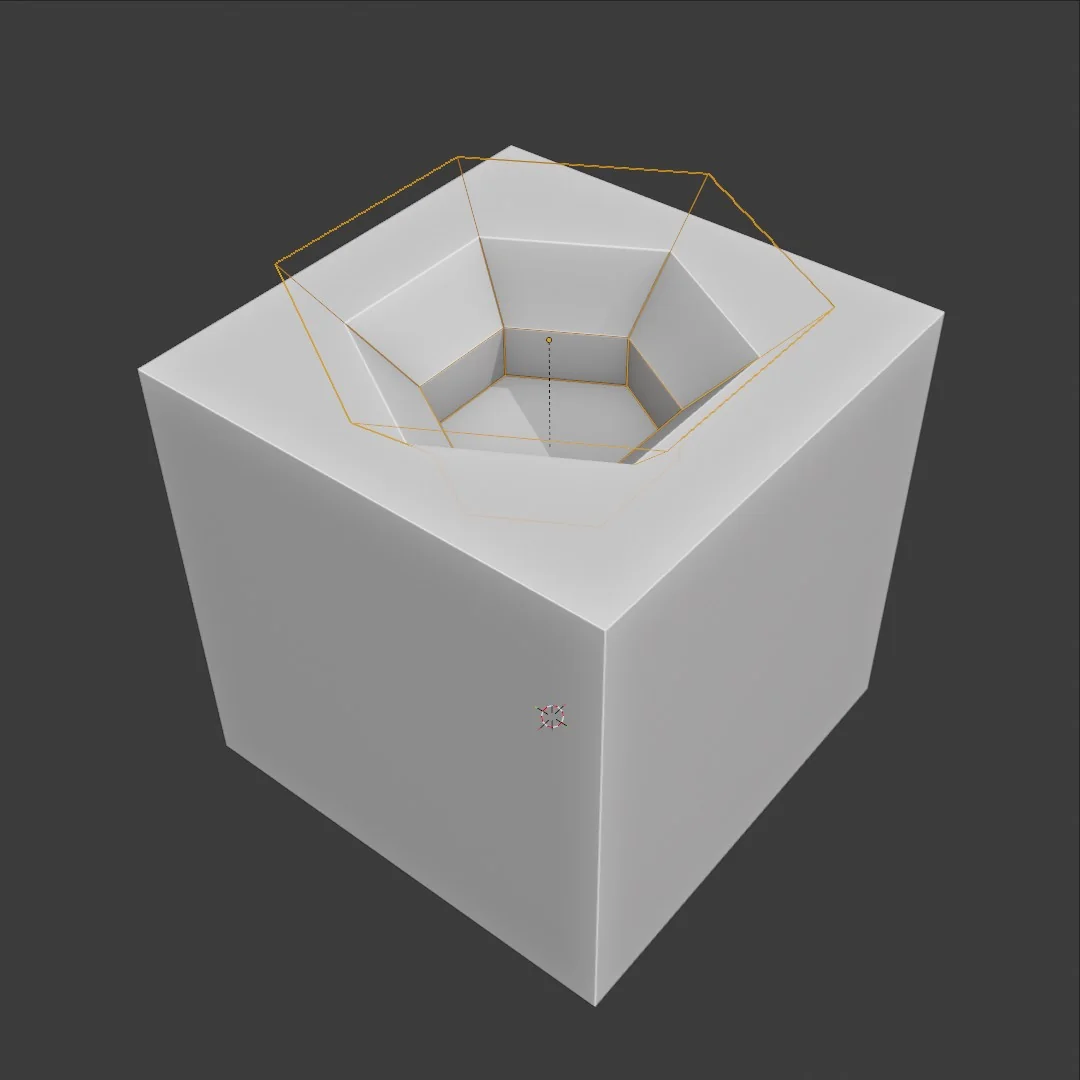
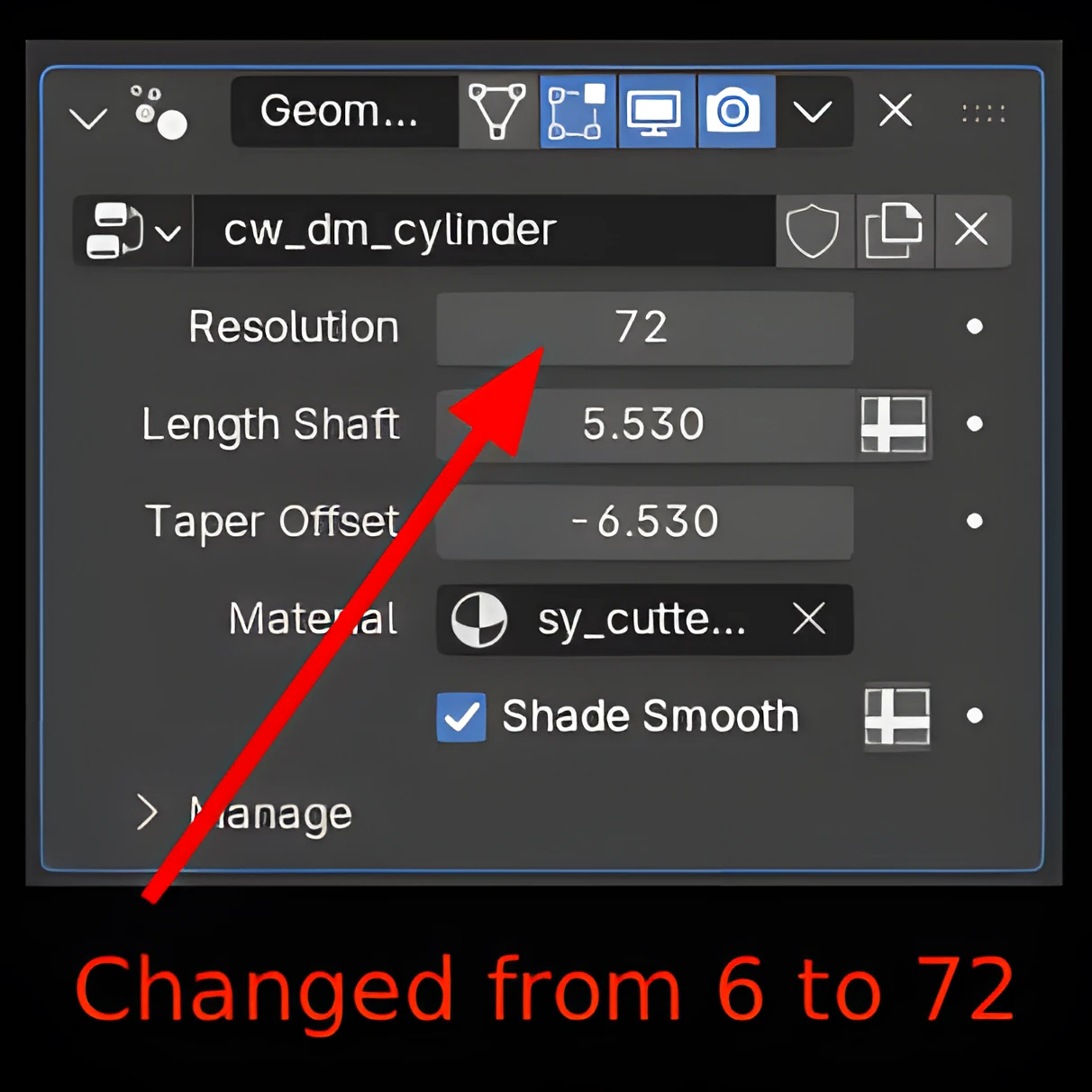
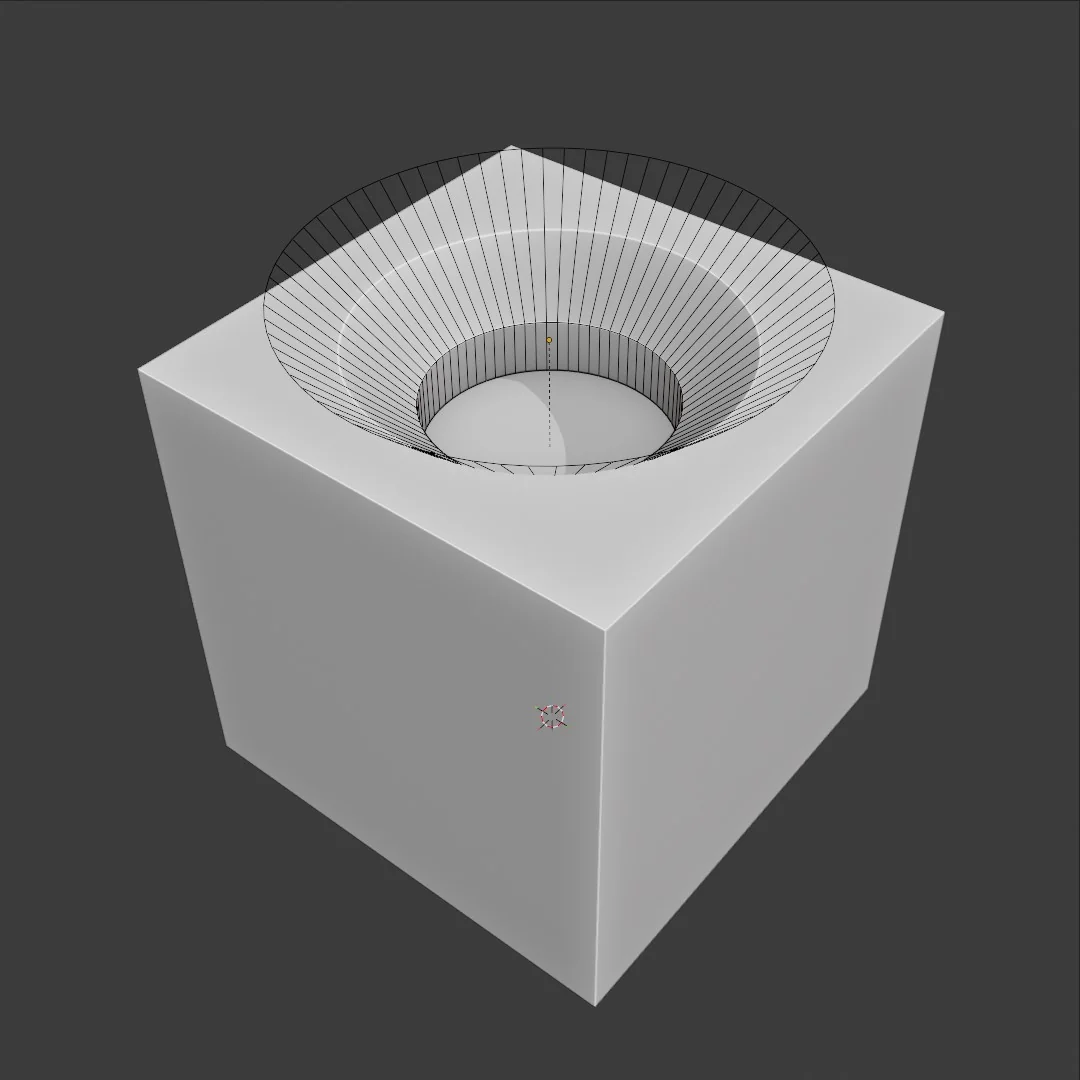
What makes many Design Magic INSERTS smart is the modifier stack built into the part. After placement, adjust dimensions, resolution, bevels, or array counts and the boolean result updates live. You keep designing instead of rebuilding.
Boolean modeling in Blender works just like the add/subtract design in Fusion 360, MoI, or Rhino: you don't sculpt every face, you combine forms. Design Magic gives you the parts and the workflow to do it fast.
Solids, cutters, unions, arrays, cables, pipes, junction boxes, vents, ribs, decals, GUI displays, and widgets — each designed with the right customizable properties for real design work.
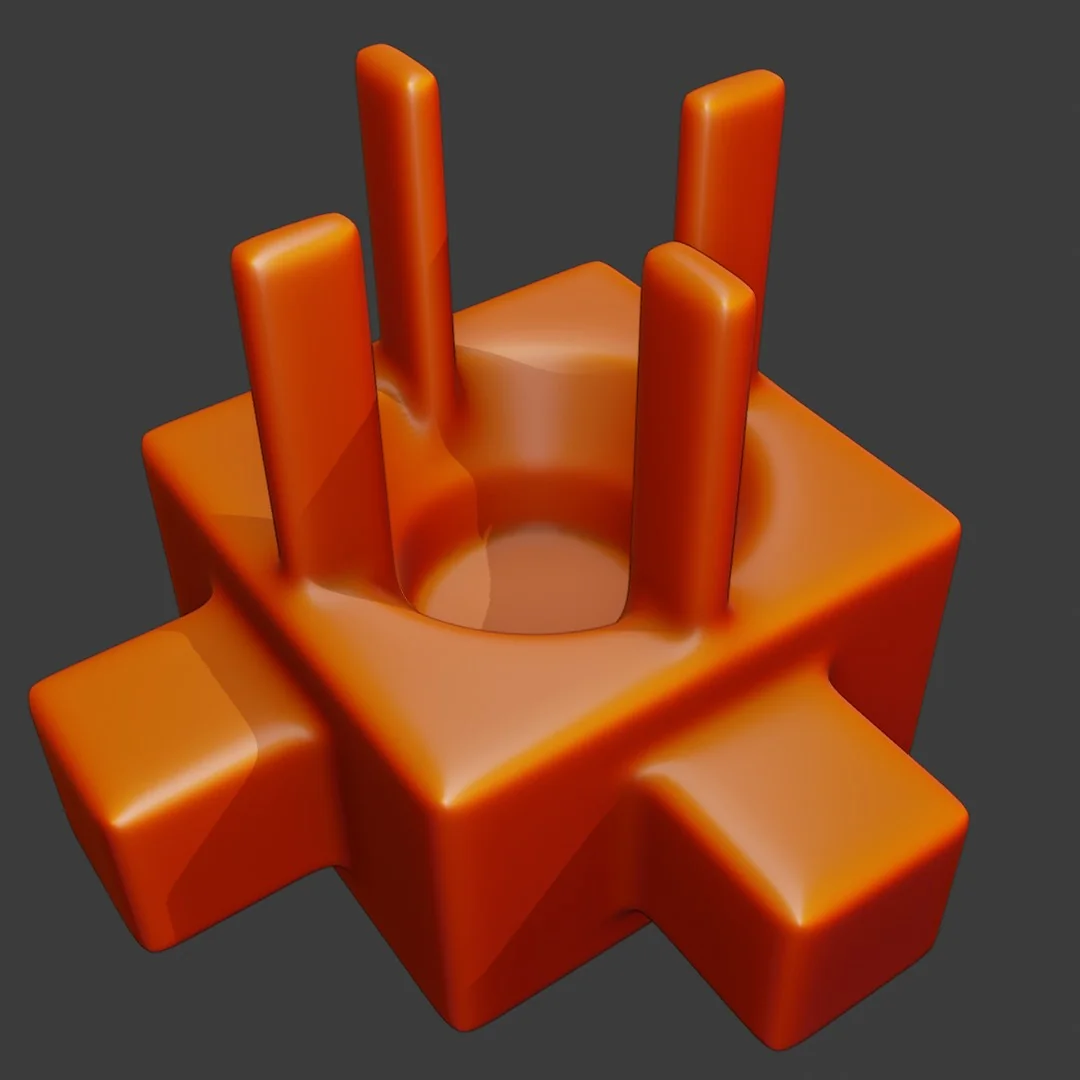
One-click Remesh + Smooth cleanup that melts boolean assemblies into organic forms, plus Fast/Exact solver switching. Packaged as a Blender 4.2+ Extension.
Drop differently sized cables and pipes straight onto an object — geometry-node INSERTS that route in seconds and stay fully editable. Turn any result into a reusable INSERT with KIT OPS Pro.
A bonus package of scene props for staging your designs, included with the system.
Smartly named groups with customizable Favorites buttons, so you find exactly the right tool for the task instantly.
You're not just buying files — you get the workflow walkthrough. Six short chapters from install to advanced INSERTS, plus exercise builds like Power Cell and Cable Terminator.
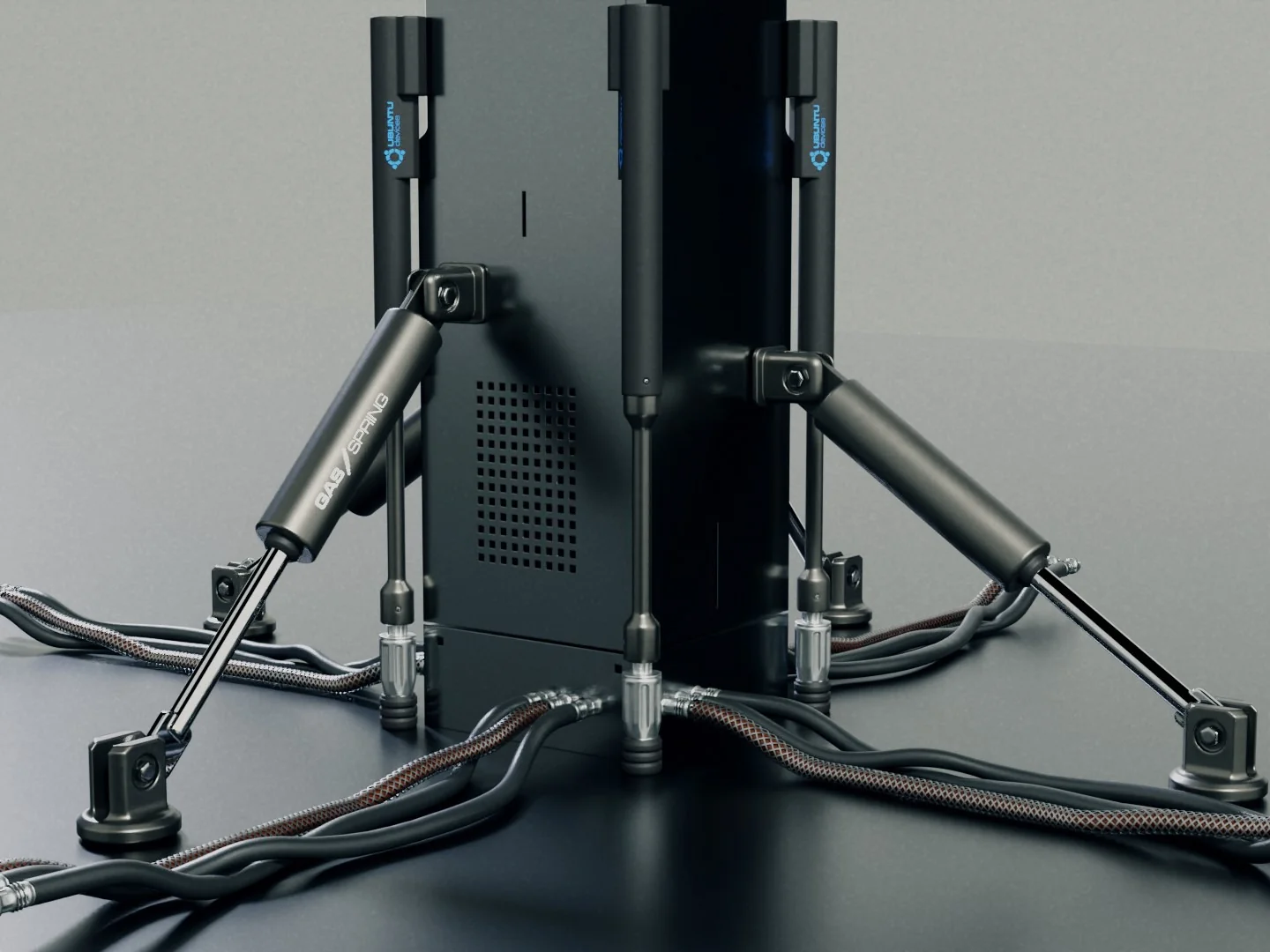 // design-magic.kpack
CAD designers don't sculpt; they start with a solid and cut and combine forms until the design is right. Design Magic brings that strategy into Blender: DM- cutters carve panel lines and detail, DM+ unions add housings and mechanical features, and everything stays editable while the design is still evolving.
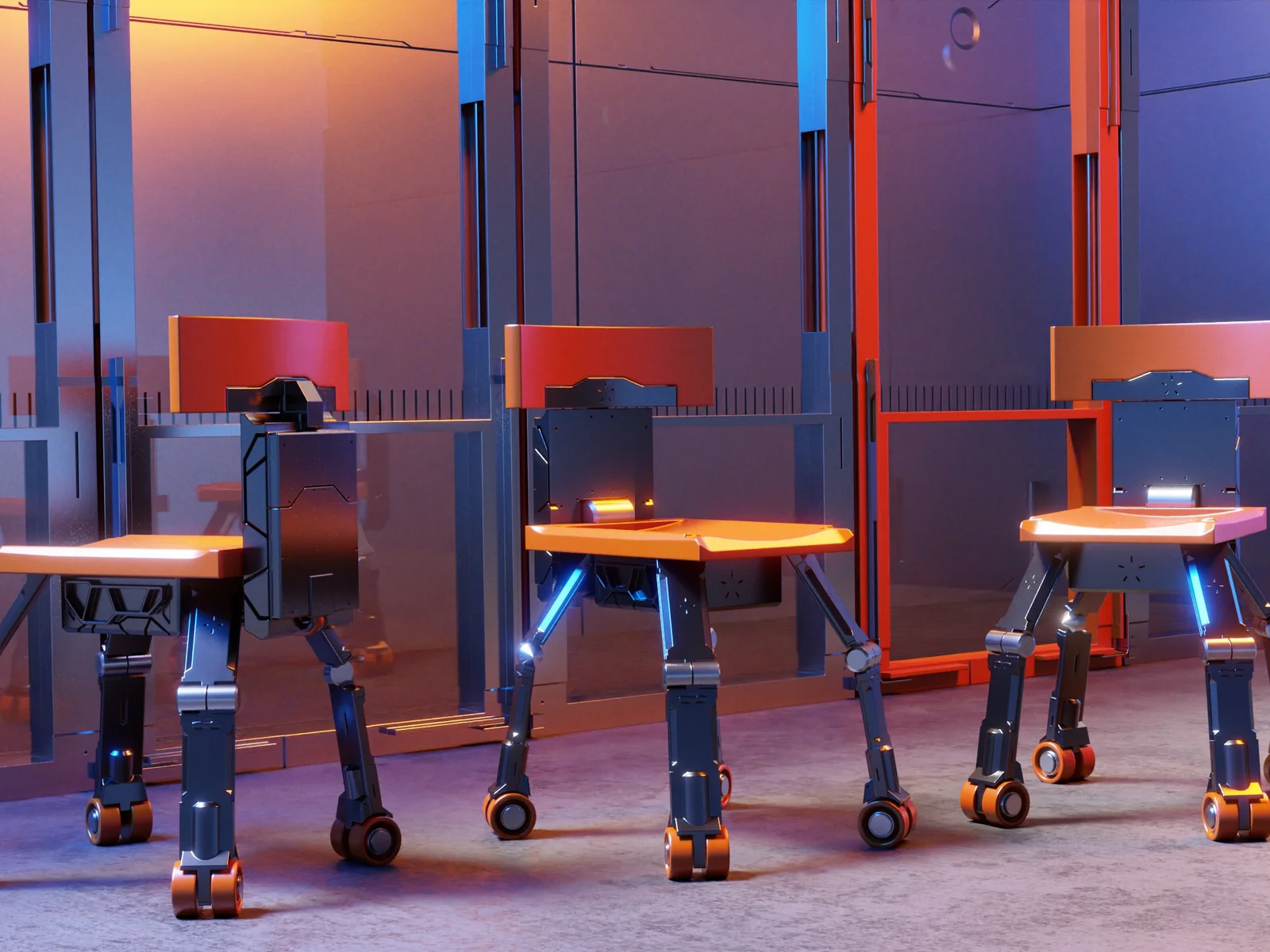 // design-magic.concept
Design Magic is the creative library and method layered on KIT OPS — the placement, snapping, and boolean engine. You don't need Pro to use Design Magic: KIT OPS Free places every INSERT with full surface snapping. Pro adds favorites and turning your own creations back into reusable INSERTS.
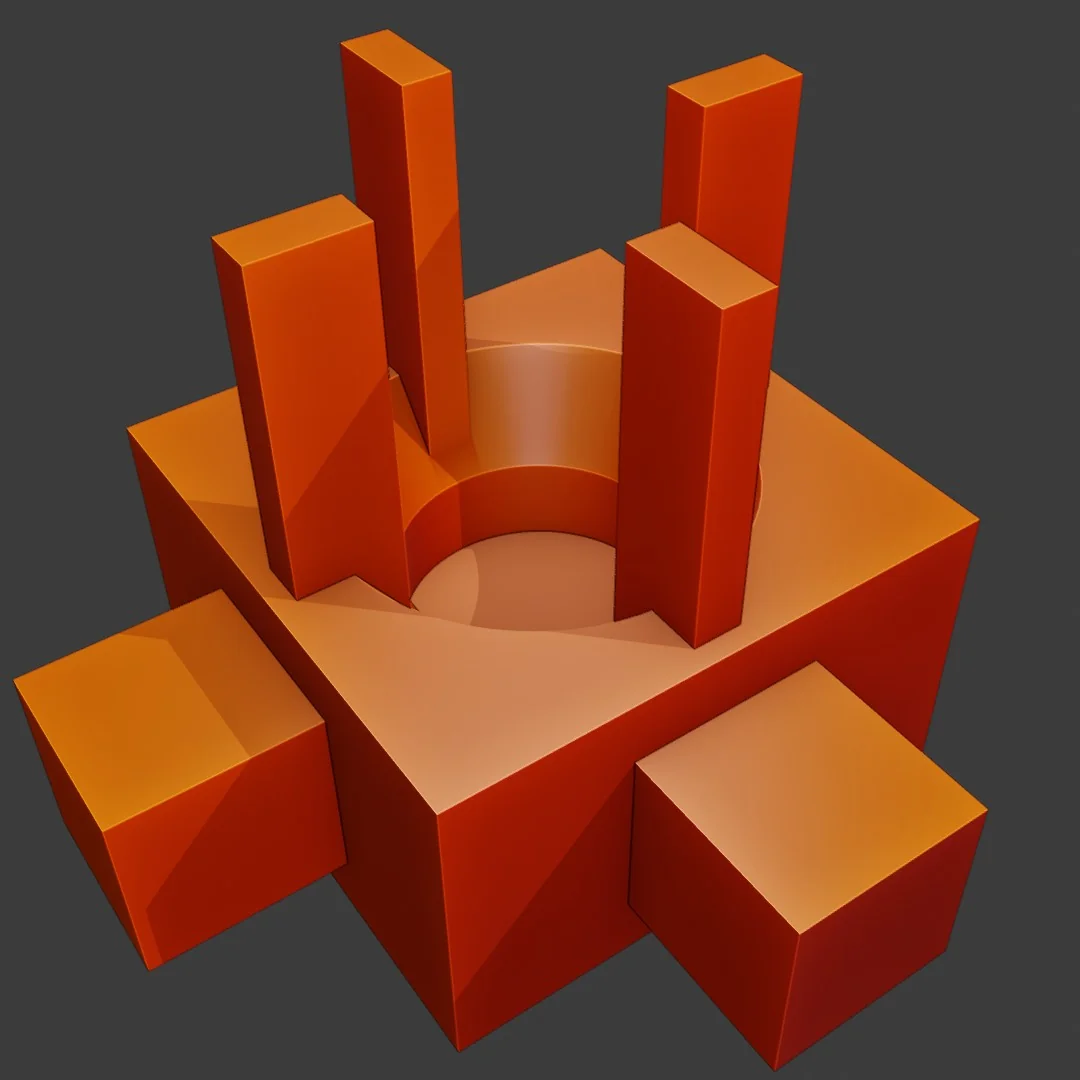
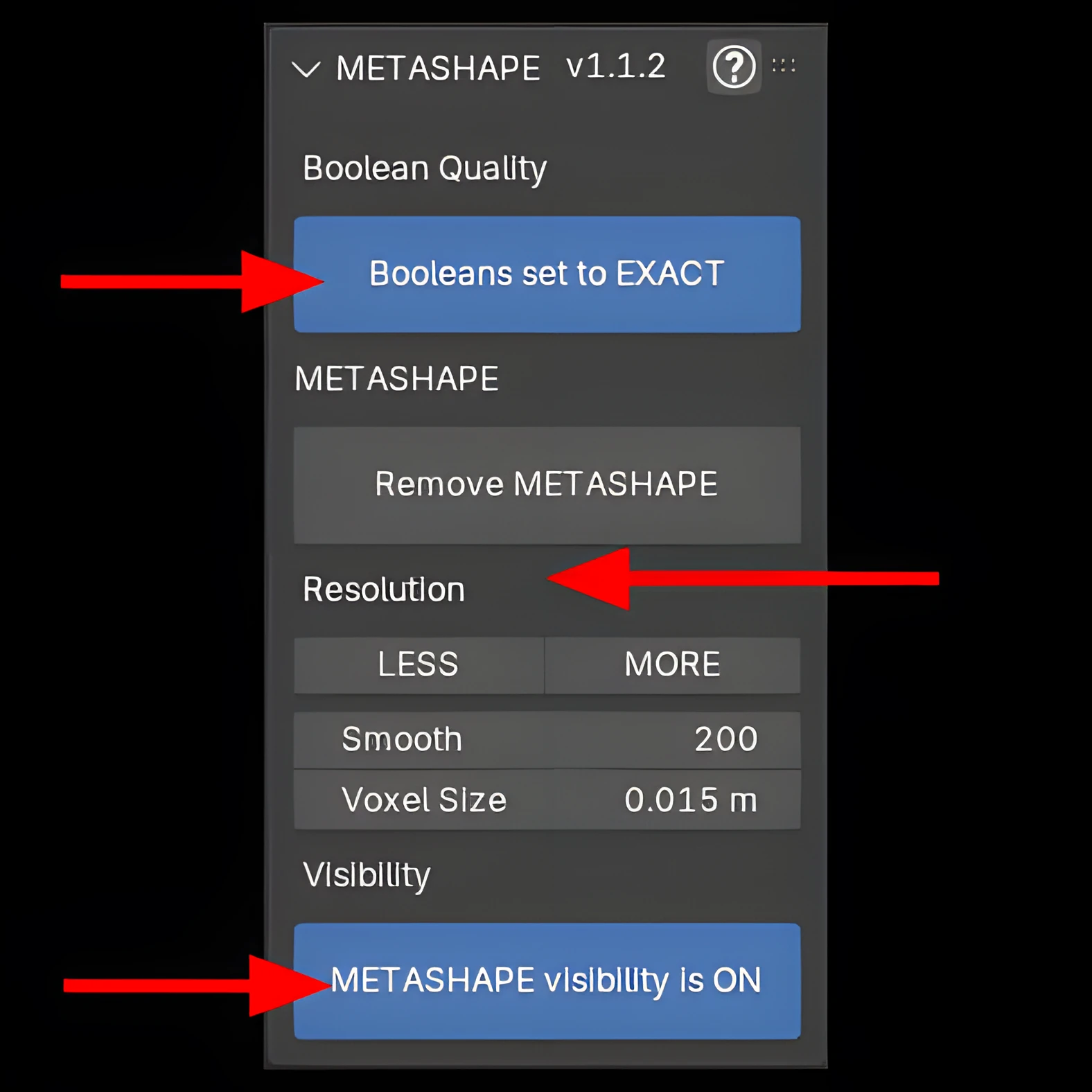
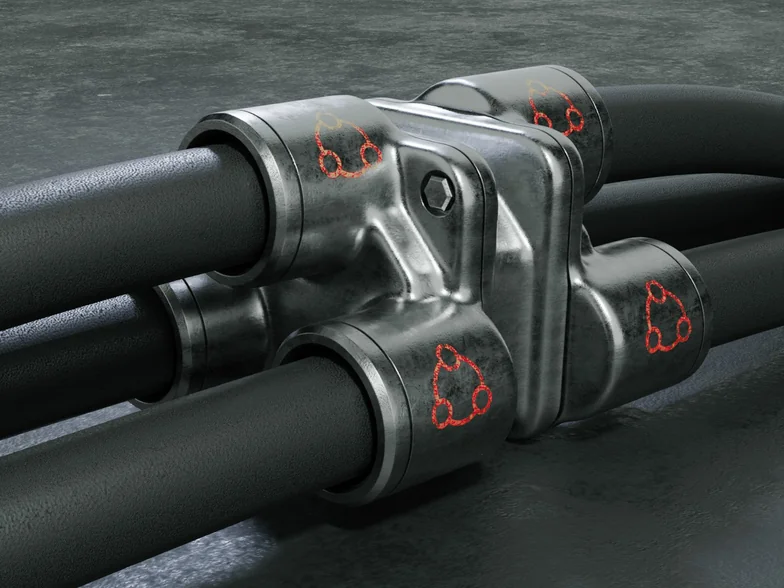
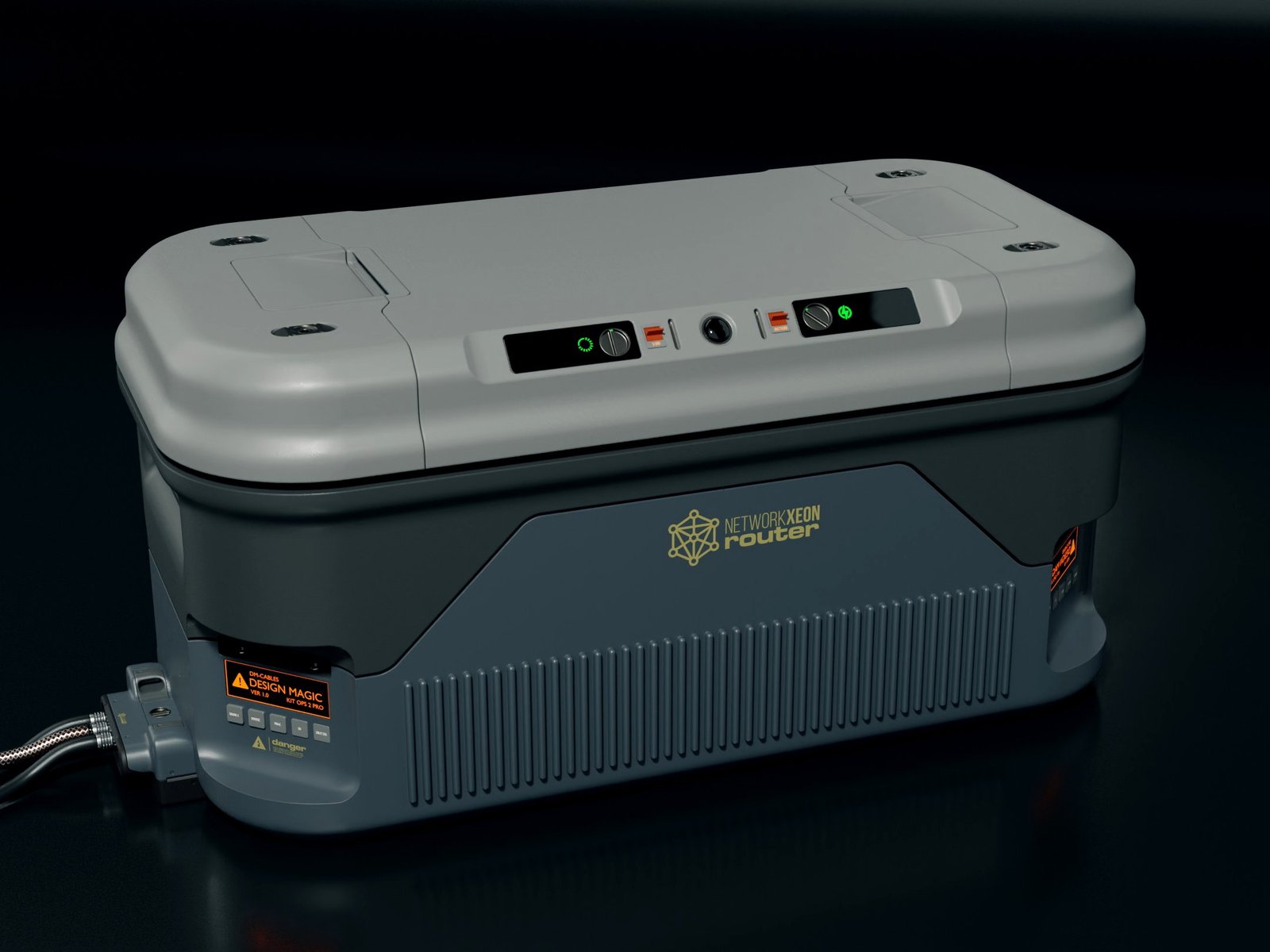
METASHAPE is the finishing layer included with Design Magic. One click adds a tuned Remesh + Smooth stack that turns a hard boolean assembly into a smooth, editable organic form. LESS / MORE changes resolution, FAST / EXACT switches the boolean solver, and the visibility control lets you compare the original cut with the smoothed result. METASHAPE also works as a standalone Blender 4.2+ Extension on any mesh — KIT OPS is not required for this part of the package. The assembly shown below is a single object, built with Design Magic parts and snapping modes.
“They'll easily make me (at least) twice as efficient in as little as a day… Couldn't recommend them any higher!”
“Easy to use, fast — really great for quick set design. Using in a MOVIE environment, makes for very quick previs and concepts!”
“It makes designing much more enjoyable by making it far easier and faster… definitely worth the price — and the documentation is on point.”
Yes. KIT OPS Free or Pro is the engine that places Design Magic INSERTS and manages their booleans. KIT OPS Free is enough to use the full Design Magic library and includes surface snapping.
Pro adds favorites and the ability to turn your own creations into reusable INSERTS. You do not need Pro to place or use the Design Magic library.
No. Design Magic is primarily the 450+-part library and the Speed Modeling workflow. METASHAPE is the included finishing tool for projects that need smooth organic transitions.
Only the basic placement workflow. The included manual begins with installation and walks through solids, cutters, unions, KPACKs, and cables in six chapters.
Design Magic is optimized for concept development, product design, previs, hard-surface exploration, and 3D-printable forms. Plan the usual retopology and UV work if the final asset needs optimized game topology.
Yes. The product is listed as Royalty Free, so you may use the designs you create in commercial work.
The Design Magic listing supports Blender 4.0 through 5.2. METASHAPE installs as a Blender 4.2+ Extension.
Design Magic is strongest when speed, exploration, and editable form matter more than building every polygon by hand.
Explore CAD-style add/subtract forms without leaving Blender.
Build from a consistent vocabulary of solids, cutters, unions, cables, and detail.
Create believable props, environments, and mechanical forms quickly enough to keep pace with ideas.
Develop printable forms through fast boolean iteration and commit the geometry only when the design is ready.
Add a purpose-built design library and complete speed-modeling method to the engine you already use.
Chipp Walters built Design Magic around the way he actually works: begin with useful forms, add and subtract with intent, and preserve the freedom to change the design. His industrial-design background includes lunar-base concepts for NASA, concept work for Nvidia, and computer designs for Compaq, Apple, and Sony. Design Magic has been available since 2021 and remains part of his production workflow.
You're not just buying files — you get the workflow walkthrough. Six short chapters from install to advanced INSERTS; watch in order or jump to what you need.
One purchase, no subscription. Design Magic includes the complete smart-part library, METASHAPE, practical training, and bonus scene props. KIT OPS Free is enough to begin; KIT OPS Pro adds favorites and lets you turn your own work into reusable INSERTS.
Product files used to ship through shared Google Drive folders — and you told us everything wrong with that: permission requests, sign-in walls, throttled downloads, and no way to tell what changed. That system is gone. Every Design Magic file now ships from the CHIPPWALTERS download server: one permanent folder, open in any browser.
This isn't a fire-and-forget asset drop. It's backed by first-class support for Blender customers since 2019 — an active Discord where a human answers, and a catalog of tools trusted by artists worldwide.
450+ smart parts, METASHAPE, and the complete Speed Modeling workflow — $29, one time.