4.2+
Blender
Non-destructive kitbashing for Blender. Snap, cut, and assemble hard-surface detail at the speed of thought — without ever committing a mesh you can't undo.
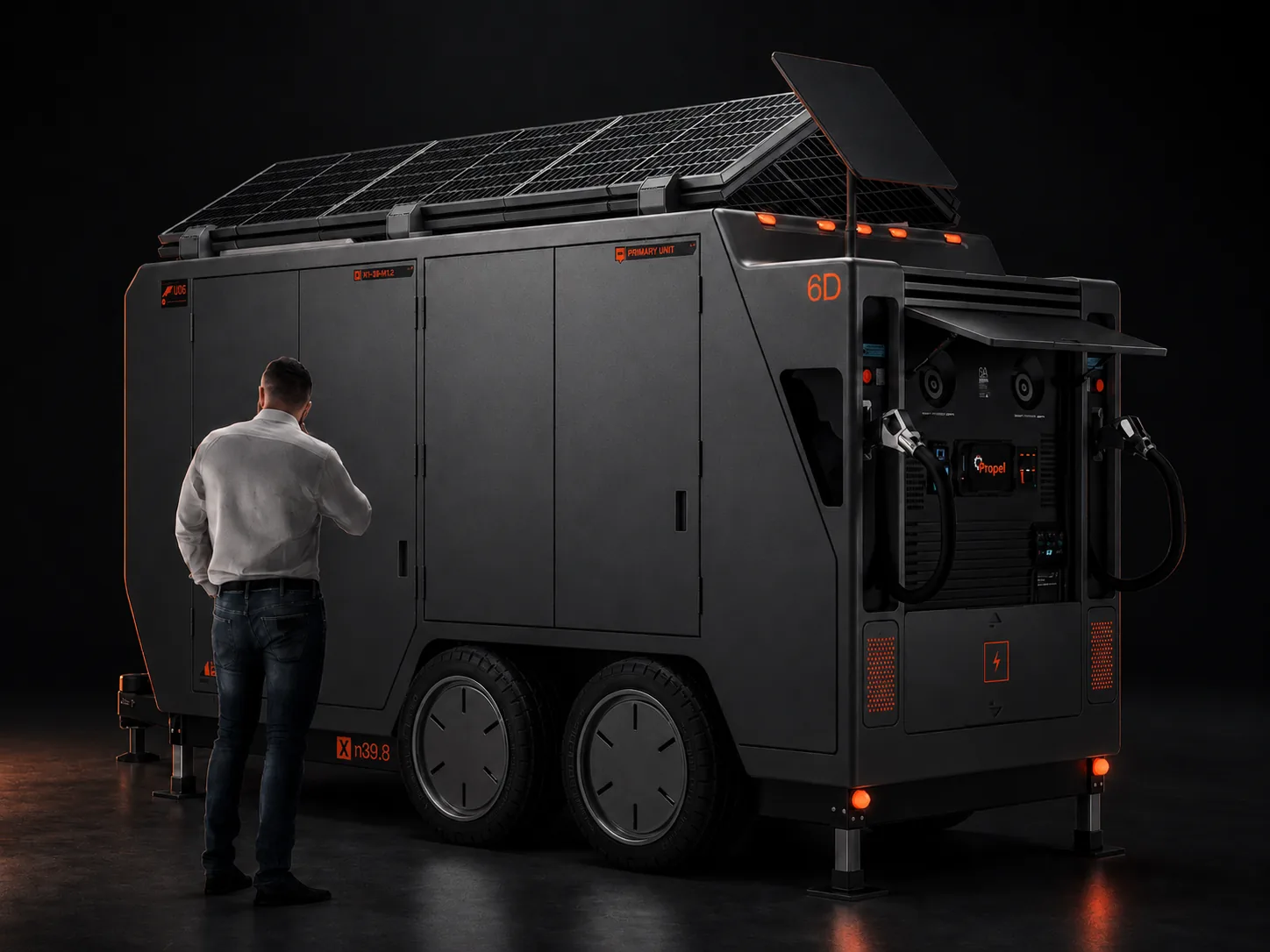 // kitops.hero — hard-surface render
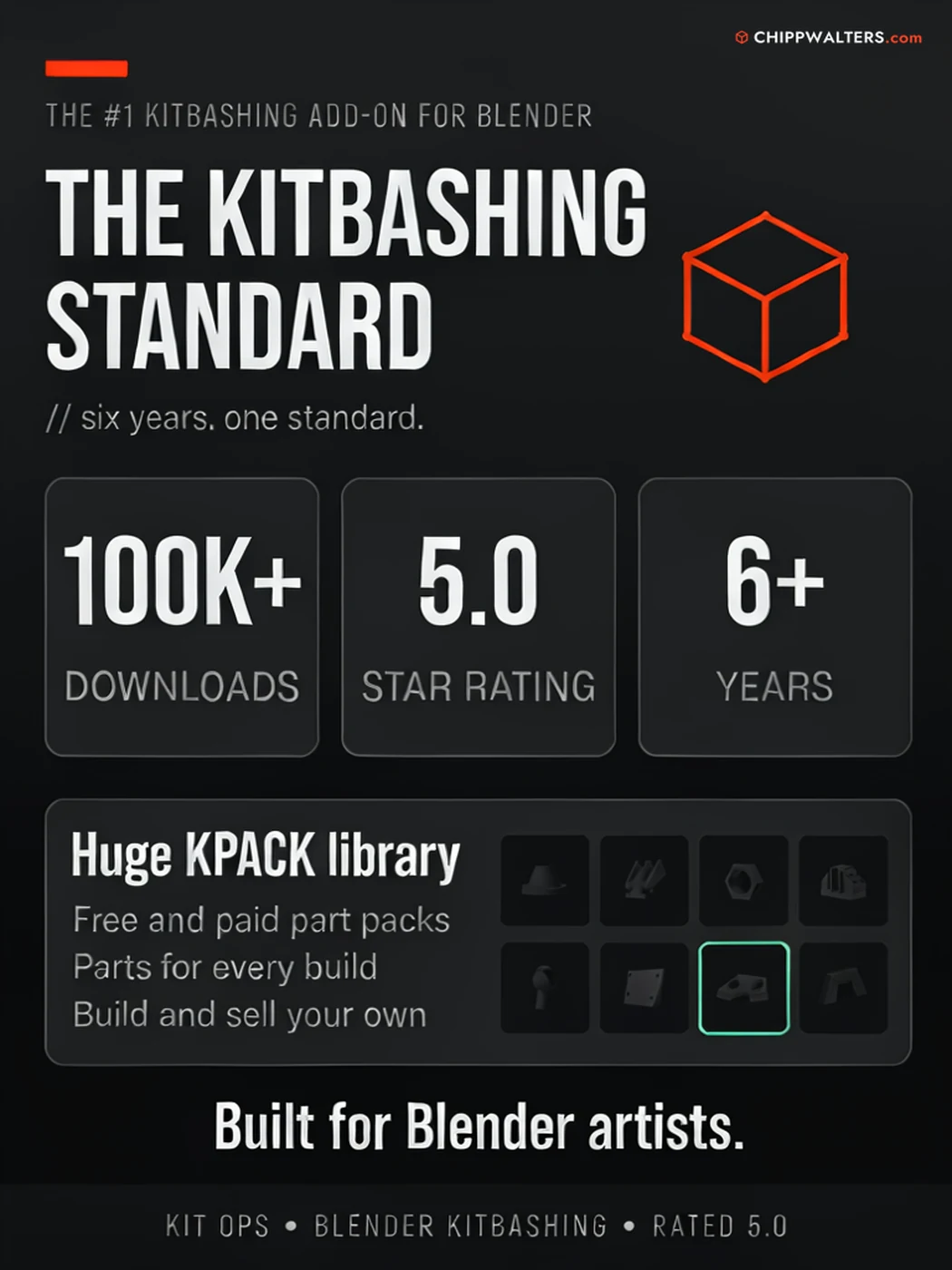
// kit ops 4 — overview
Every operation in KIT OPS PRO is reversible. Cut a panel, drop an INSERT, swap a material — and walk it all back whenever the design changes.
Solids with automatic booleans, materials, geometry-node setups, shader-node groups, and surface decals — one consistent drop-and-place workflow for all of them.
Drop a cutter part and KIT OPS adds and sorts the boolean modifiers on your target for you — across 13+ modifier types, with sort-stop and sort-ignore control.
Hierarchical Sets > Folders > KPACKs > INSERTs, browsed by thumbnail. Lazy-loaded on demand, so even big libraries on network drives stay responsive.
Live mirror, array, align, and stretch with real-time boolean updates. Hardpoints snap parts into precise mounting spots, with optional tag-matching so only compatible parts click together.
Create your own INSERTs — including boolean-cutting ones. The Factory lets you edit, re-thumbnail, and tag cutters, wires, and hardpoints. (Free can quick-create basic parts from the right-click menu.)
KIT OPS BATCH is now built into Pro — bulk-convert whole folders of objects, materials, and PNGs into INSERTs and mass-render thumbnails. Plus the bundled Extra Utilities toolkit: 2D booleans, DeFillet, cleanup, and more.
Build kitbashing libraries from your own assets — geometry, materials, node setups, and decals — then reuse them across every project. KIT OPS treats your parts as a first-class asset, not a one-off.
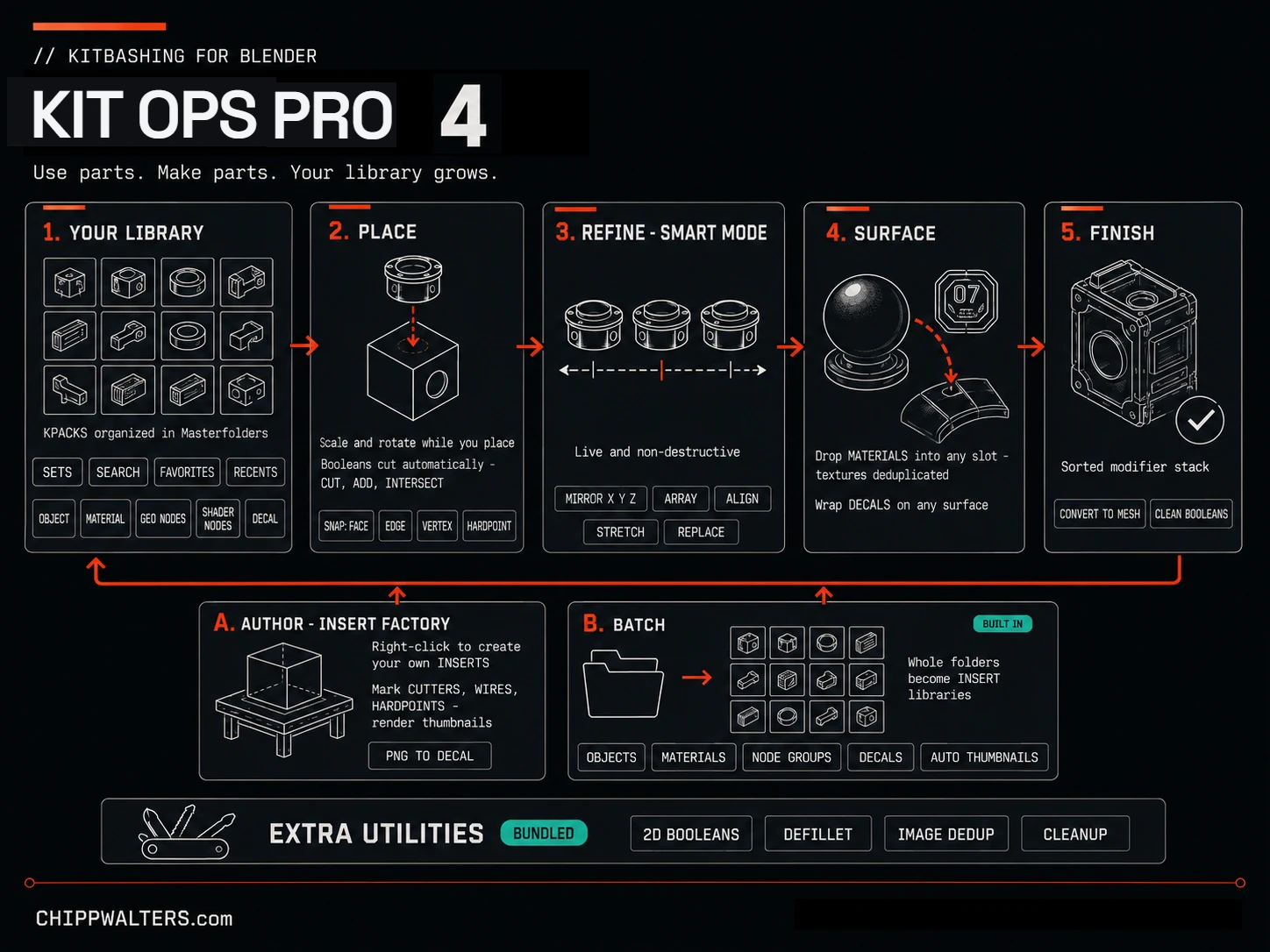
// kit ops pro 4 — use parts. make parts.
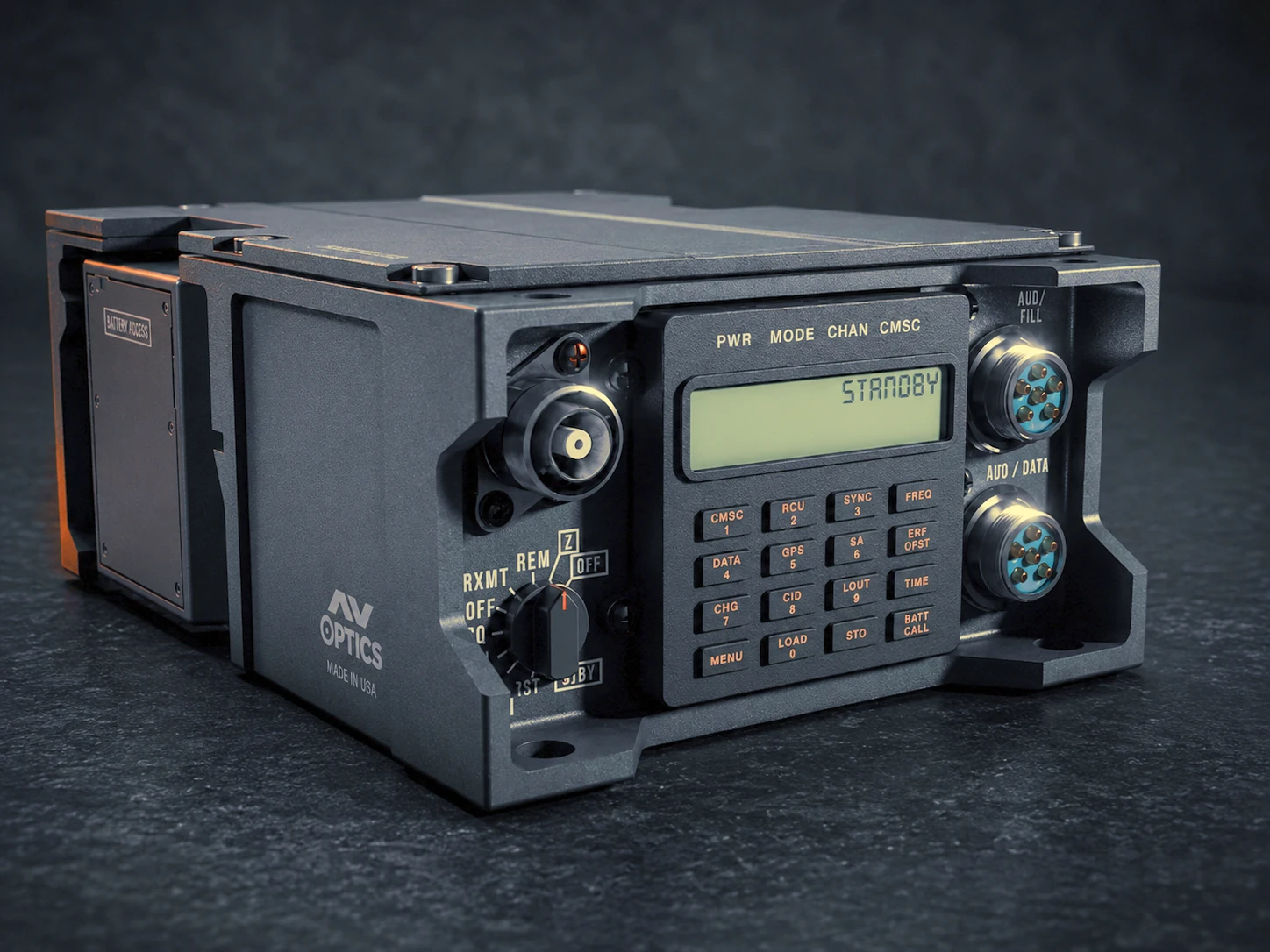 // kitops.live-booleans
Designed to work the way Blender artists already think — keyboard-driven, viewport-native, and predictable. No mode-switching, no surprises.
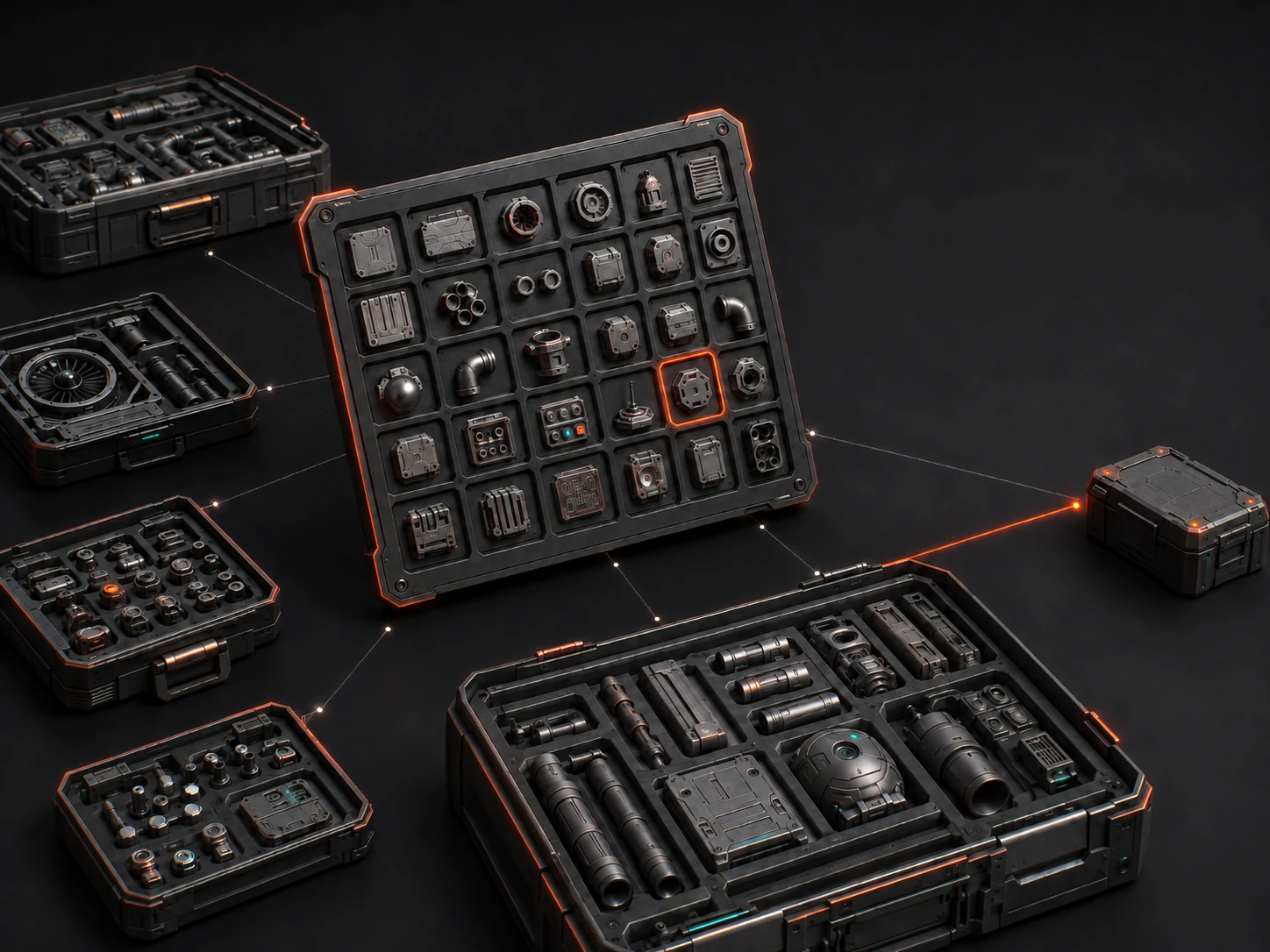 // kitops.kpack-ecosystem
INSERTs live in KPACKs — drop-in libraries you browse as thumbnails. Beyond the parts you build yourself, KIT OPS reads any KPACK: free community packs, the bundled starter sets, and a growing catalog of commercial libraries from CHIPPWALTERS and third-party artists. Point KIT OPS at a folder and the pack just appears. Browse the whole community catalog — 60+ packs from 25+ independent creators, filterable by type and price — in the KPACKS Repository.
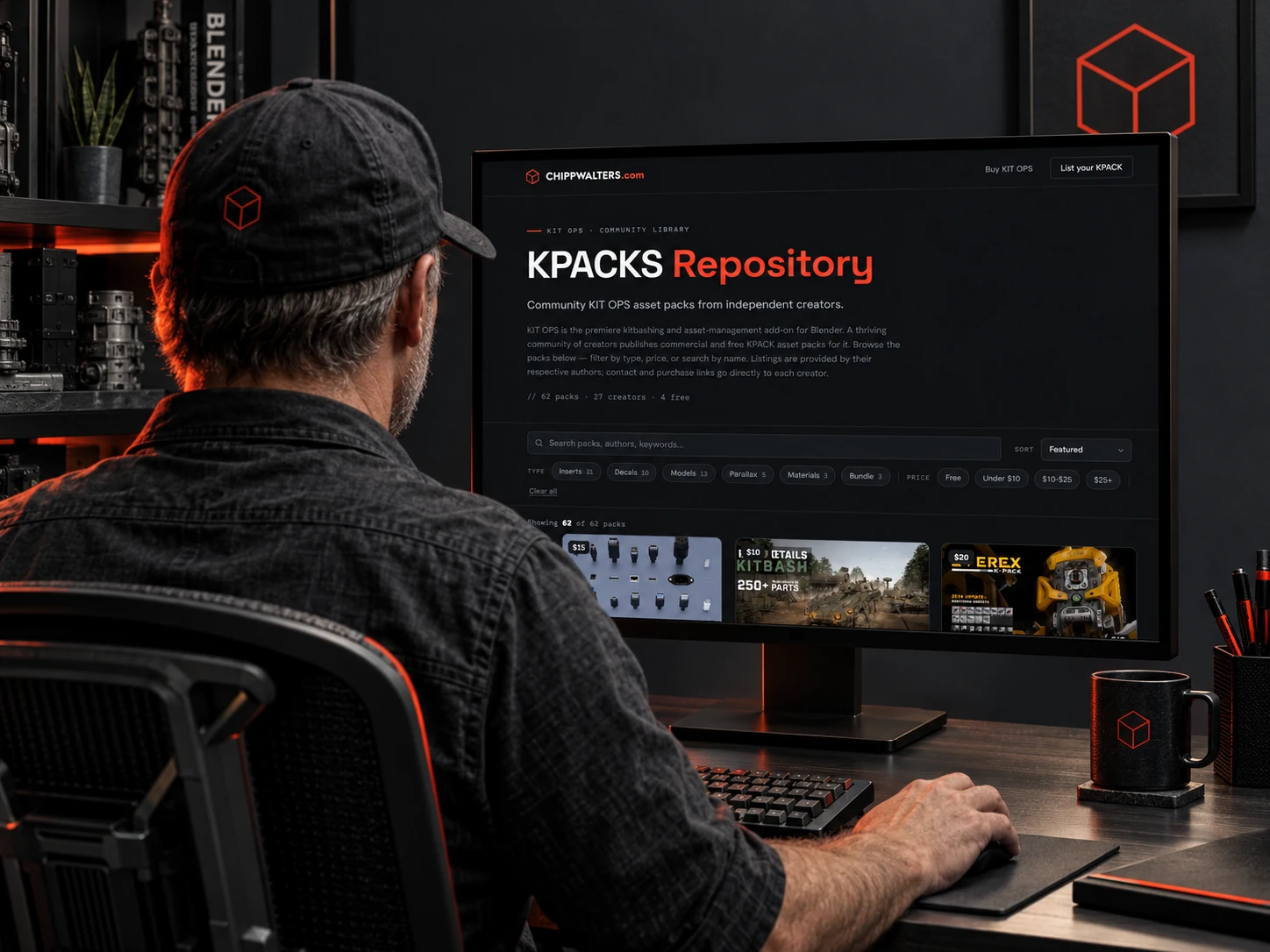 // kpacks.repository — chippwalters.com/kpacks
Every community KPACK, one directory — the KPACKS Repository at chippwalters.com/kpacks collects 60+ packs from 25+ independent creators in a single browsable gallery. Filter by type or price, search by name or author, preview each pack's renders, and jump straight to the creator's store.
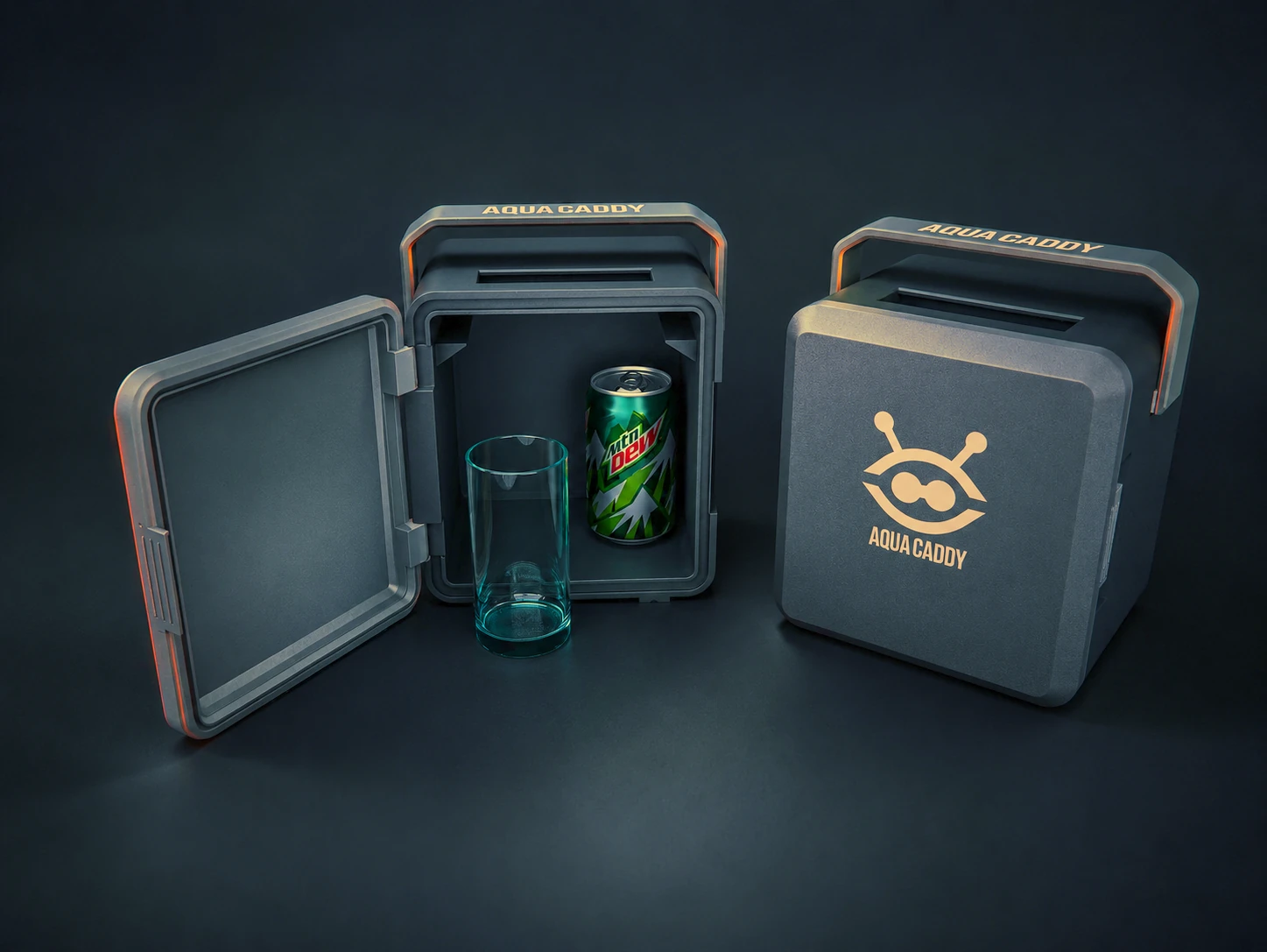
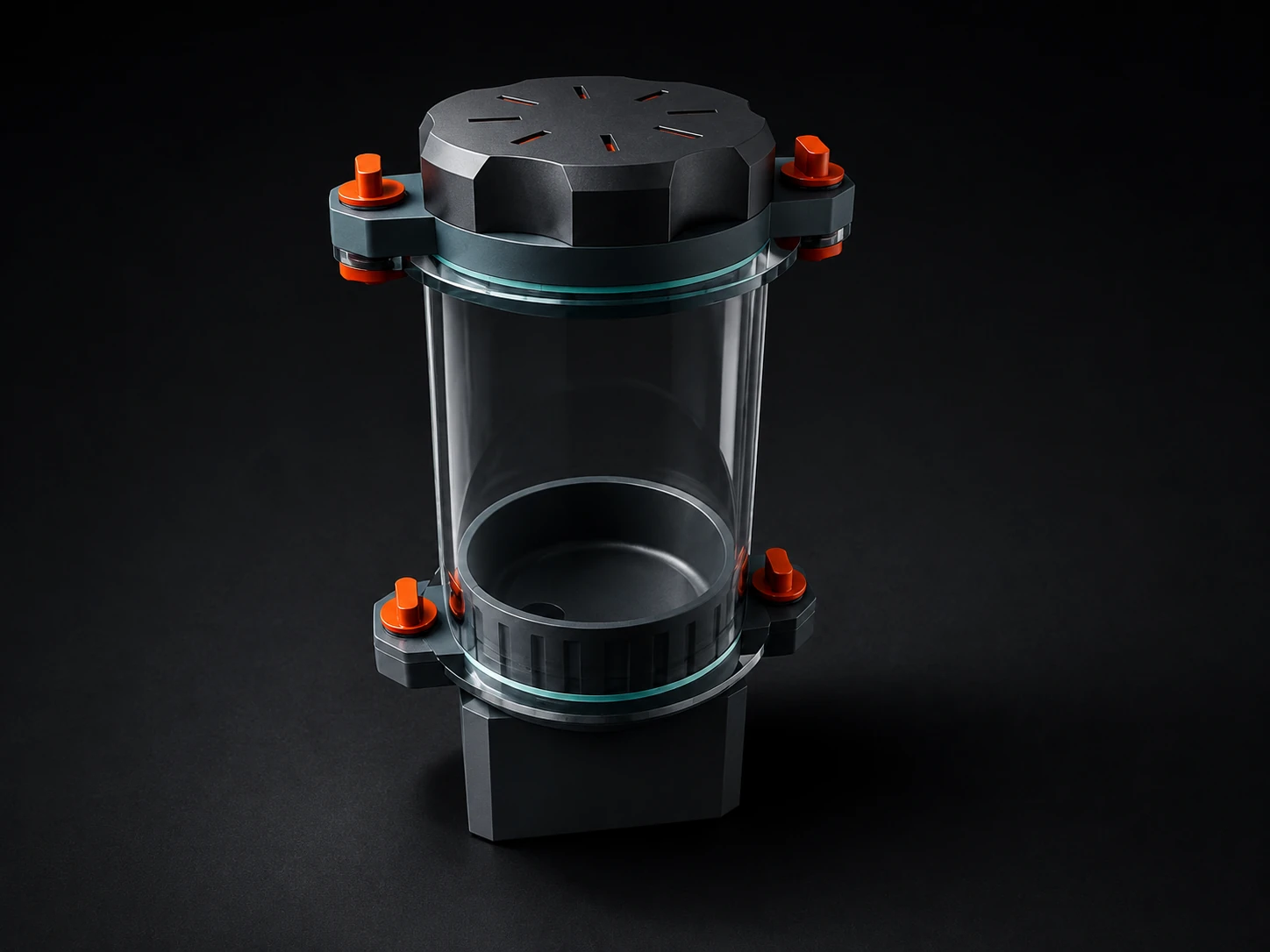

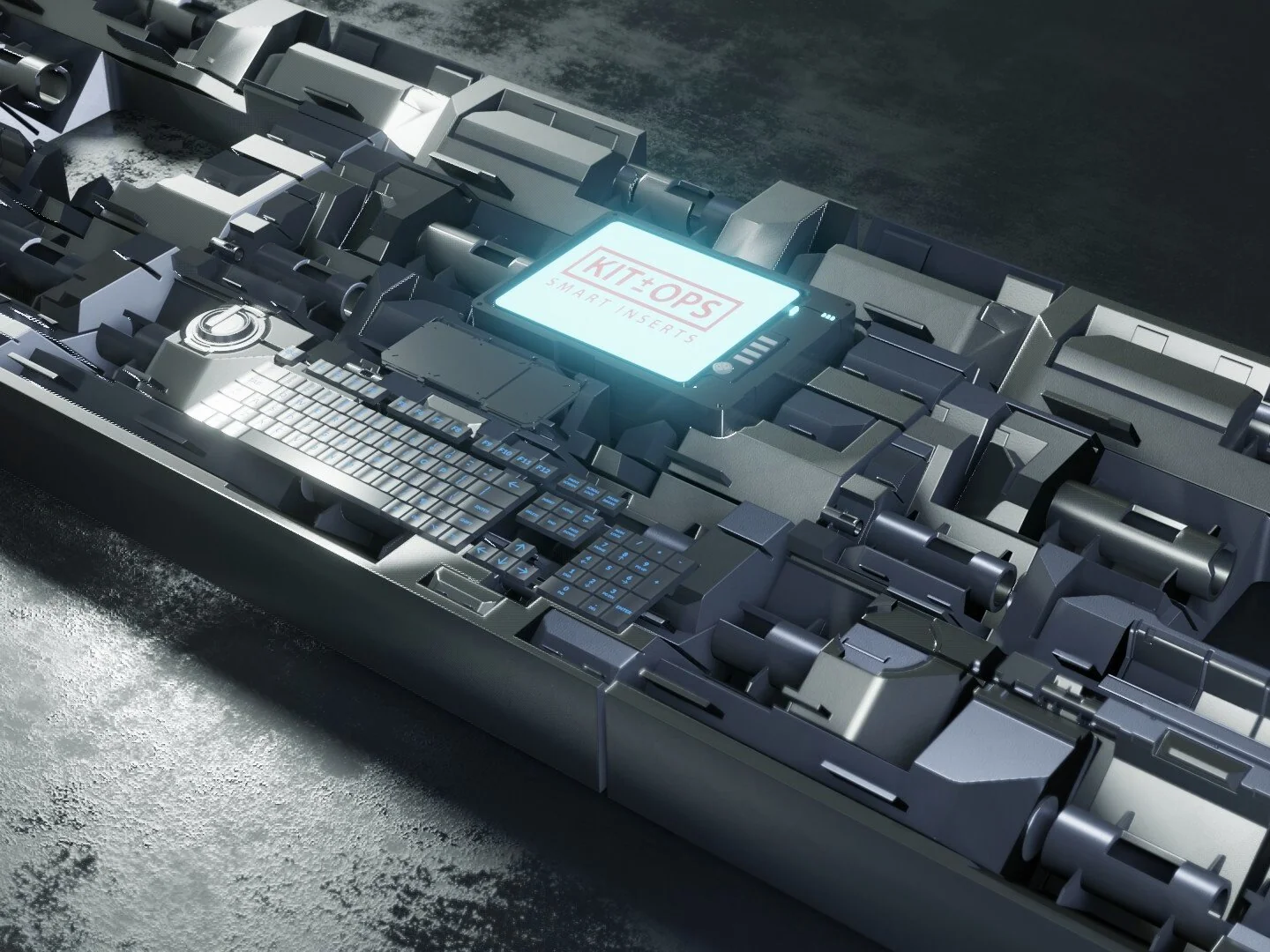
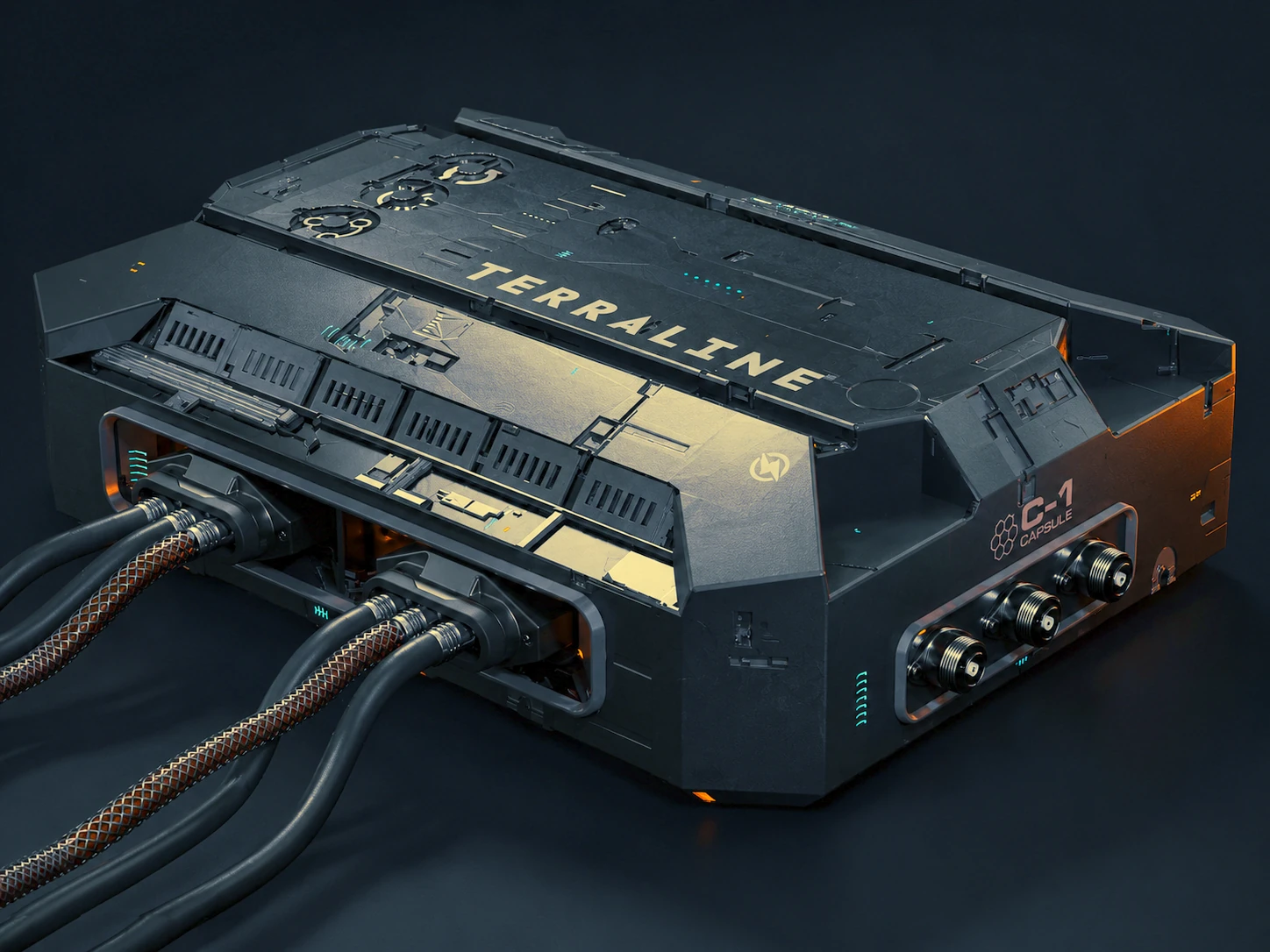
Blender's Asset Browser is a drag-and-drop library. KIT OPS is a modeling system — it predates the Asset Browser, and the built-in still can't do any of the rows below.
Condensed — the full 17-row comparison lives on the Superhive listing.
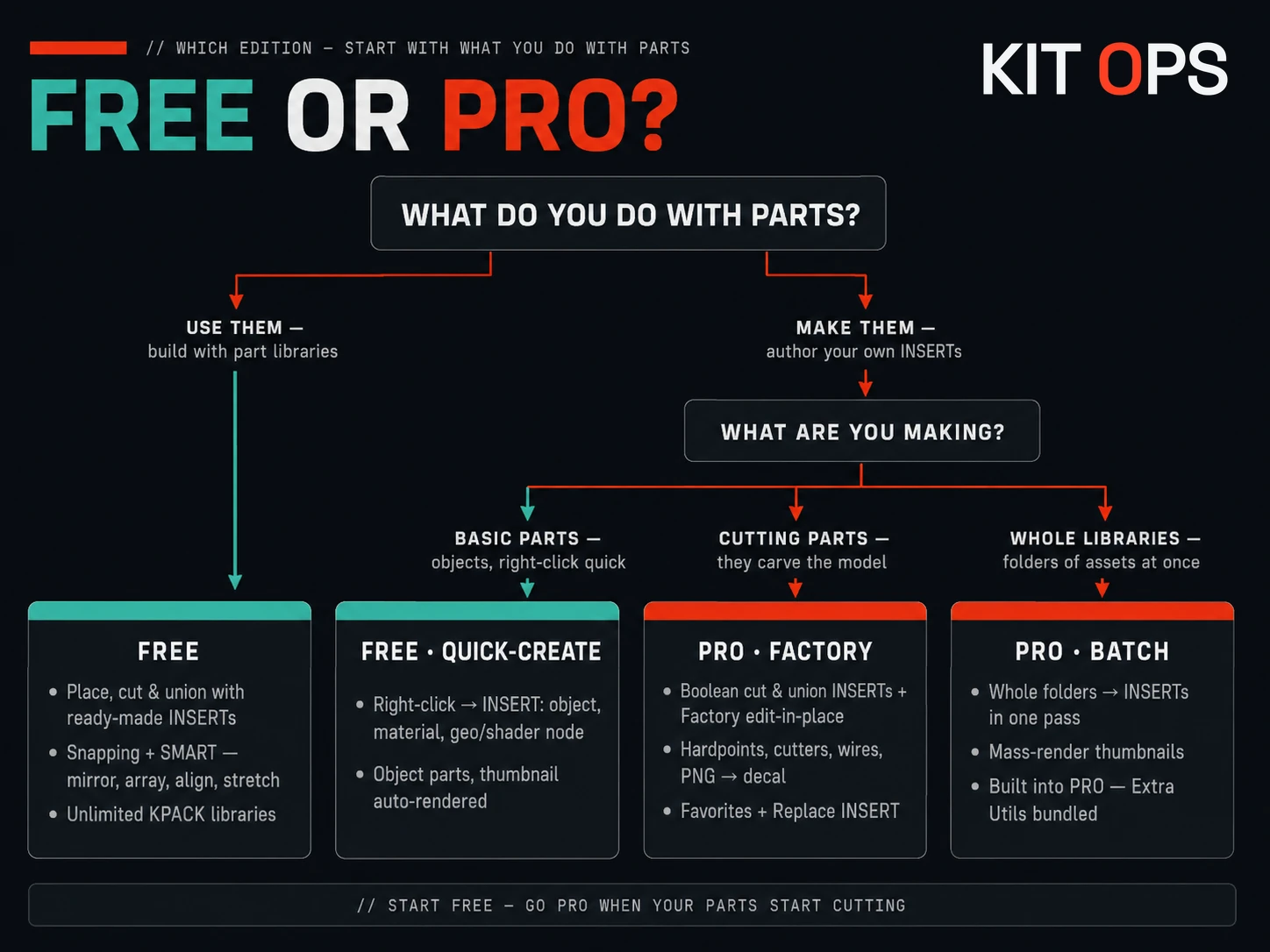
// start free — go pro when your parts start cutting
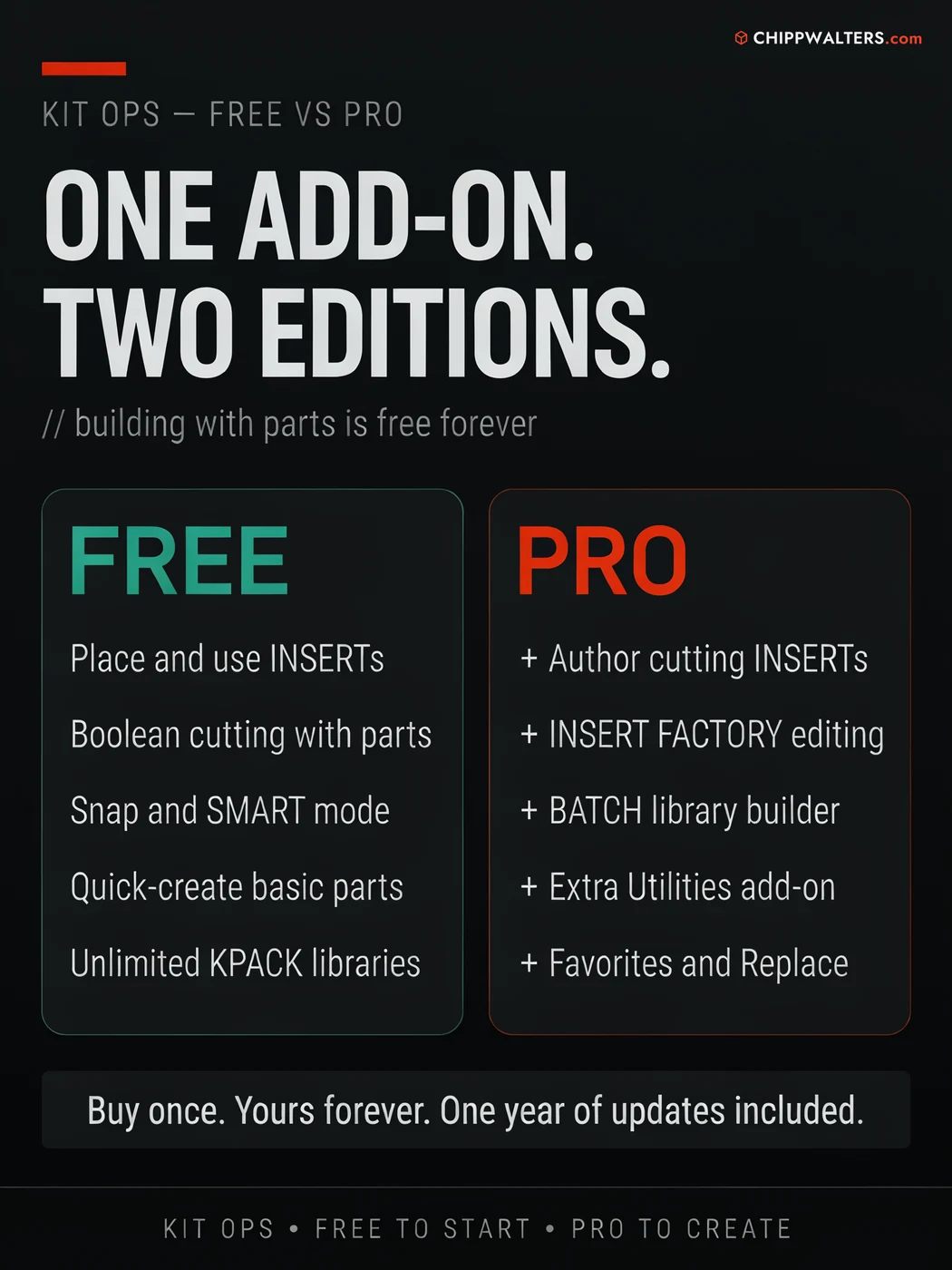
Free and Pro are the same add-on — Pro unlocks the authoring engine and the productivity tools. Everything you need to build with parts is free forever. Pro is for artists who want to make parts, batch-build libraries, and work faster.
// free builds with parts and makes simple ones — pro makes cutting parts, batch-builds libraries, and adds the extra utilities toolkit
KIT OPS PRO ships with the KIT OPS Extra Utilities add-on — a hard-surface repair and cleanup toolkit that earns its own tab. Two headliners: true 2D Booleans, and five different algorithms for removing fillets, chamfers, and radiuses from a model.
Union, subtract, and intersect flat, coplanar shapes — the CAD-sketch workflow, inside Blender. Great for panel cutouts, logos, and profile work before you extrude.
Five different ways to remove fillets, chamfers, and radiuses — in 2D and 3D, on bevels, on faces, plus fillet selection. Un-round imported CAD and downloaded models so they're clean to re-cut.
Origin-to-bottom, wire display toggle, vertex alignment, duplicate image and material cleanup, offset repair, and general mesh cleanup — the small jobs, handled.
Buy KIT OPS Pro once and it's yours forever — it keeps working for as long as you use Blender. Your purchase includes a full year of free updates and support. After that year, an optional 25% renewal buys another year of the latest updates and support; skip it and you simply keep the version you have. In six years, KIT OPS has raised its upgrade price exactly once.
KIT OPS isn't a fire-and-forget asset drop — it's the flagship of a catalog of Blender tools backed by first-class support since 2019: an active Discord where a human answers, and years of updates behind it.
Join the artists using KIT OPS PRO to detail hard-surface scenes without fear of the commit. Own KIT OPS 3 Pro from Gumroad? Your renewal link is on your KIT OPS 3 download page in your Gumroad library.