3,500+
Copies sold
Flex 2 is three products in one: a greeble displacement-map generator, a trim-sheet & atlas map generator — both baking 16-bit EXR with matching diffuse, metallic, and emissive maps — and a GN builder that spawns thousands of textured sci-fi objects across any surface. Built for hard-surface and sci-fi artists — spaceship hulls, cityscapes, panels, props, and environments.
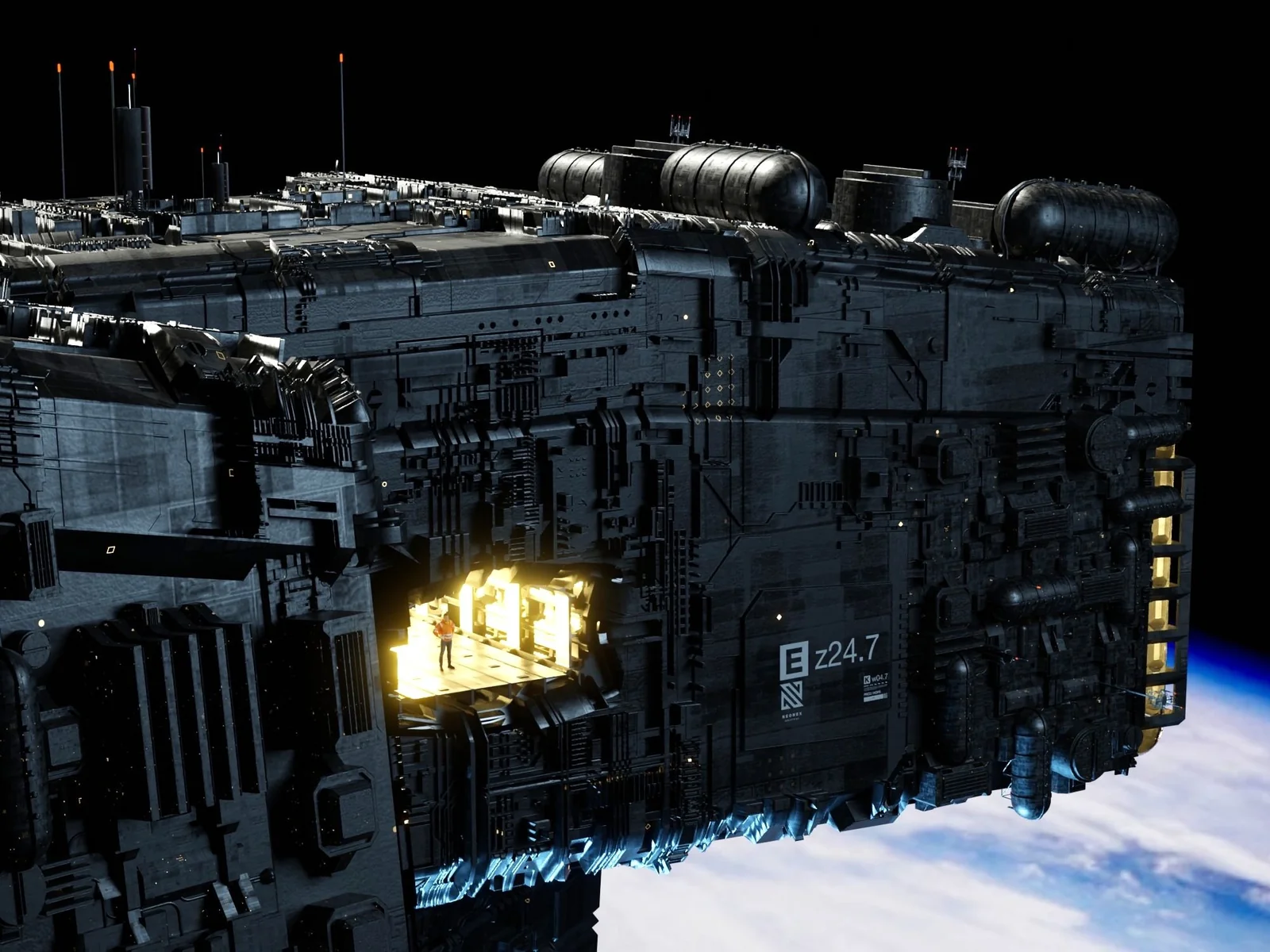 // flex-2.relief
Flex 2 turns simple surfaces into richly detailed sci-fi environments using instanced geometry, tileable textures, and high-resolution displacement maps — all from one panel inside Blender. Build spaceship hulls, sprawling cities, intricate panels, and production-ready surface detail without modeling every piece by hand.
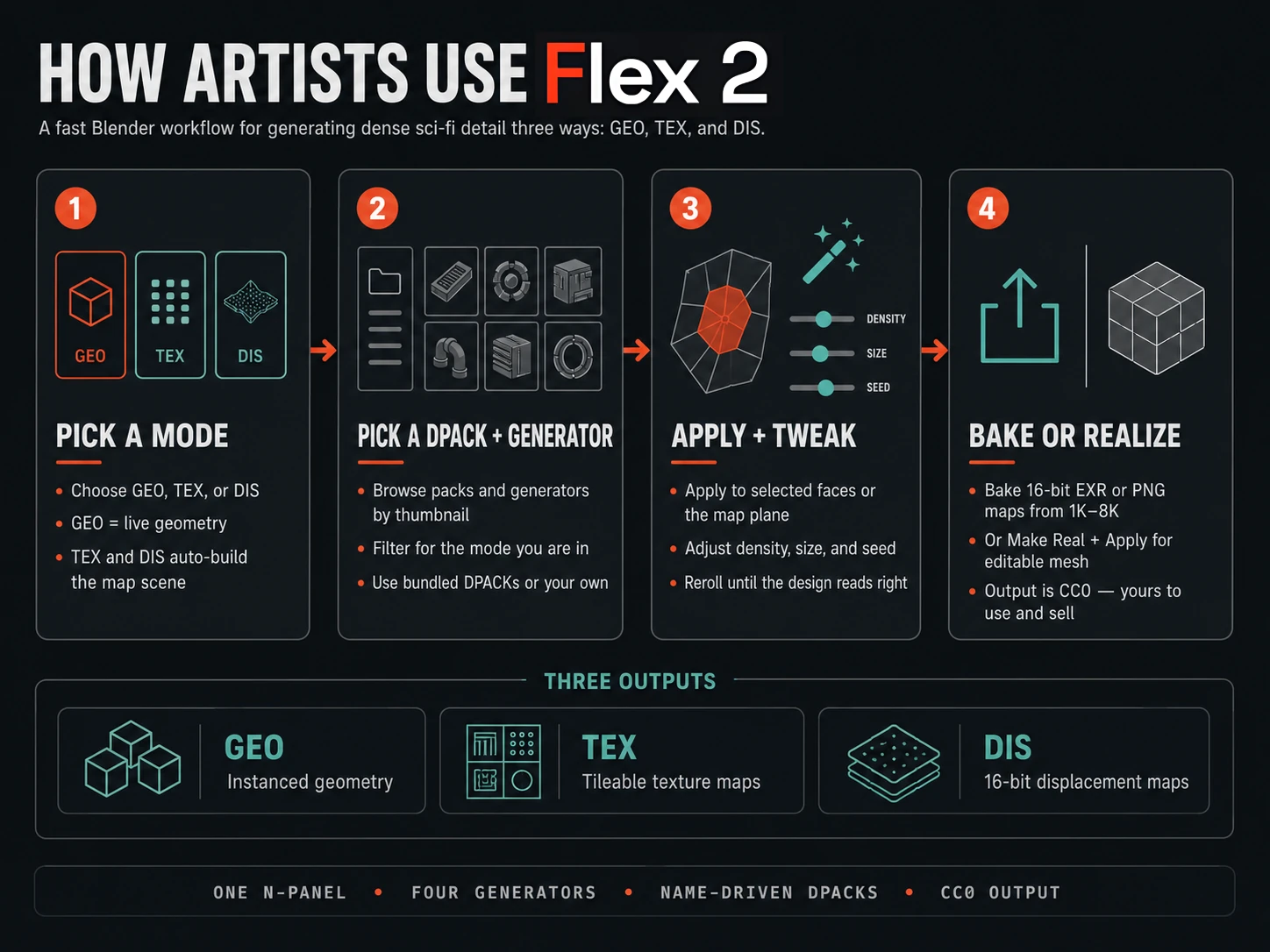
// flex 2 — the workflow, start to finish
// watch flex 2 build a massive scene — scifi flex v2 creates massive scenes
Flex 2 is three products in one add-on. 01 — a Greeble Displacement map generator: batch-bake tileable greeble patterns as 16-bit EXR. 02 — a Trim Sheet & Atlas map generator: bake displacement with matching diffuse, metallic, and emissive maps from any model, any theme. 03 — the GN Builder: spawn thousands of textured sci-fi objects across any surface — instanced, randomized, and fast.
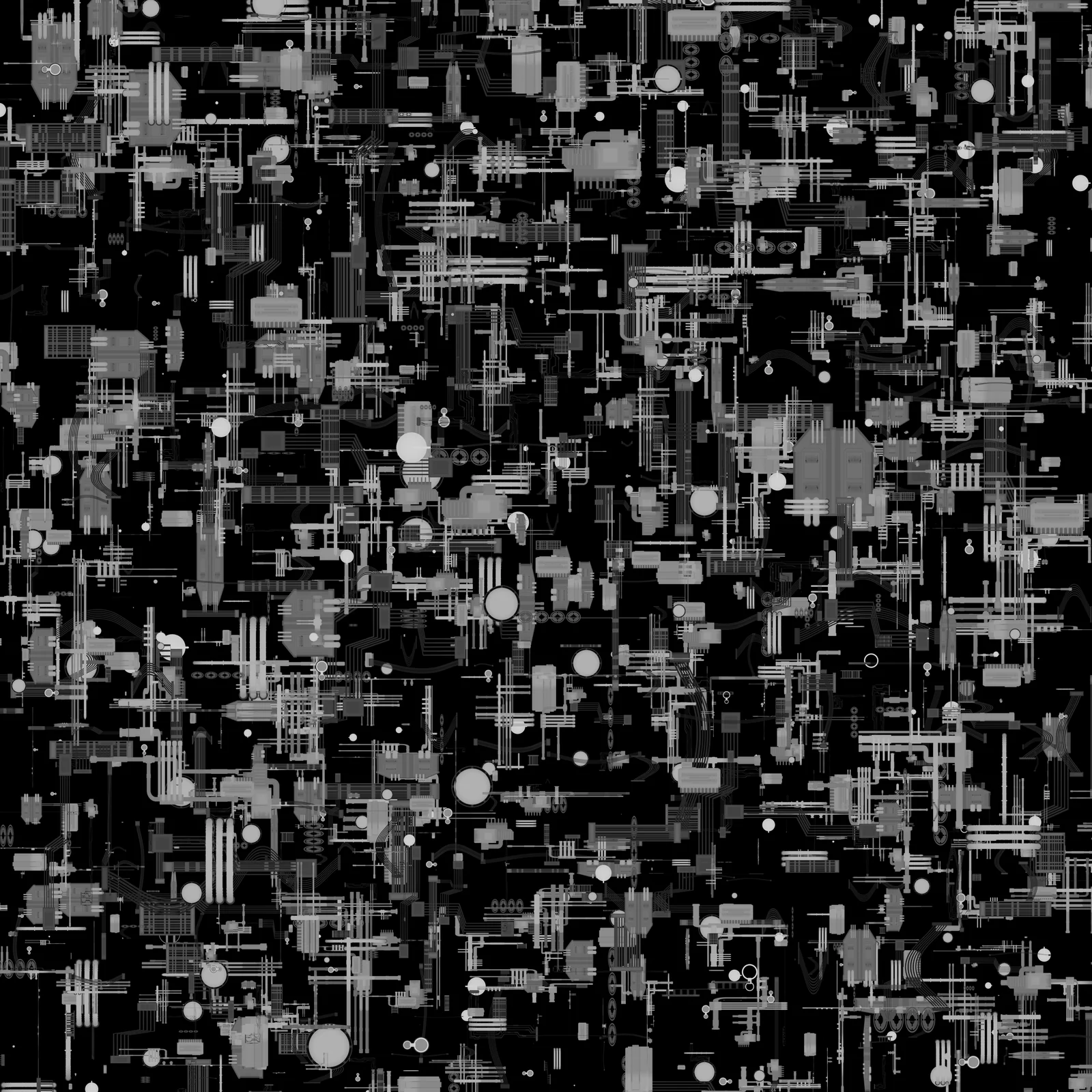
The first product bakes greeble displacement maps: tileable 16-bit EXR patterns (32-bit available) with matching diffuse, metallic, and emissive maps — production files you reuse on anything, in any project.
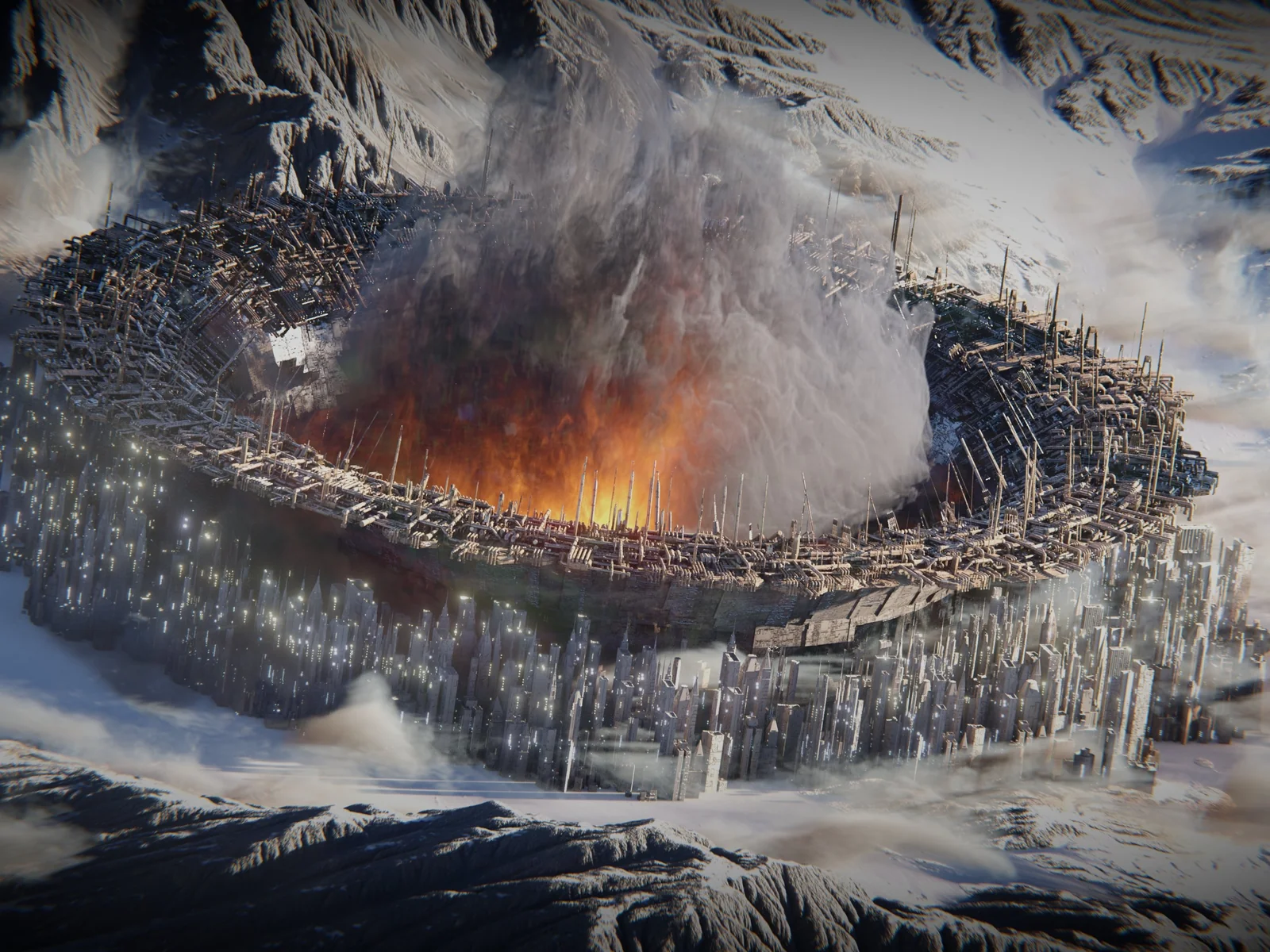 // white room productions — displacement detail at scale
Generate tileable greeble patterns and bake them out fast — each one a 16-bit EXR. Bit depth is why the results hold up: industry-standard 8-bit height maps carry 256 levels and show stair-stepping and noise under displacement; 16-bit carries 65,536 levels and comes out smooth. The jump from 8 to 16 is huge; 16 to 32 is negligible — 16-bit is the preferred format.
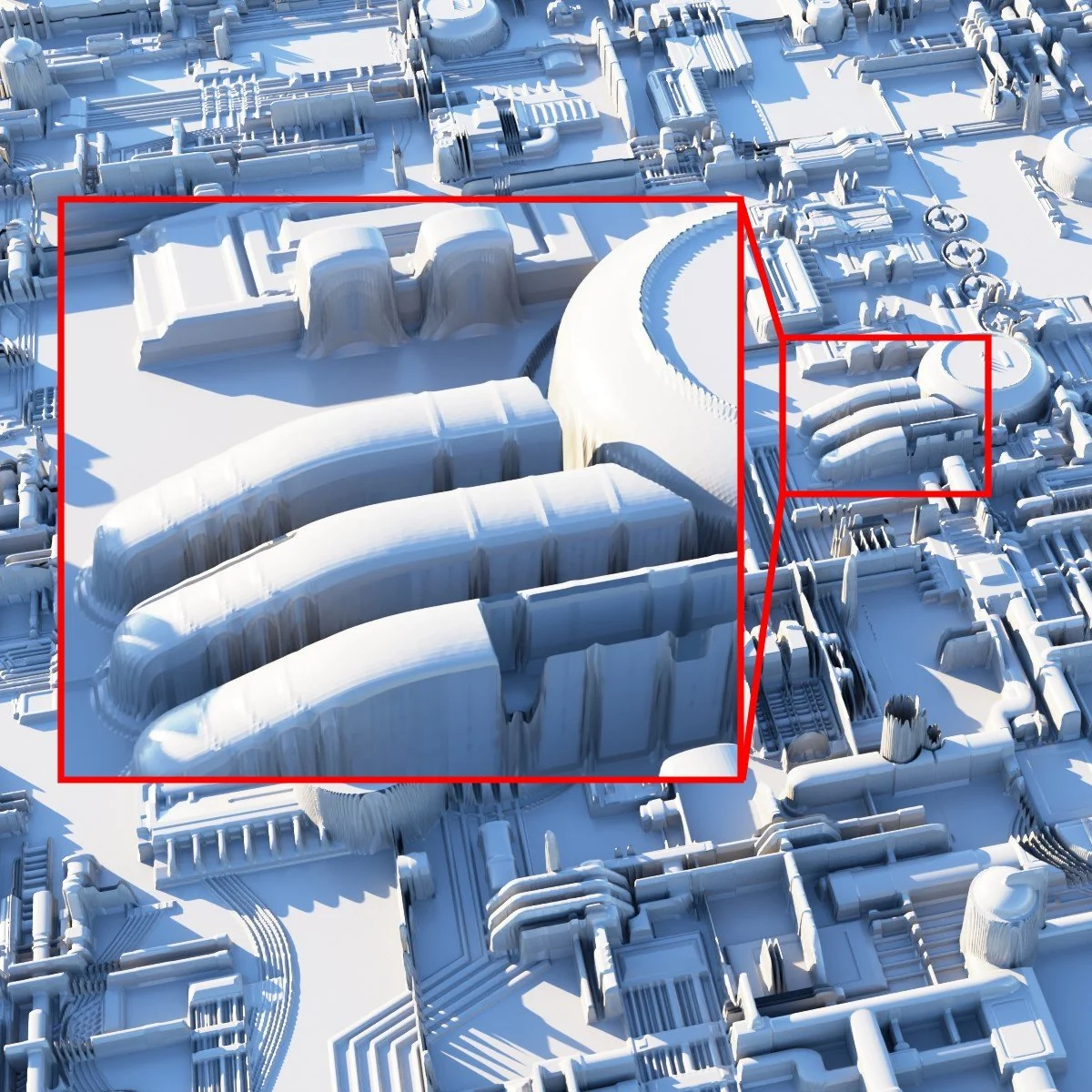
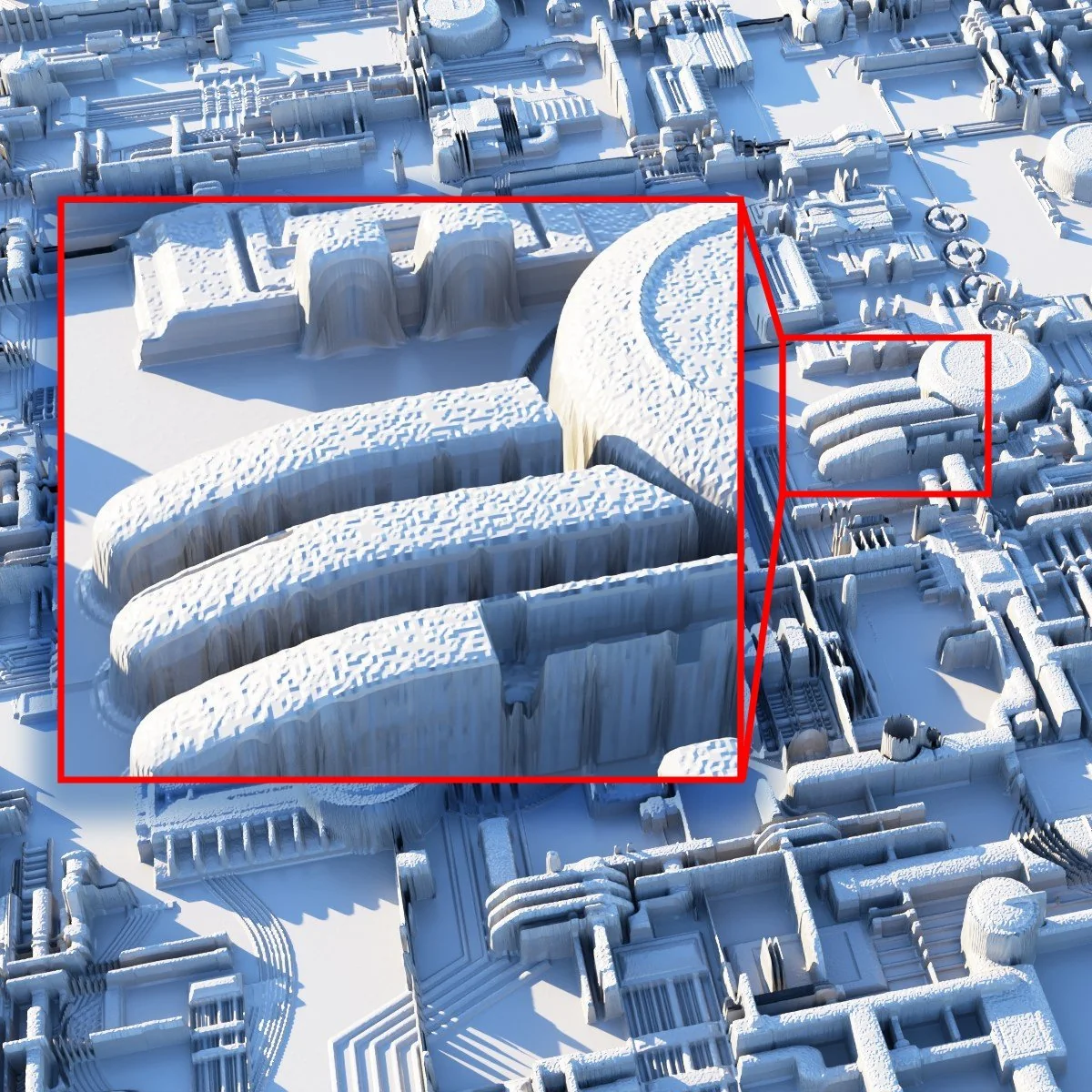
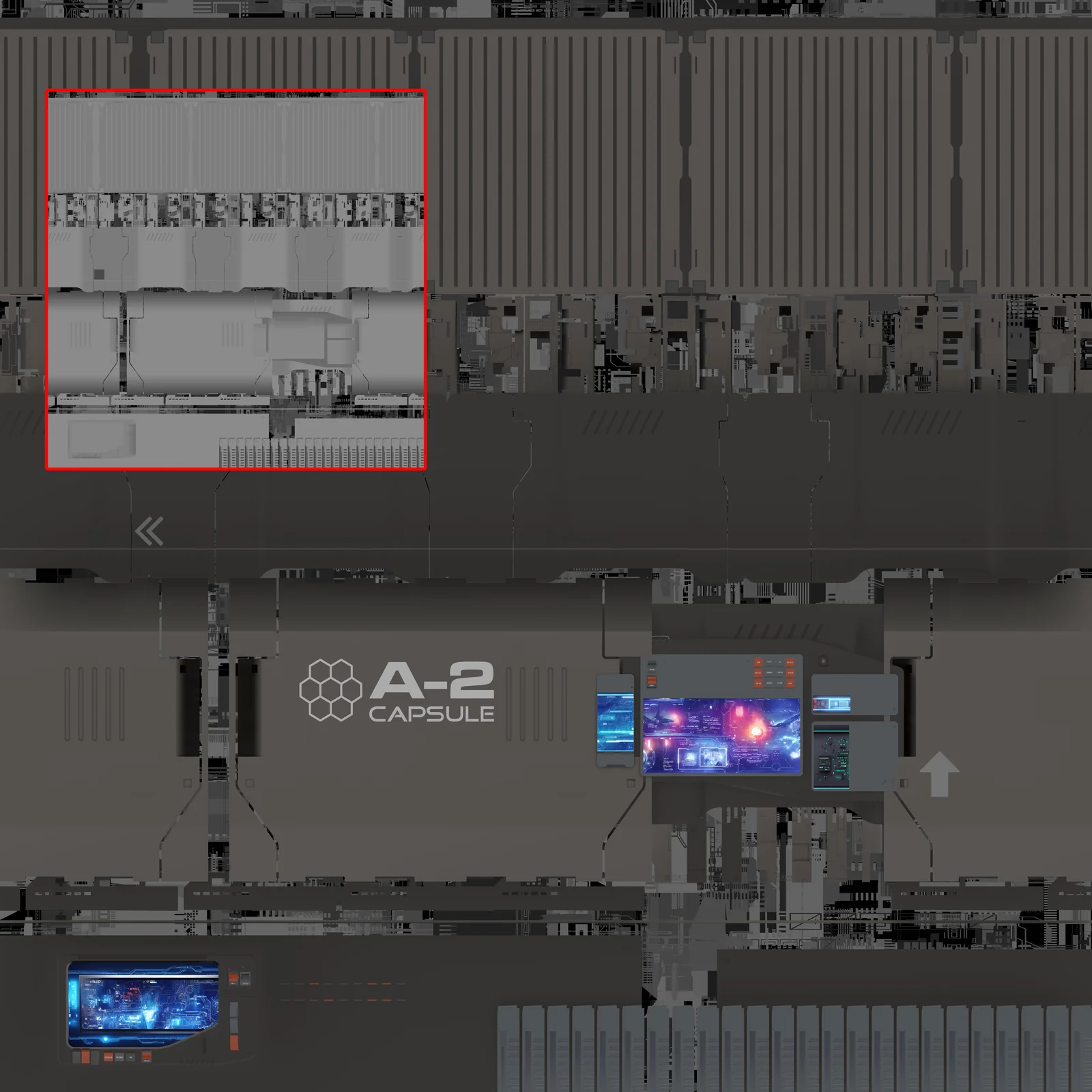
The second product is about control. Bake displacement and diffuse trim sheets and atlases from any model — the bundled DPACKs or objects you built yourself, sci-fi or not: a western saloon works as well as a starship. Set your UVs and the maps align perfectly; give the mesh enough resolution and displacement alone carries a tremendous amount of detail. Drag the tiling map around your UVs to place detail exactly where you want it. This is how the Ghost in the Shell laboratory was built.
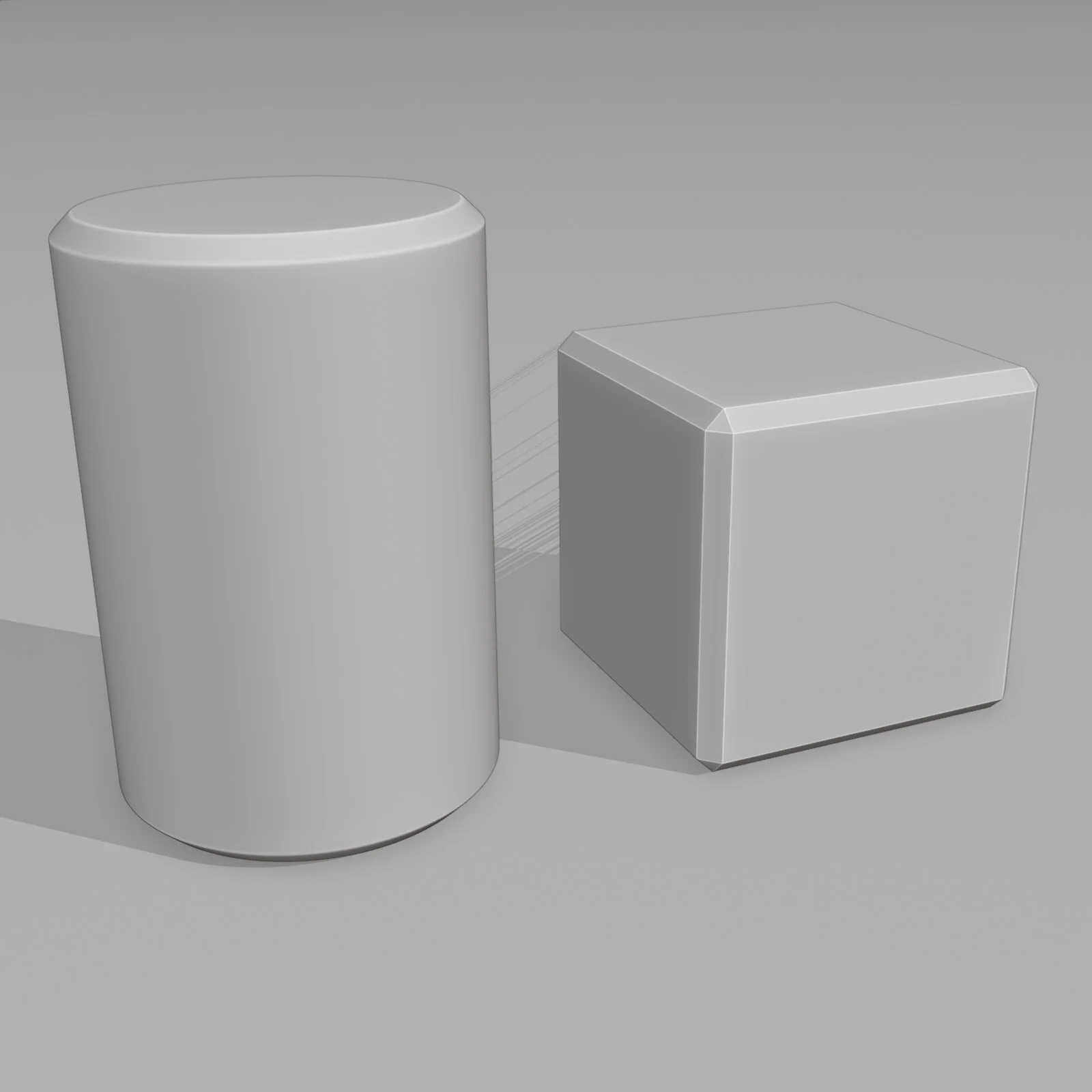
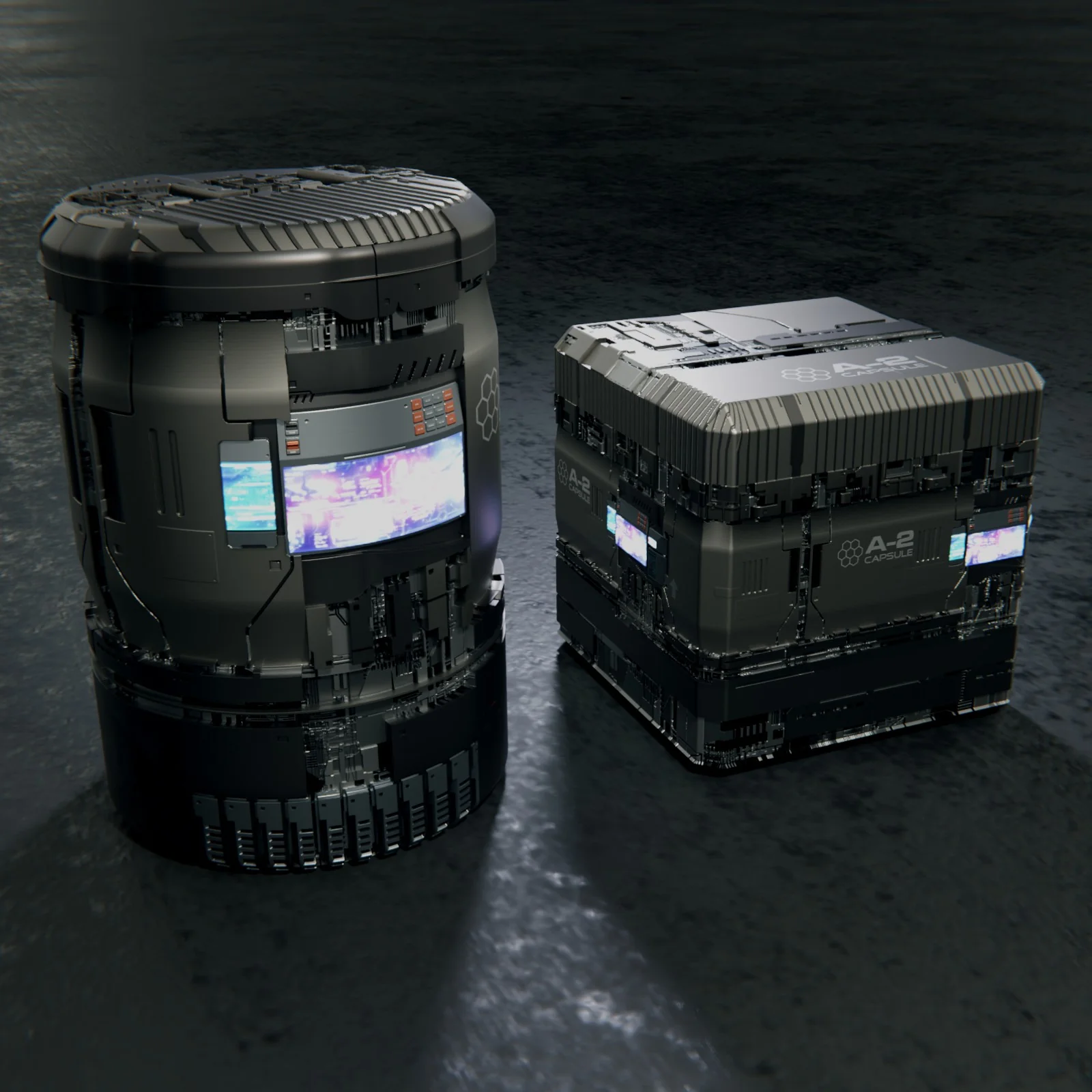
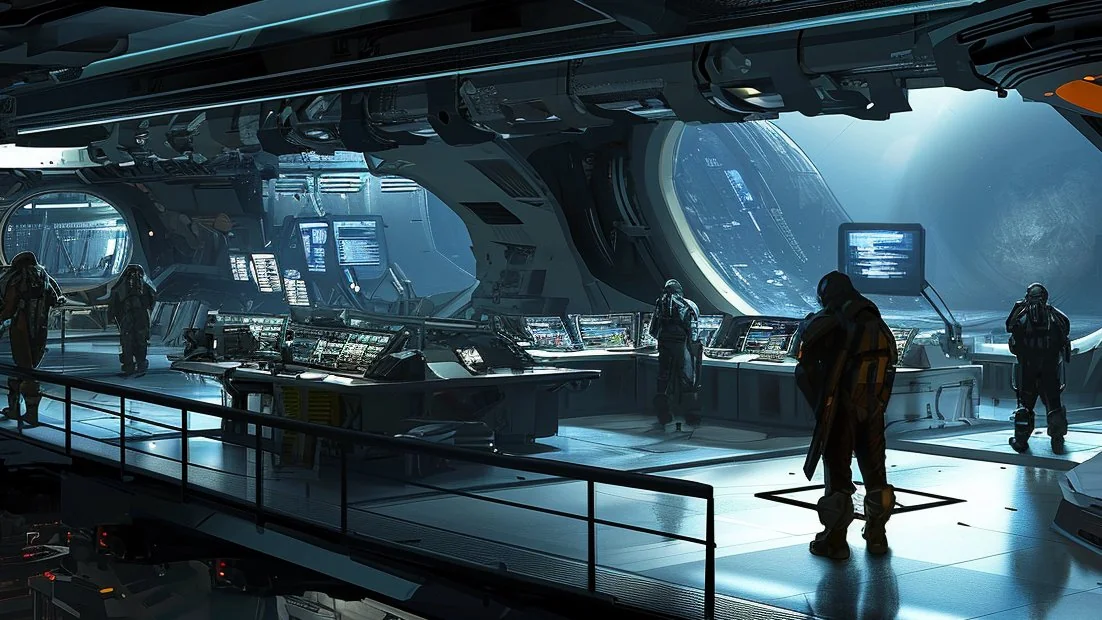
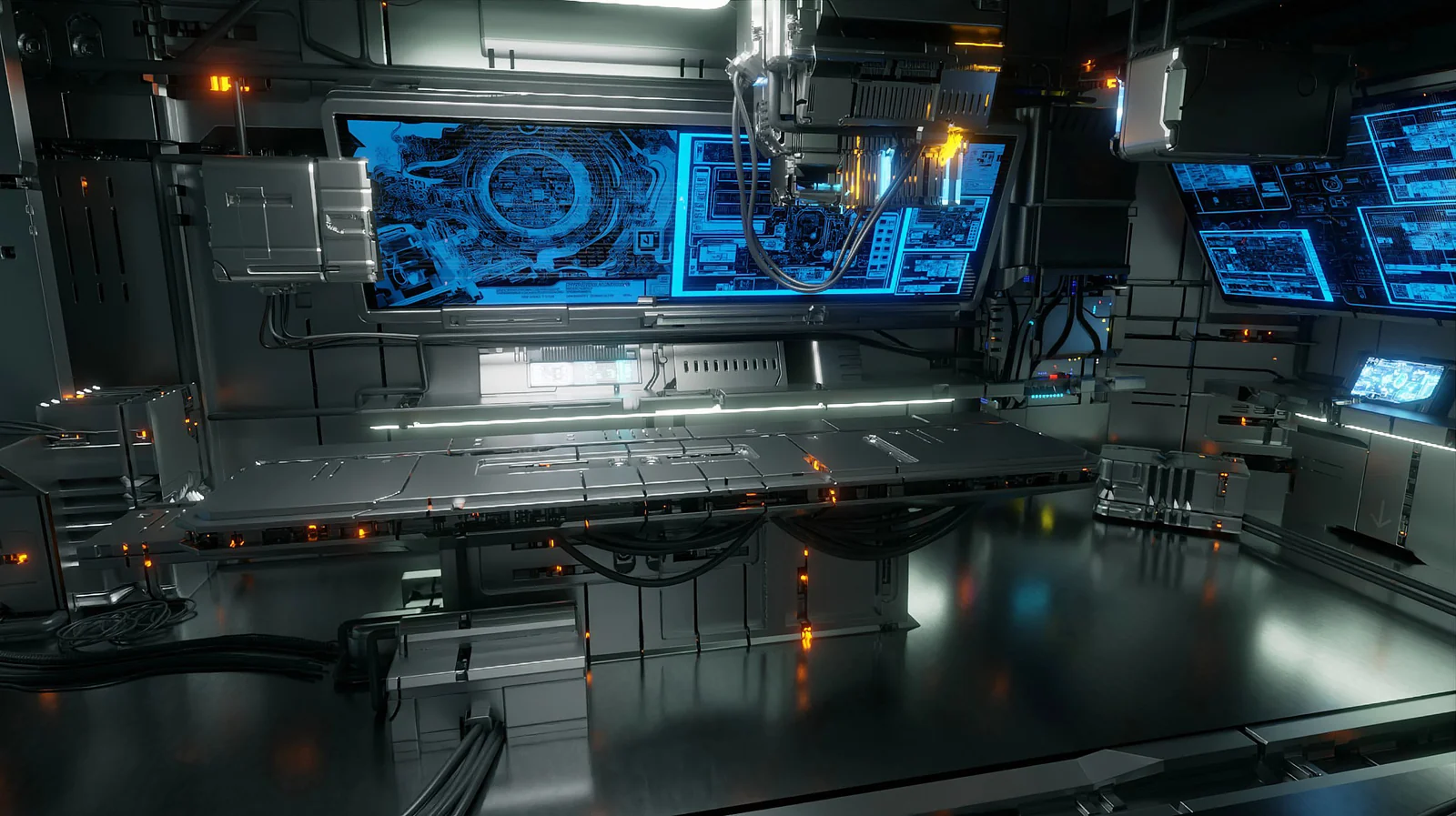
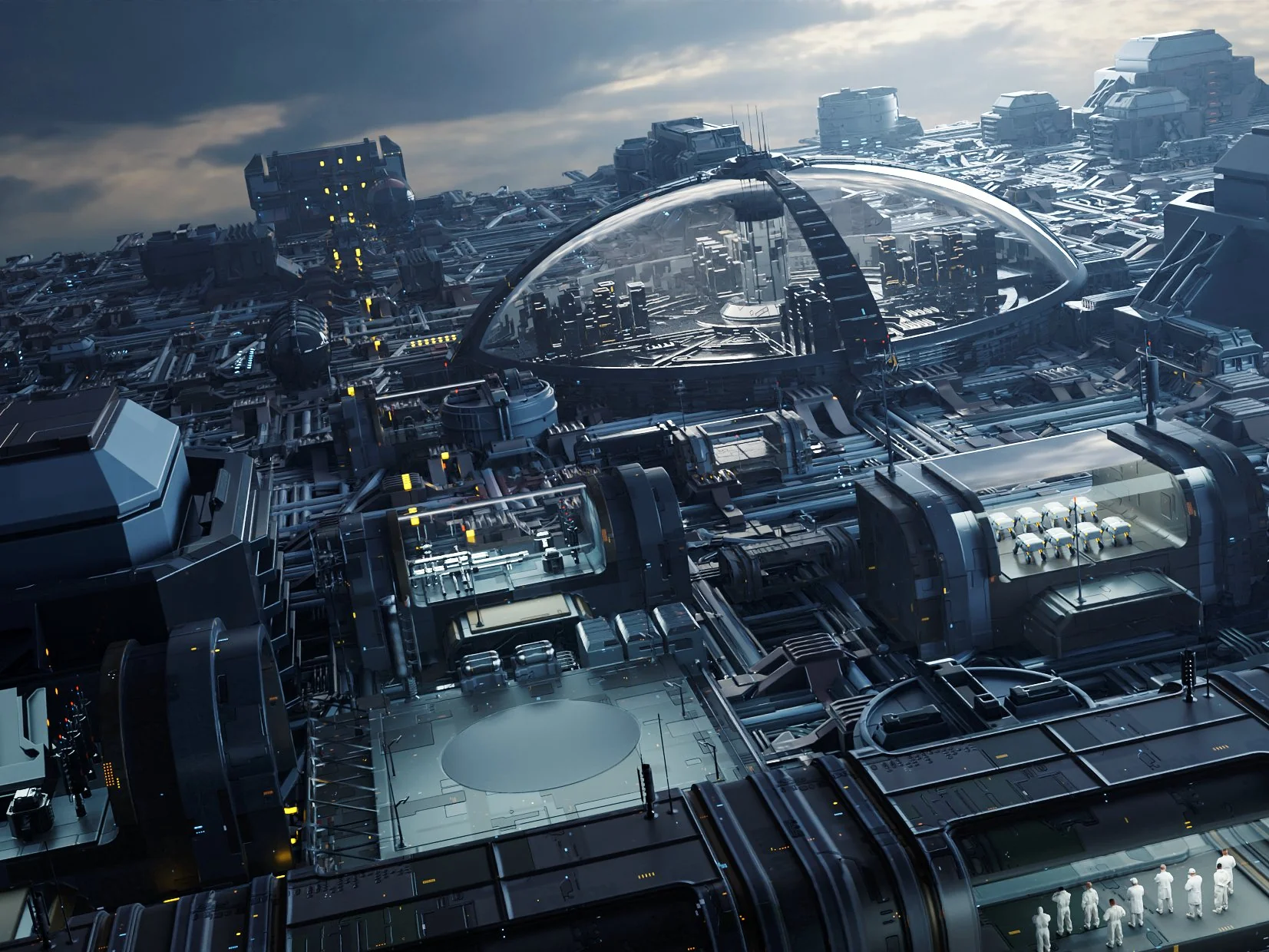
The third product is a geometry-node builder: point a generator at any surface and it spawns thousands of textured sci-fi objects — instanced, randomized, and fast. It's the most random way to use Flex, and that's the point: at city distance or circuit-board scale, randomized mass reads as intricate design. It's the wrong tool at room scale, where the eye expects deliberate objects — that's what trim sheets (and SPOCK) are for.
Leave the result live as a single GN object — that works fine — or Make Real + Apply to convert it into real, editable mesh objects. There will be a lot of them; bring a strong machine.
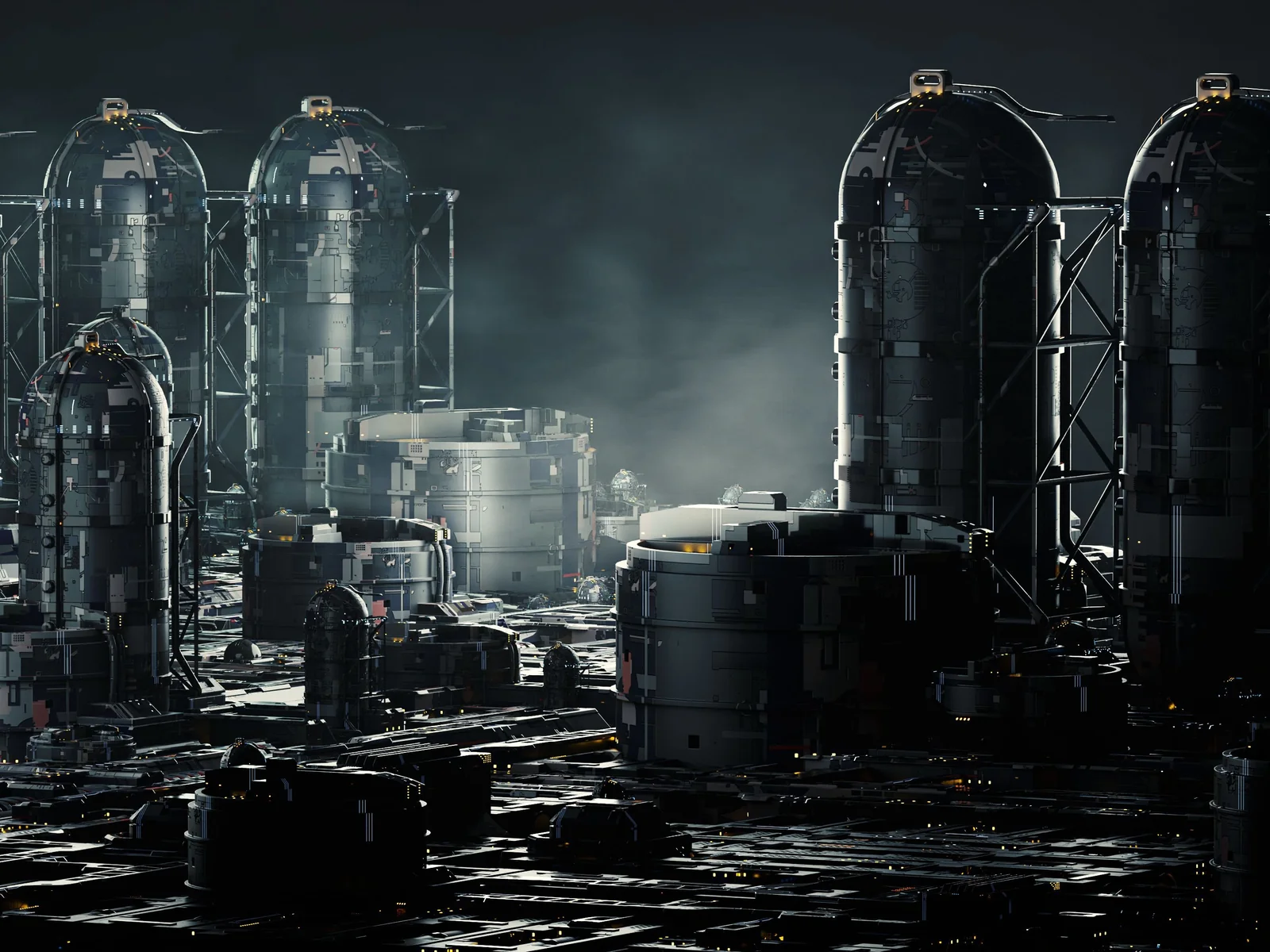
Pick a mode, pick a pack, apply and tweak — then bake the map or realize the mesh.
GEO, TEX, or DIS — from the ♥SF N-panel. TEX and DIS build their map scene automatically.
Browse both by thumbnail — the filter shows the best packs for the mode you're in.
Apply the generator to selected faces (or the map plane) and dial density, size, and seed in the modifier — reroll the seed until the design reads right.
Render the map (16-bit EXR or PNG, 1K–8K) — or Make Real + Apply to turn instances into editable mesh.
Real instanced geometry (GEO), tileable texture maps (TEX), and 16-bit displacement maps (DIS) — all generated from the same generators, in one N-panel.
GEO for real instanced geometry, TEX for tileable texture maps, DIS for 16-bit displacement — same generators, three outputs.
Shapes Gen, Dots Gen, Geo Gen, and Panel Gen — thousands of seed mutations of panels, dots, and greeble; Panel Gen makes matched displacement + geometry.
16-bit EXR displacement (32-bit available) plus matching diffuse, metallic, and emissive maps at 1K/2K/4K/8K — baked from a self-building ortho scene with correct color management for accurate height.
Apply real geometry to any selected faces, from object or edit mode. Instancing keeps giant scenes light — mega-cities on a normal PC.
One click converts instances to editable mesh you can refine, kitbash, and export. Curate the collections first to keep only the parts you want.
A DPACK is a folder with a .blend and a thumbnail — collections and materials auto-wire by name. Load packs to the scene, filter by mode, point preferences at your own folders.
The DPACK format is open — build a pack in minutes with the documented naming convention, use it, share it, sell it. Third-party DPACKs already exist.
KPACK kitbash INSERTs for KIT OPS Free or Pro, and the dirty node-group shader for grime and wear on finished scenes (both optional).
Massive sci-fi detail comes three ways — two live in Flex 2, one in SPOCK. The question isn't which tool is better; it's what you're detailing.
Bake displacement + diffuse trim sheets from any models — yours included, any theme — and dress a whole scene at room scale: a laboratory, a corridor, a saloon. Full say over the final look.
Thousands of instanced, textured objects in minutes. Mega-cities at distance, orbital sprawl, micro circuit boards — the scales where randomized mass reads as intricate design.
SPOCK packs real parts in ordered layers on the thing the camera loves — a locker, a cockpit panel, even a station interior that's one object. Rearrange every part by hand.
// they stack — flex fills the world, spock dresses the star of the shot
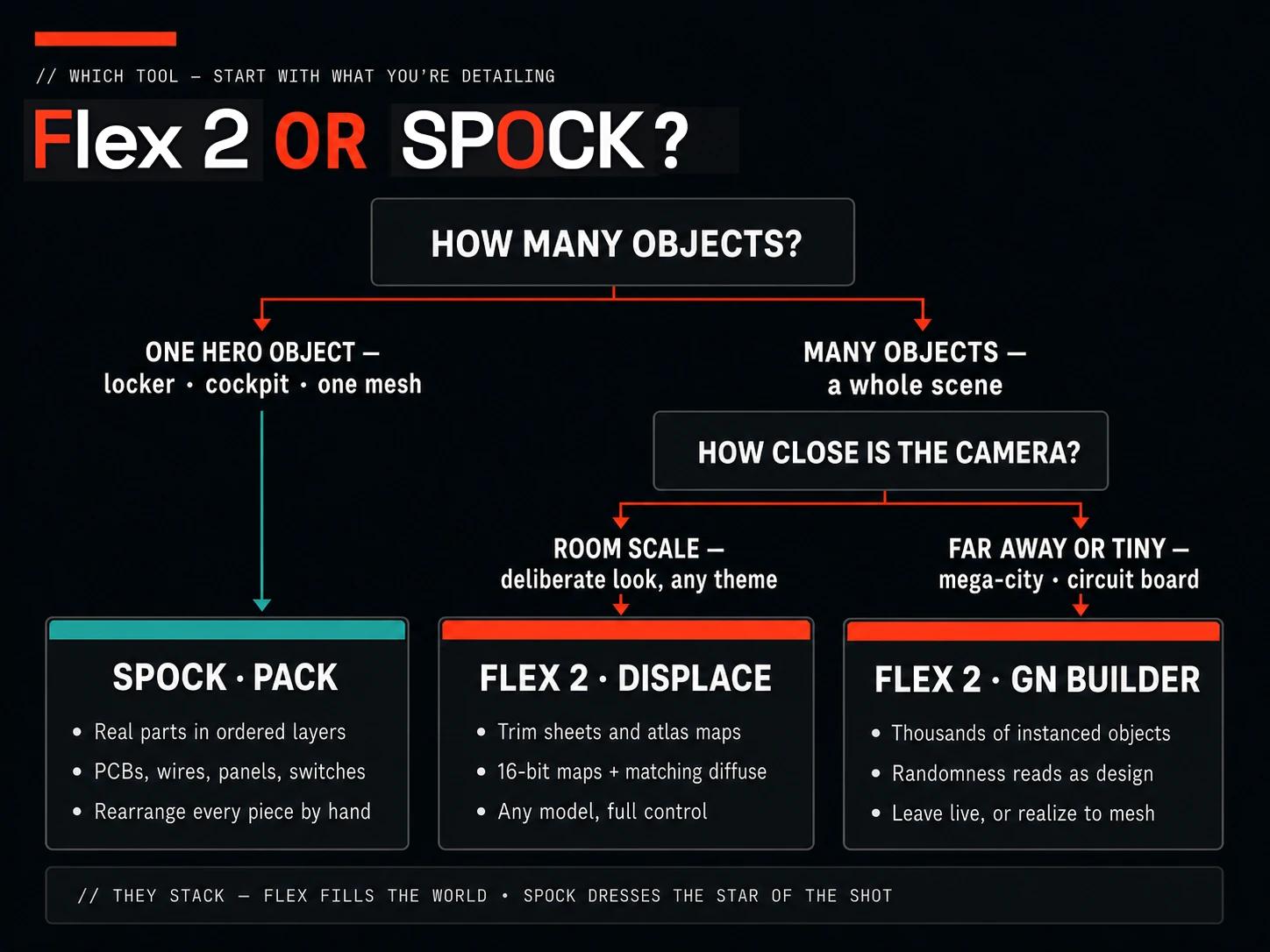
// pick by what you're detailing — they stack
Follow the five-part Ghost in the Shell build series — a complete concept laboratory built from scratch with SCIFI Flex, trim sheets, and kitbashing.
“Love it. Instant Scifi”
“Very useful to create massive background scene in few minutes. It’s a great addon to work fast for people with old pc like mine… must to have ;)”
“I just downloaded the new update and I am completely blown away… displacement maps, features, top-notch quality and fully customizable sci-fi scenes complete with buildings, cities and grids. This Rocks!”
Ask what you're detailing. One hero object — a locker, a cockpit, a station interior that's one object — is SPOCK's job: real parts packed in ordered layers you can rearrange by hand. A whole scene of many objects is Flex's job: generate randomized mass at city or circuit-board scale, or bake trim sheets and dress everything with control. Detailing 50 objects one-by-one with SPOCK would take forever; they stack instead — Flex fills the world, SPOCK dresses the star.
Yes — same product, four years of history. It launched in 2022 as Simple SciFi Pro, grew the FLEX geometry tools, and was fully rewritten in 2024 as version 2 — past buyers received version 2 at the original store link.
Yes — CC0. Maps, geometry, renders: use them commercially, include them in products you sell, no attribution required.
That's the point of instancing — generated detail is referenced, not duplicated, so massive scenes stay light. Reviews from artists on old PCs and 16GB laptops say exactly this. Realize to mesh only when you commit.
Yes. Make Real + Apply converts the live GN detail into real, separate mesh objects — tons of them, so a strong machine helps. Or skip conversion entirely: leaving the detail live as a single GN object works fine for most scenes.
No. The bundled DPACKs are sci-fi, but the trim-sheet workflow bakes maps from any model you own — a western saloon works as well as a starship. Any theme, your objects, your look.
No. Flex 2 is fully standalone. The bundled KPACK INSERTs are an optional bonus for KIT OPS Free or Pro users.
Yes — a DPACK is just a folder with a .blend and a thumbnail, named by a documented convention. Build one in minutes, and sell it if you like; third-party DPACKs are already on the market.
If you need dense sci-fi detail on a deadline — or on modest hardware — Flex 2 generates it where you already work.
Hulls, mechs, panels, corridors, and props that need dense detail now.
Mega-cities and massive backgrounds in minutes, not weekends.
Tileable sci-fi textures and 16-bit height maps, baked to files you reuse anywhere.
Instancing keeps huge scenes workable — the low-spec story comes straight from reviews.
An open, name-driven DPACK format you can extend and sell.
Designed by Chipp Walters — a 30-year industry veteran and the creator of KIT OPS, Blender's most-trusted kitbashing add-on. Proven experience. Stellar support. Built for artists like you.
Product files used to ship through shared Google Drive folders — and you told us everything wrong with that: permission requests, sign-in walls, throttled downloads, and no way to tell what changed. That system is gone. The add-on, every DPACK, and every update now ship from the CHIPPWALTERS download server: one folder, open in any browser.
One purchase, no subscription: the add-on, four generators, the DPACK library, kitbash extras, and docs — all from one download folder. And everything you generate is CC0, yours to sell.
This isn't a fire-and-forget asset drop. It's backed by first-class support for Blender customers since 2019 — an active Discord where a human answers, and a catalog of tools trusted by artists worldwide.
Massive sci-fi detail, generated where you already work — and everything Flex makes is yours, CC0.